INSTALLATION ACTWinPro
Connect to controllers
Connect to the controllers and doors and ensure that the doors report online in
the system tree. Events as they occur on the doors will be displayed in events
view.
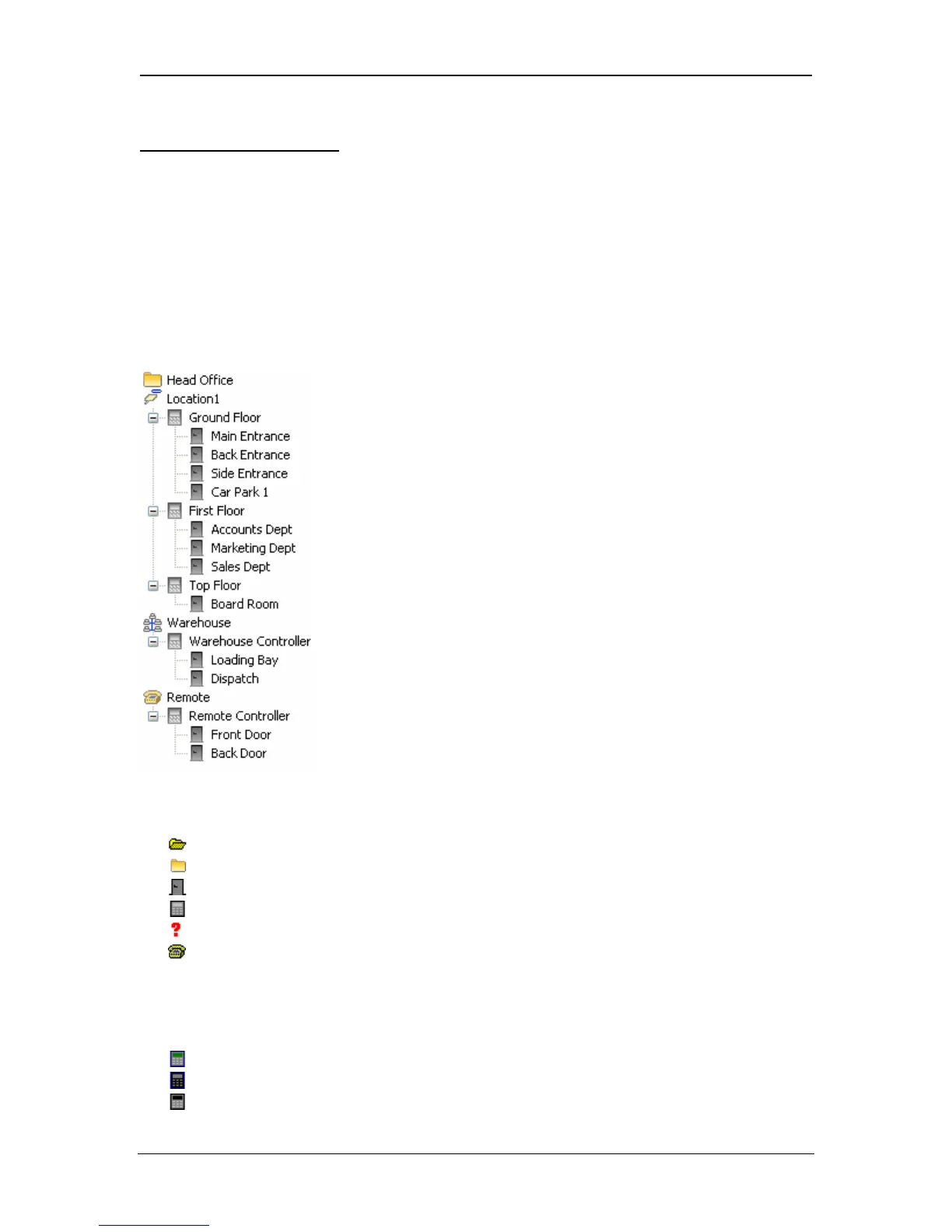
The system tree is an overall view of the controllers and doors on the system. It
is displayed on the left side of the ACTWinPro screen in most views. When
offline, the tree shows the physical configuration of the system indicating which
doors are connected to which controllers. In addition, when online, the tree gives
a visual indication of the current status of each controller and door.
Standard Icons (Offline)
Database Database has been opened
No database Database has not been opened.
Normal door Door defined correctly
Normal controller Controller defined correctly
Orphaned doors Doors with incorrect definitions
Modem locations Remote modem locations
Status Icons (Online)
Controller online Controller online and responding
Controller offline Controller is not responding
Controller disabled Controller is disabled in database
Page 11 Access Control Technology



 To Next Page