SYSTEM OPTIONS ACTWinPro
Program Settings
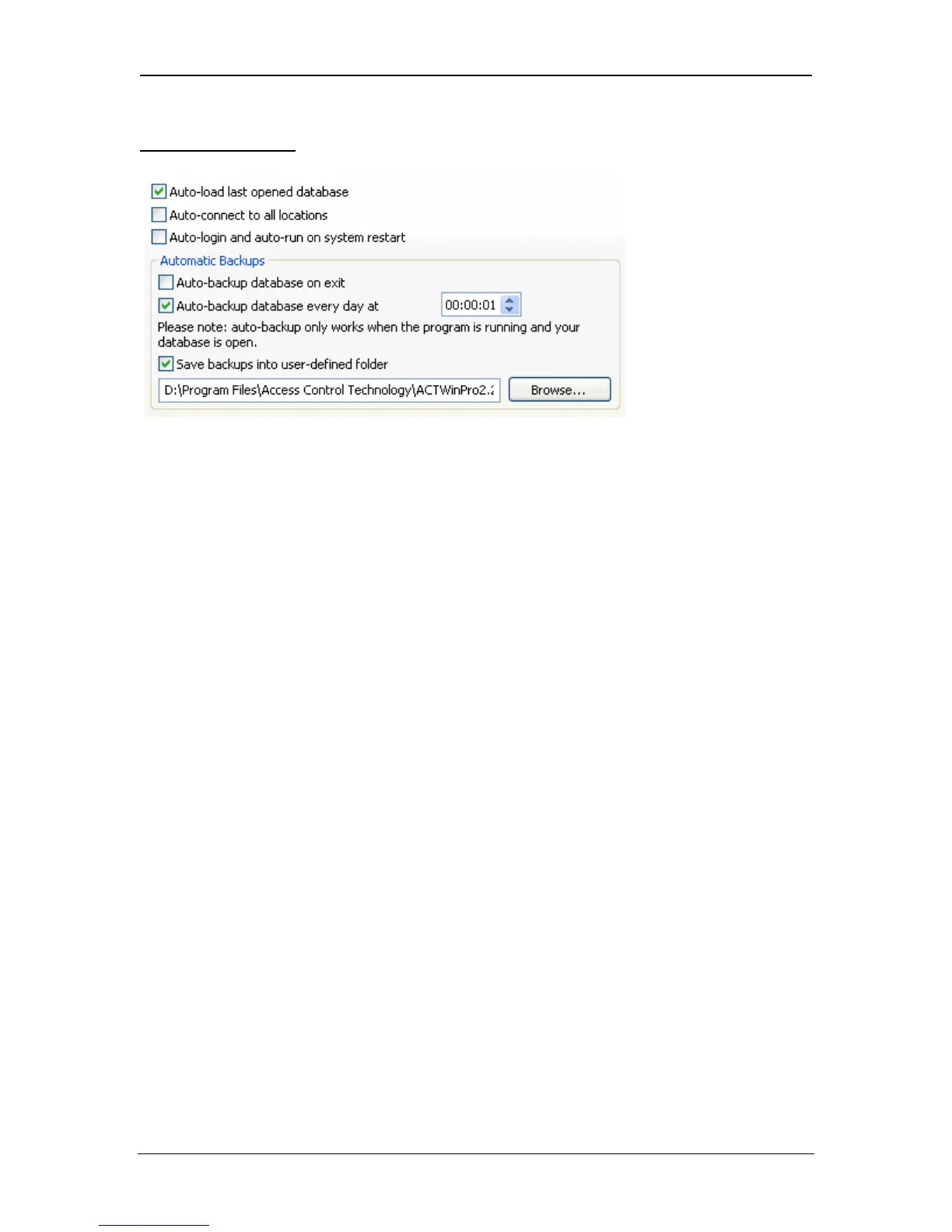
Auto-load Last Database
Automatically open the database last used by ACTWinPro when the program
starts.
Auto-connect to all locations
Automatically connect to all controllers and start polling for events.
Auto-login and auto-run on system restart
ACTWinPro will automatically login and run on a restart of the PC.
Auto-backup database on Exit
ACTWinPro will automatically save a backup copy of the database when the
program closes.
Auto-backup database every day at
If you want to use automatic daily backups of the database you should activate
this option and select a time when ACTWinPro will start the backup process. This
option works only if you leave ACTWinPro running during the selected time.
Save Backups into folder
ACTWinPro will backup to the folder entered here. ACT recommends this folder
be on another machine other that the PC hosting the database.
Page 86 Access Control Technology



 To Next Page