CARD EDITOR ACTWinPro
Design Example
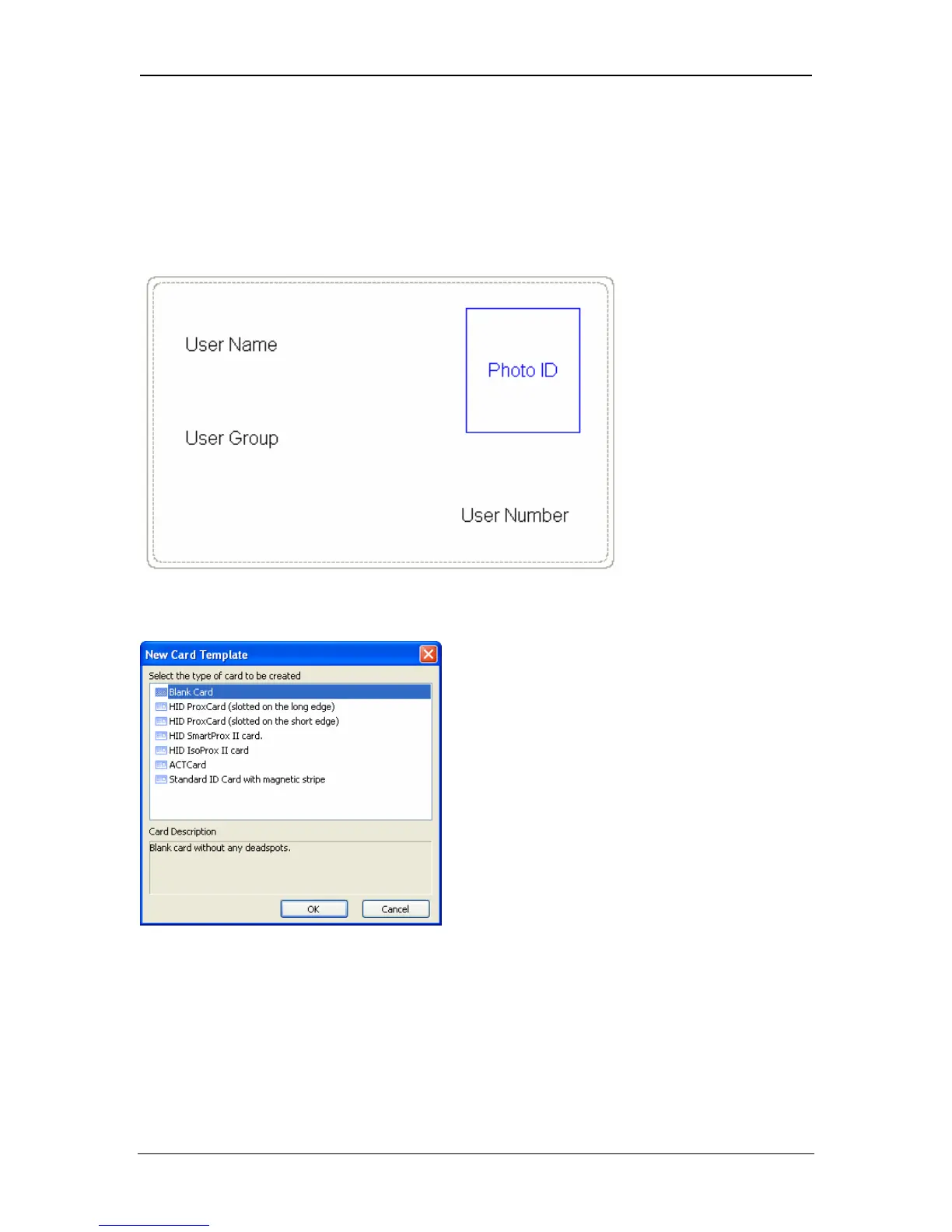
This design example will demonstrate the steps involved to design a card
template that will show a users name, users photo user number and group name
as illustrated below:
1. Click on File New and select the type of card you wish to print to:
2. Click on User Name in toolbox and drag over to the card
3. Extend the width of the user name box. This is to allow for long user names.
Names that are too long for the box will be concatenated. The box may also be
extended vertically to allow more space.
Page 116 Access Control Technology



 To Next Page