FILE MENU ACTWinPro
Export Command
This command exports information to an external file.
(Only available when a database is opened)
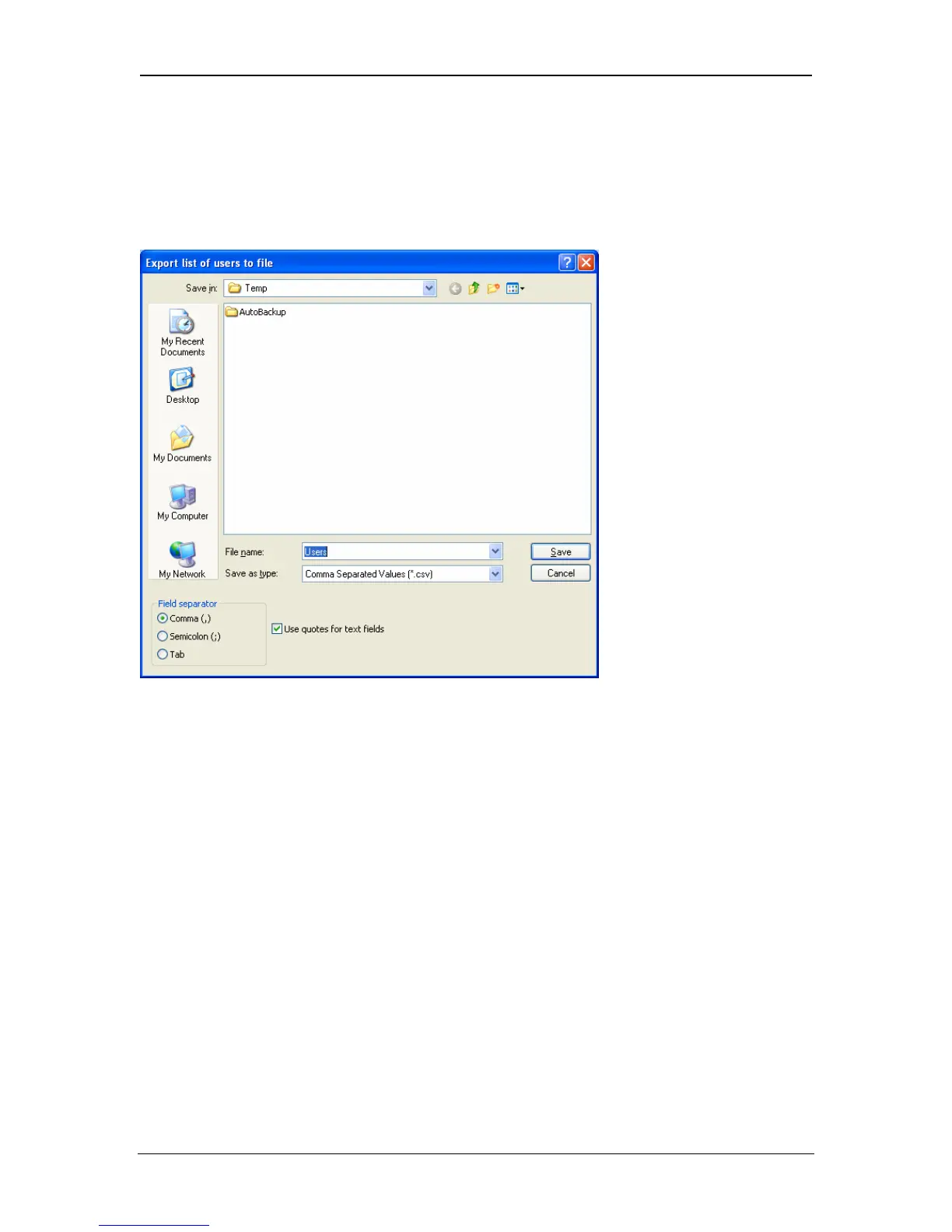
The export command writes user information to an external file. The file is in
standard comma separated value (CSV) format. Most spreadsheet or database
programs can accept files in this format. However, different spreadsheet or
database programs may require different field separators. ACTWinPro provides
semi-colon, comma or tab as field’s separators. It also allows quotes to be used
to surround text fields. The default settings are commonly used for most popular
spreadsheet applications.
The first row of the file contains field headings. The following fields are defined:
UserNumber,"FirstName","Surname",CardNumber,BatchCard, PIN,
UserGroup,"UserField1","UserField2","UserField3" ,"UserField4" ,"UserField5"
,"UserField6" ,"UserField7" ,"UserField8" ,"UserField9" ,"UserField10"
The export command will also export the results of any reports displayed on the
screen. Reports may be run for users, doors, controllers, timezones etc.
Page 36 Access Control Technology



 To Next Page