EXPLORING ACTWIN ACTWinPro
Toolbars
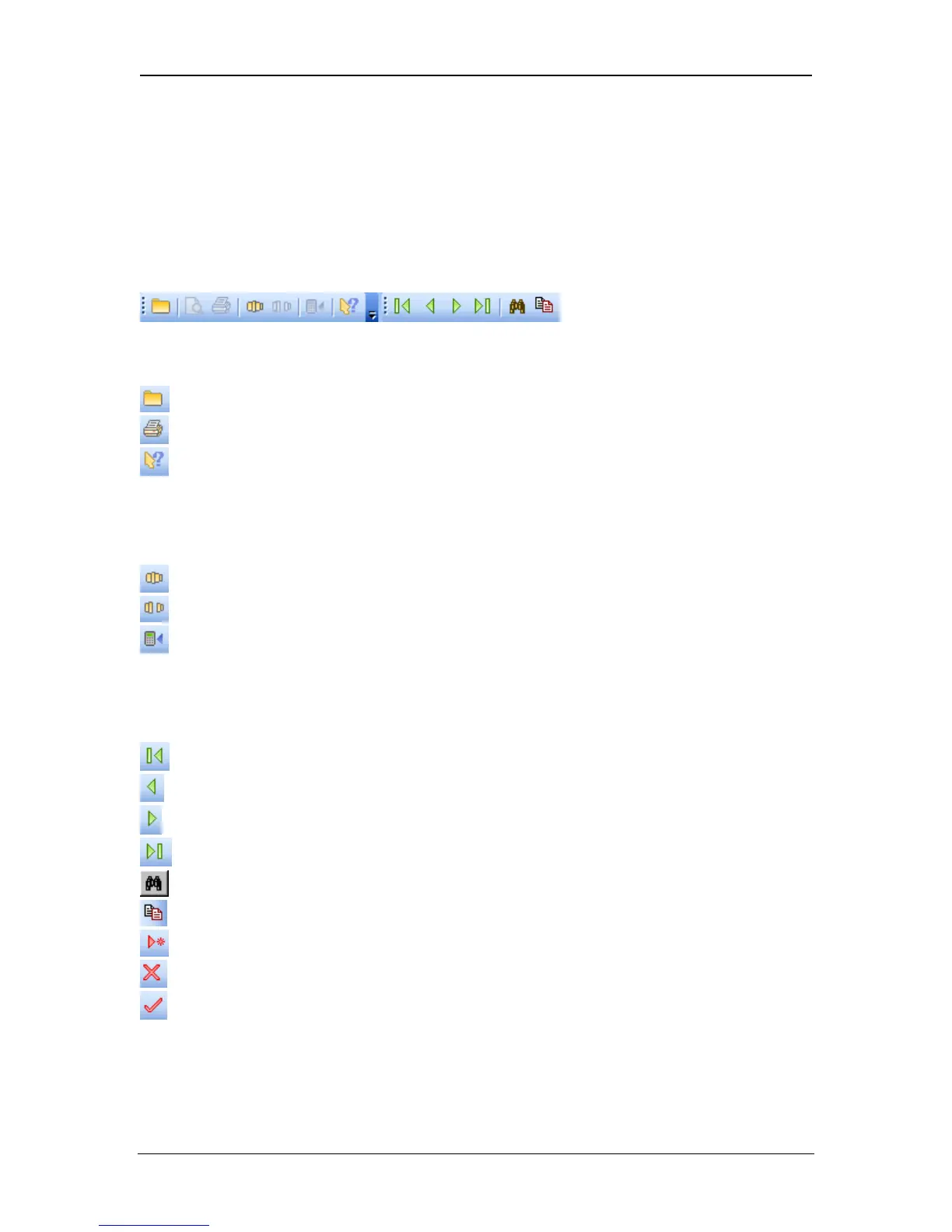
The toolbar is normally displayed across the top of the application window, below
the menu bar. The toolbar provides quick mouse access to many tools used in
ACTWinPro. To hide or display the toolbar, choose Toolbar from the View menu.
To alter the position of the toolbar, use the mouse to drag it to its required
location.
File & Printing
Open Opens an existing ACTWINPRO database
Print Prints the current report
Item Help Displays context sensitive help on an item
Connection
Connect Connects to the access control system
Disconnect Disconnects from the access control system
Download Downloads the database to the access control system
Record Navigation
First Record Moves directly to the first record in the list
Prev Record Moves to the previous record in the list
Next Record Moves to the next record in the list
Last Record Moves directly to the last record in the list
Search Searches for a specific record
Copy Copies or creates a range of records from current
New Creates a new record
Delete Deletes the current record
Accept Immediately saves the current record
Reporting
Page 17 Access Control Technology



 To Next Page