REPORTS ACTWinPro
Recent Events
The recent events view is a live view of the events that are occurring on the
system. The right side of the screen displays the event list. New events appear
on the top line of the list as they occur. The left side of the screen displays the
System Tree indicating the current status of all doors and controllers on the
system.
Event List
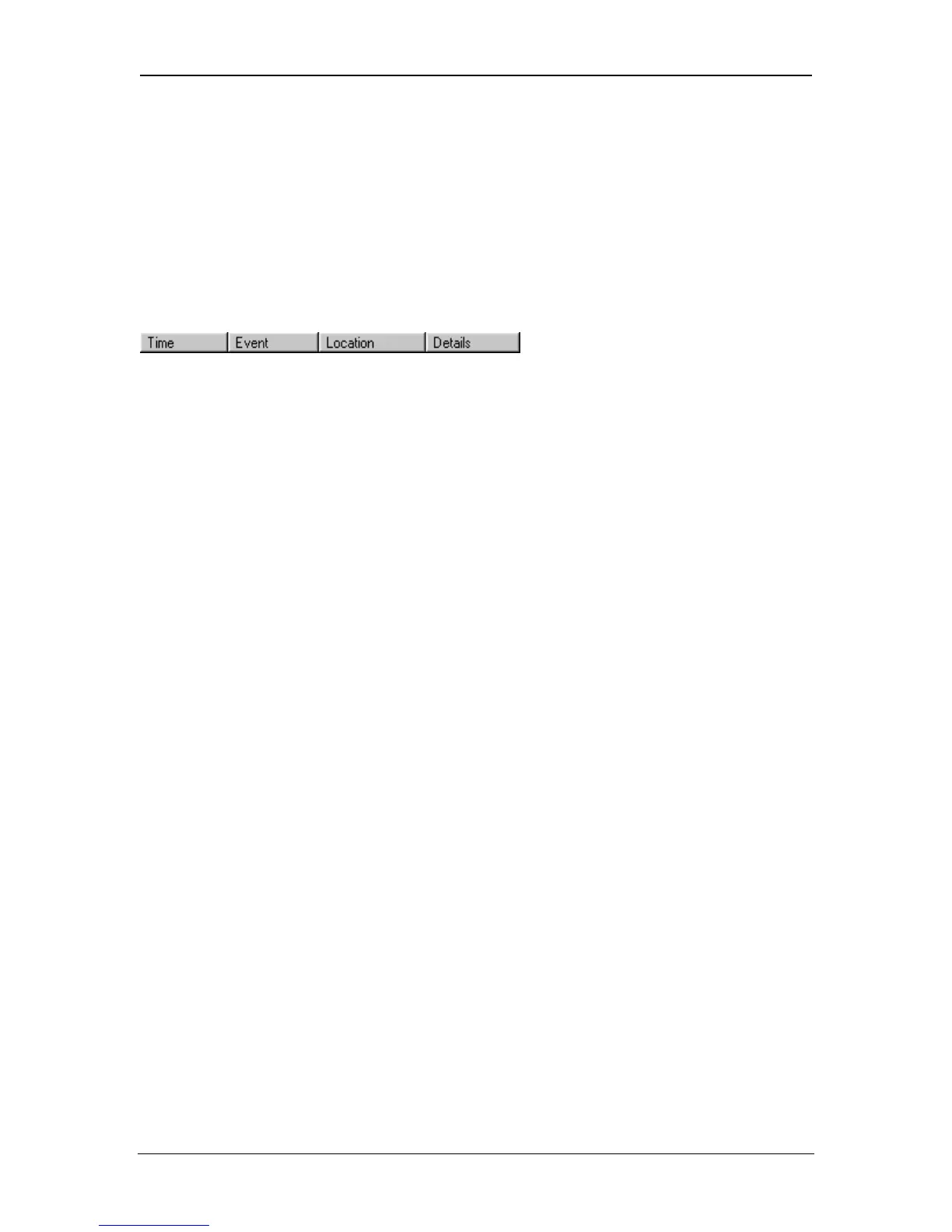
The events in the list are displayed in four columns. The Time column is an exact
timestamp of when each event occurred, according to the clock on the relevant
controller. The Event column contains a text description of the event itself. The
Location column specifies the name of the door or controller where the event
occurred. The Details column shows any other available information, usually the
name of a user being granted or denied access.
Extra information may be displayed by selecting the Optional Column under
Database Settings in View -> Options.
Page 89 Access Control Technology



 To Next Page