SYSTEM OPTIONS ACTWinPro
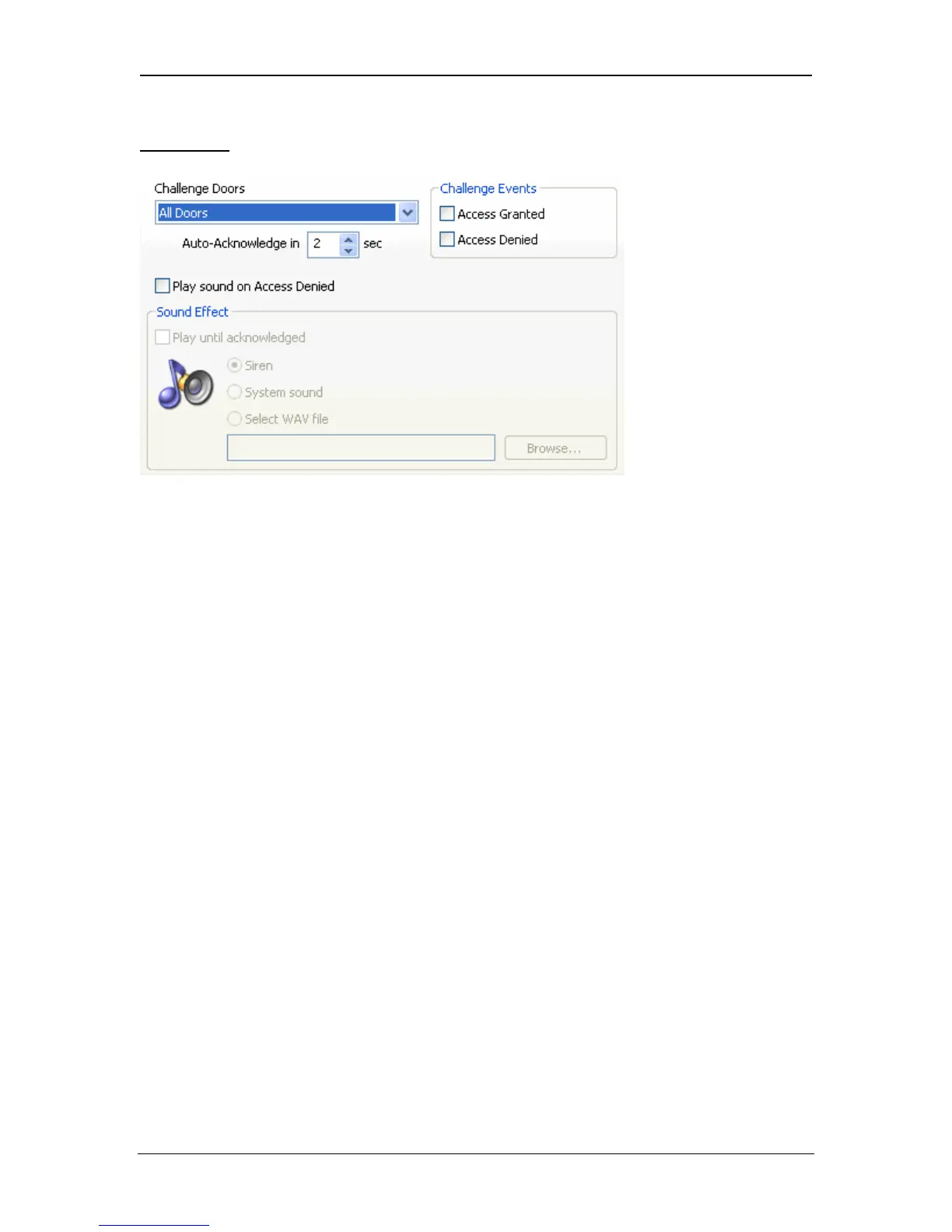
Challenge
To enable Visual Challenge, a door group must be assigned as the Challenge
Doors. Access Granted or Denied must also be ticked. When a user with the
Verify Visually option passes through one of the doors in the Challenge Doors,
the users’ image will pop-up on the screen. The image will remain on-screen for
the Auto-Acknowledge time. A sound may be played when access is denied or
until the display is acknowledged.
Page 80 Access Control Technology



 To Next Page