FILE MENU ACTWinPro
File Open
This allows an existing ACTWinPro database to be opened.
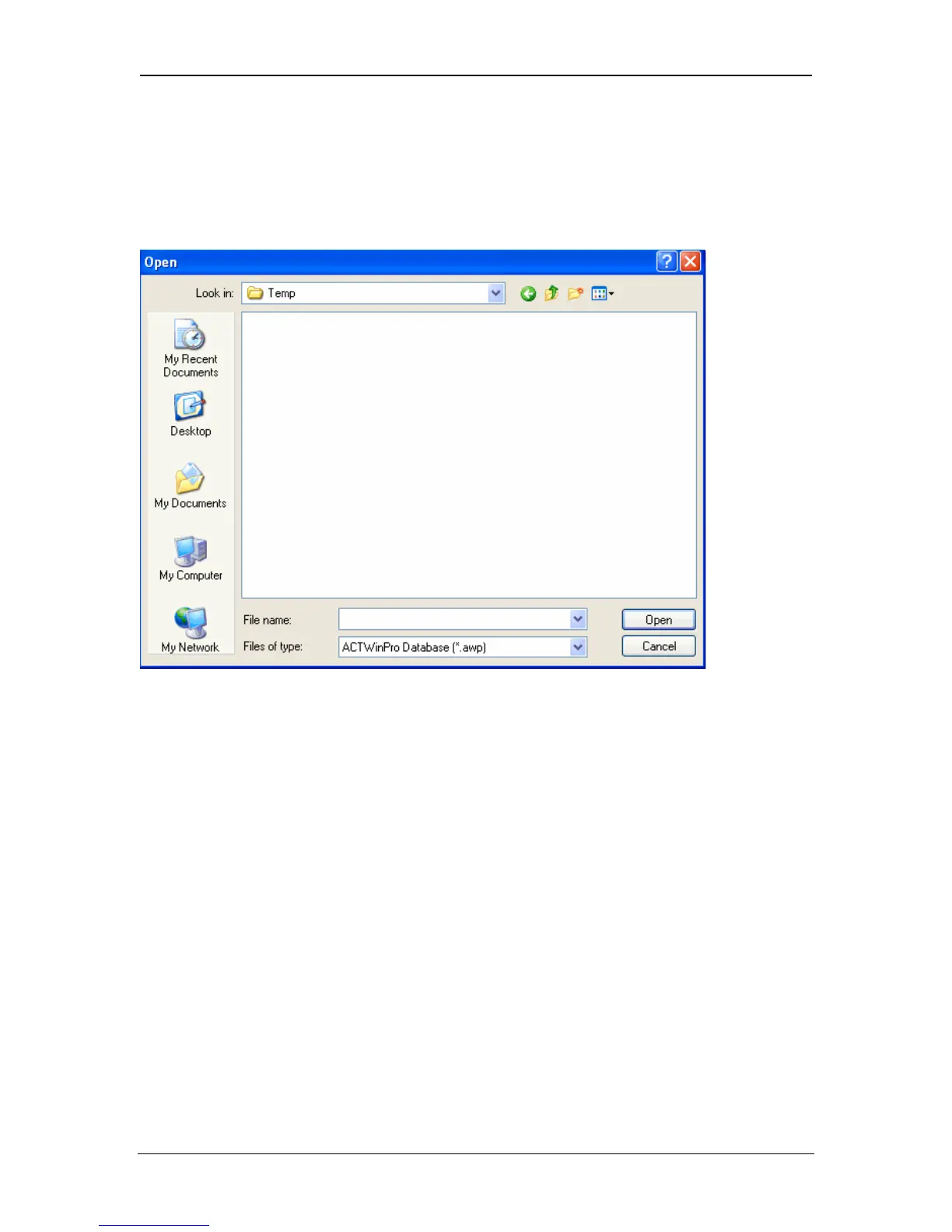
The following dialog is displayed:
The database file may be located using the directory navigation buttons or by
typing the database name into the File name box. Clicking on the Open button
will attempt to load the database. This will close any currently loaded database.
If the database was generated by an older version of ACTWinPro, then the
Convert Database dialog may be displayed allowing it to be converted to a newer
format.
Page 31 Access Control Technology



 To Next Page