INSTALLATION ACTWinPro
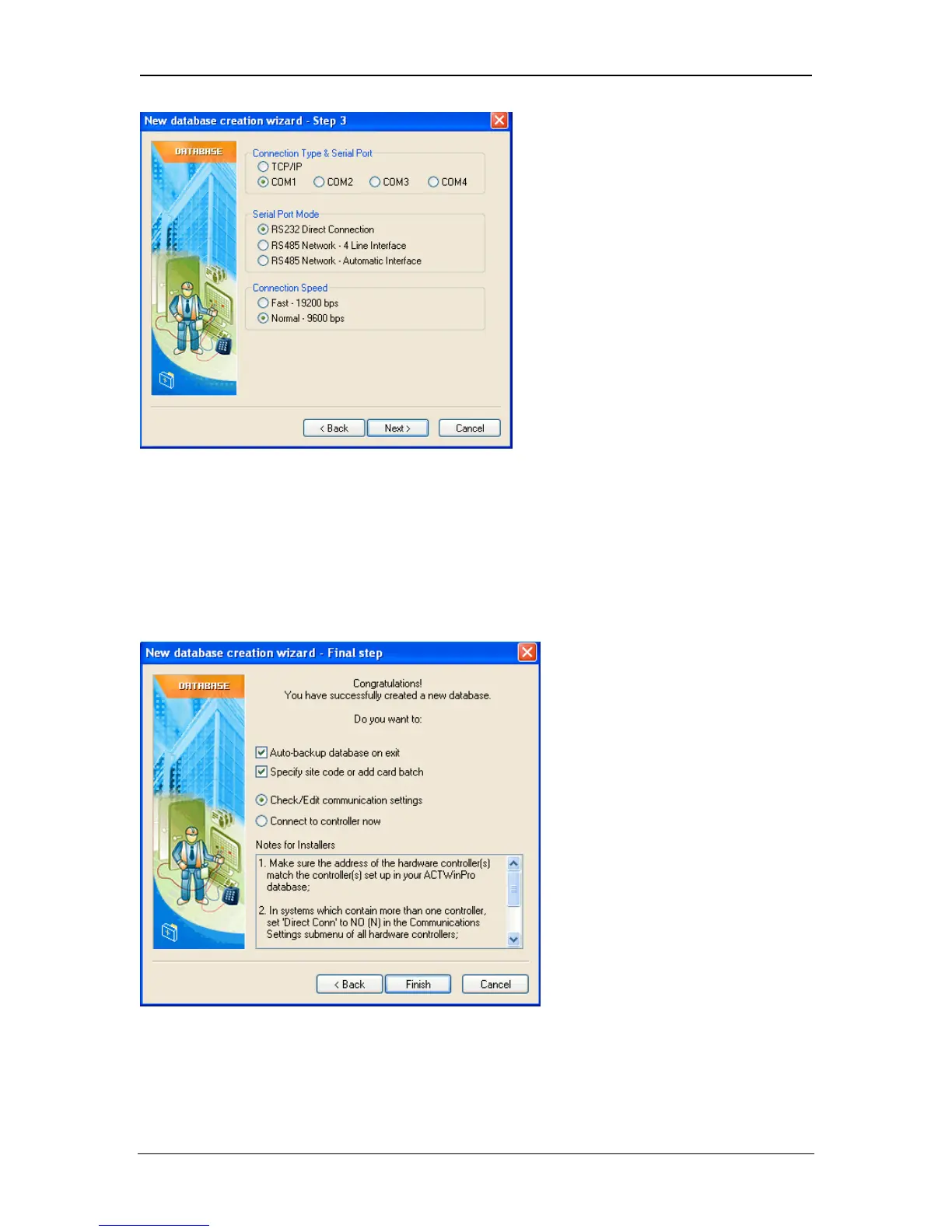
Wizard Step 4
This is the final step. Tick the first checkbox to automatically backup the
database when the program exits (recommended). Select the second checkbox if
a site code or batch cards are required for user cards. The Card Manager dialog
will be displayed. The last option allows you connect to the controller(s)
immediately or go to Location view and edit your communication settings if
desired.
Page 10 Access Control Technology



 To Next Page