REPORTS ACTWinPro
The Users box is used to restrict the events returned by the report to specific
users. If the All button is pressed, then events for all users will be returned. If the
Single button is pressed, then the User Search Dialog is displayed to allow a
single user to be selected. If the Group button is pressed, then the drop-down
box may be used to select a particular user group.
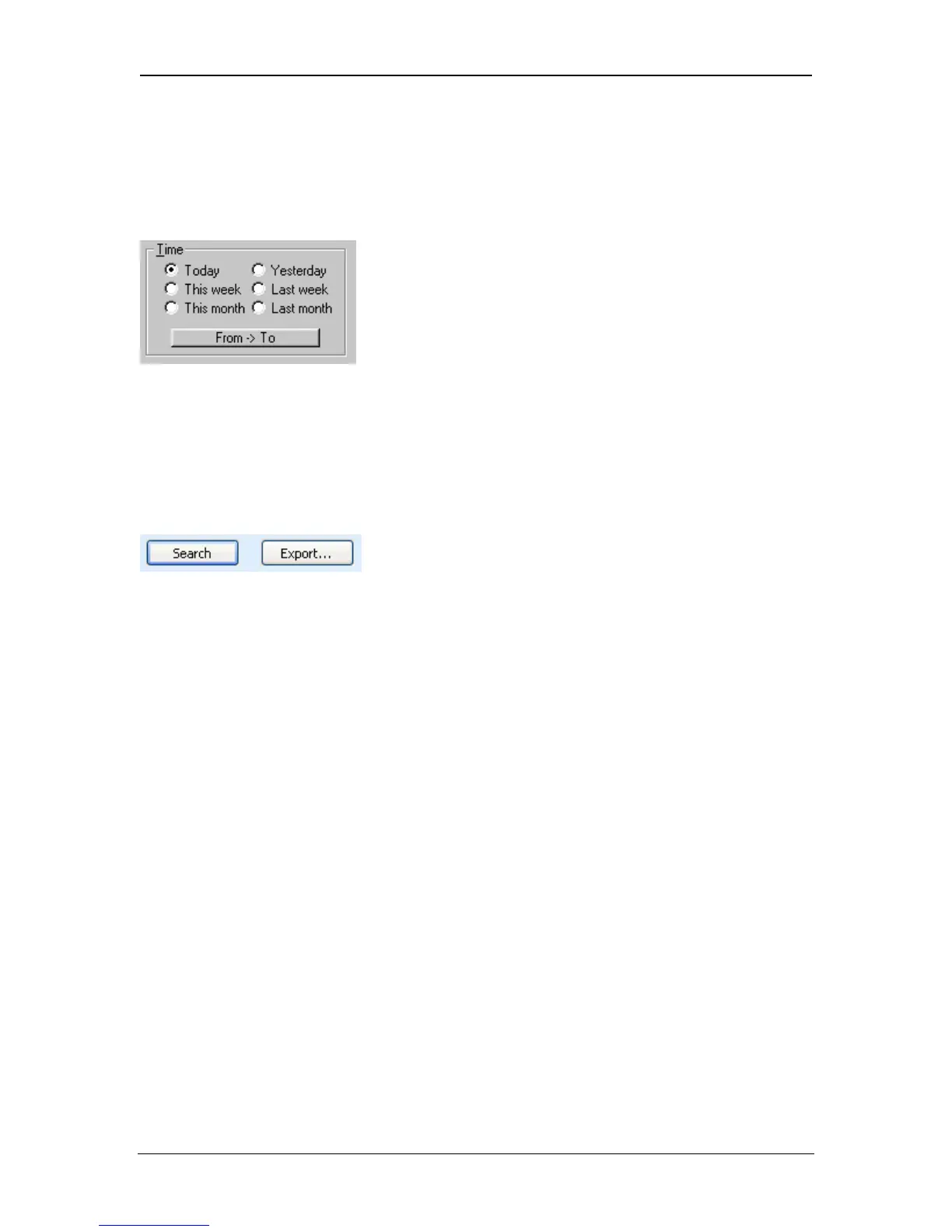
The Time box is used to restrict the events returned by the report to a specific
time range. If one of the six predefined ranges is selected, then events occurring
at any time of day during the specified periods will be returned. If the From->To
button is pressed, then the Time Range Dialog is displayed allowing a more
detailed time period to be defined for the report.
Running the Report
When the parameters for the report have been set up in the selection boxes, the
Search button is then pressed to run the report and to display any matching
events in the events list. While the report is running, a dialog box is displayed to
indicate that the report is in progress as it may take some time to complete. The
exact number of events returned by the report will be displayed on the Status
Bar. The maximum number of events that will be returned is 10,000.
The Export button will export the report results into a csv file.
Page 91 Access Control Technology



 To Next Page