REPORTS ACTWinPro
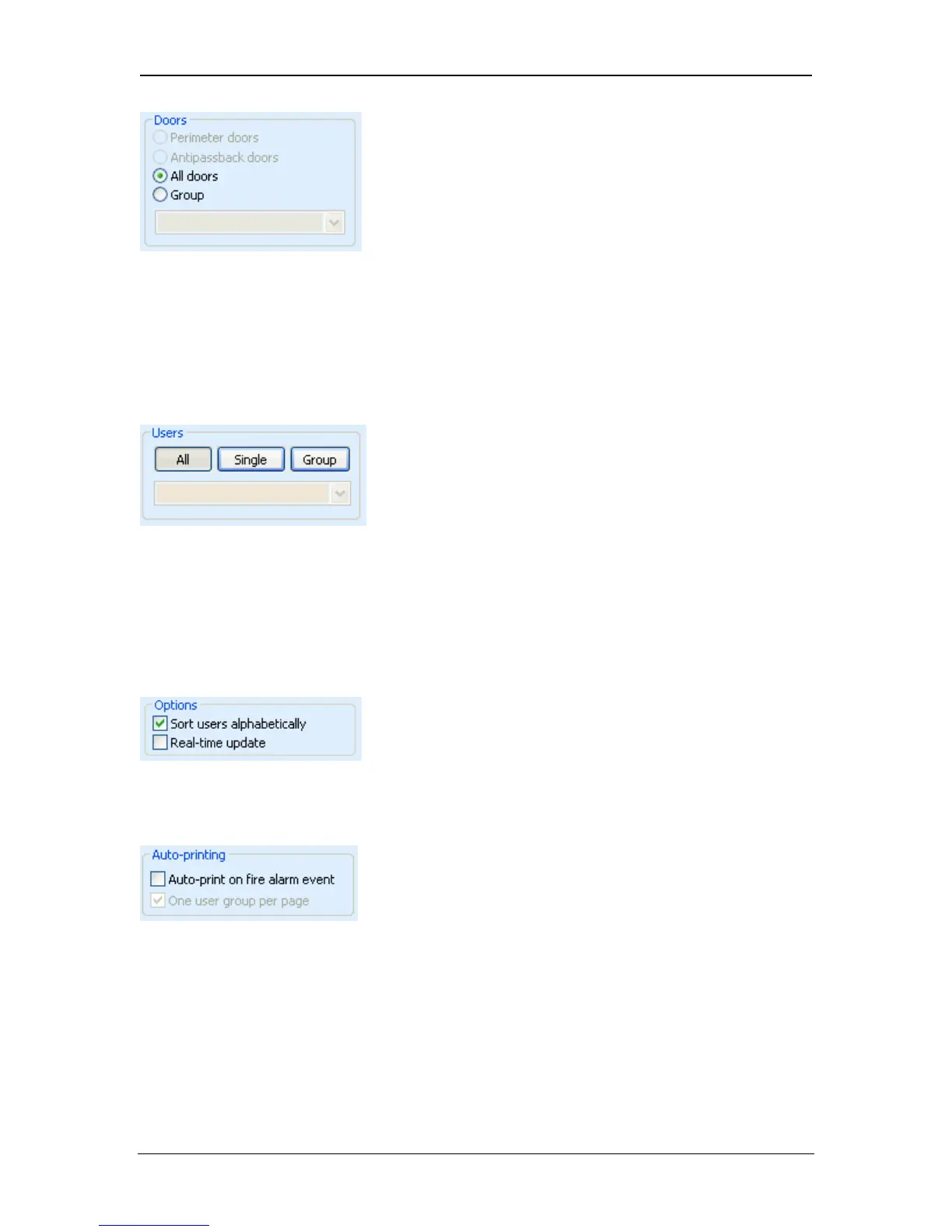
The Doors box is used to define the area on which the report is run.
• Perimeter doors are normally defined as the entrances and exits from the
building.
• Antipassback doors are normally defined as a higher security area within
the building.
The Users box is used to restrict the events returned by the query to a specific
group of users. If the All button is pressed, then events for all users will be
returned. If the Group button is pressed, then the drop-down box may be used to
select a particular user group. Users that are assigned the Monitor option may be
tracked by choosing Monitored. This would allow a receptionist, for example, to
locate certain personnel.
The report may be sorted alphabetically by user name. The report may also be
displayed in real-time, so the Search button does not have to be clicked to run
the report.
The Auto-Printing options allow ACTWinPro to automatically print a muster report
when a fire-alarm is detected. The printout will be sent to the PCs default
Windows printer. The printout can be made to print only one group for each
page.
Page 93 Access Control Technology



 To Next Page