MNR-310 System Administrator’s Manual
26
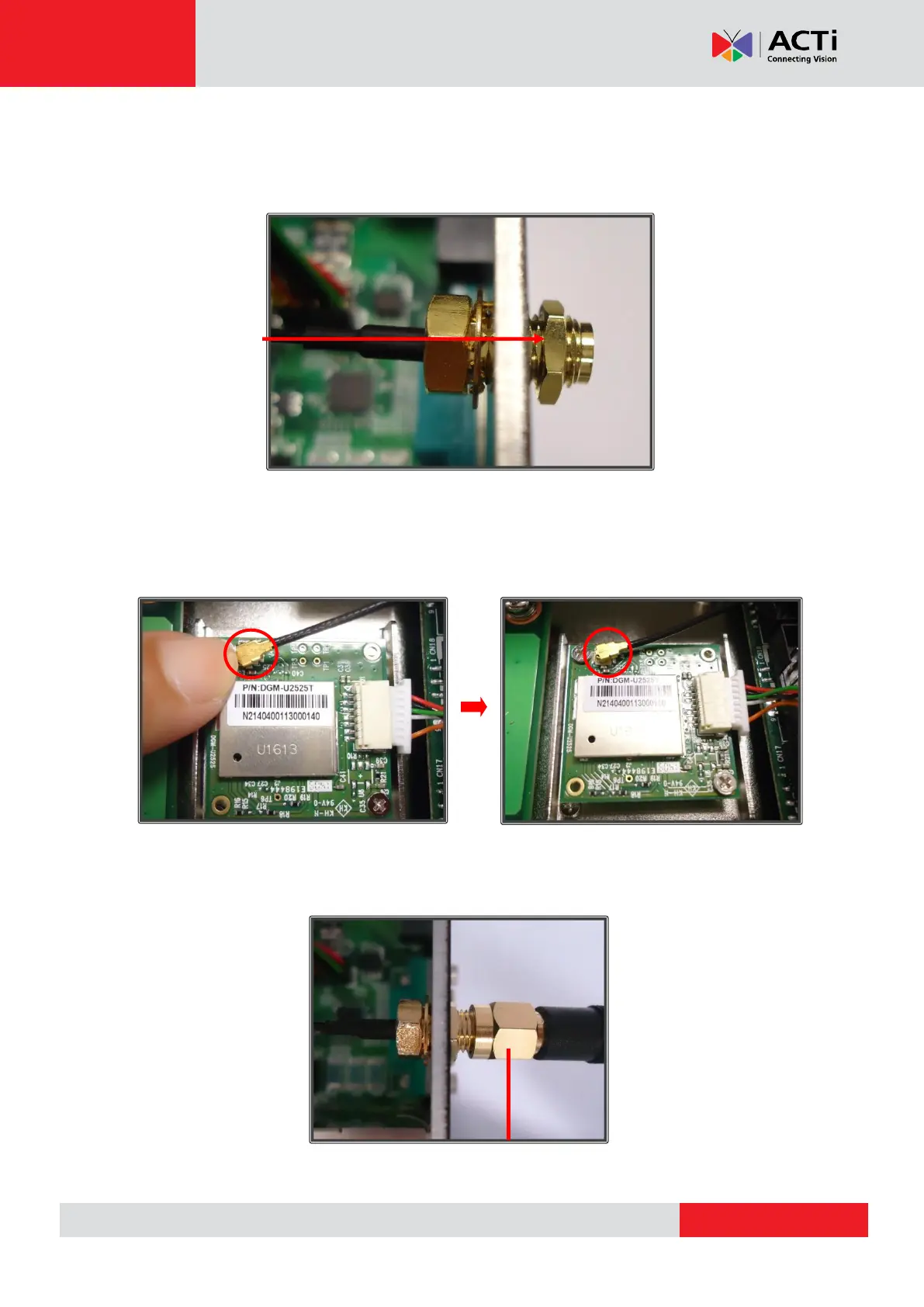
Step 7: Secure antenna jack with the hexagonal ring
Secure the antenna jack by placing the hexagonal ring on the antenna jack. Turn clockwise
until it is tightly in place:
Step 8: Attach the RF cable of the antenna jack onto the module
Attach the RF cable of the antenna jack onto the module, as shown below. Push down on the
RF cable until it “clicks” into place:
Step 9: Connect the external antenna to the antenna jack
Connect the external antenna to the antenna jack by turning it clockwise until it is tightly in
place:
Antenna (screw clockwise)



 To Next Page