MNR-310 System Administrator’s Manual
45
Step-by-step Activation Process
Based on the network conditions of your site, follow Online Activation SOP or Offline Activation
SOP to activate your license.
Online Activation SOP
Step 1
: Membership ID in ACTi Member Center is required for activation. Register one for
free at http://member.acti.com/
Step 2
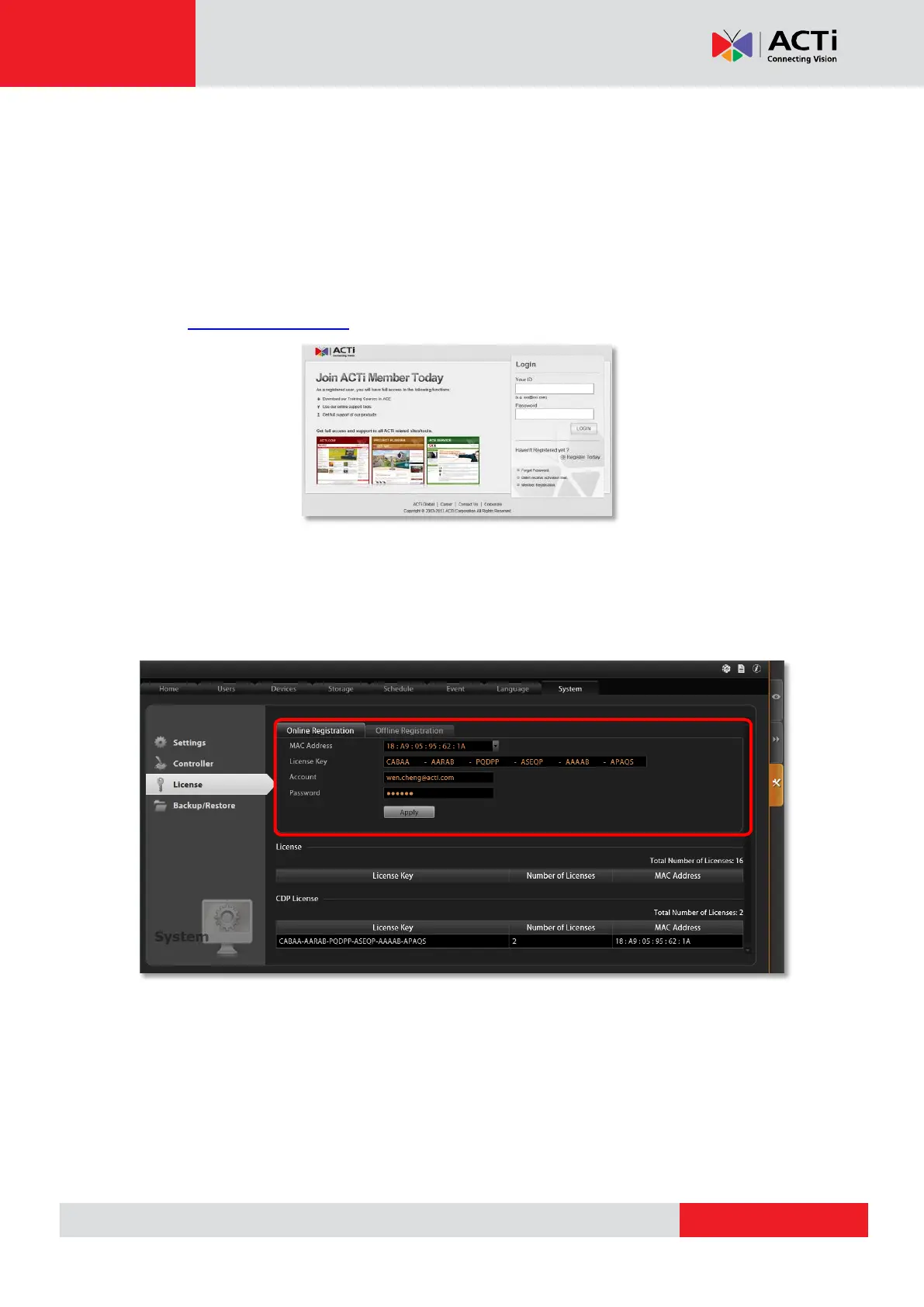
: Login to the NVR server, and go to Setup pageSystem tabLicense“Online
Registration”. Select the MAC Address, enter your License Key, ACTi member Account
and Password, and then click “Apply”. The NVR server will connect to the license data server
via Internet to register the license key, and unlock the channels.



 To Next Page