MNR-310 System Administrator’s Manual
55
Access the NVR Server via Internet Explorer
In addition to NVR3 Workstation, you can also log in to the NVR system with Internet Explorer
(IE). If you open the IE browser on the NVR server, you will be directed to the NVR system
Login page immediately. If you are connecting to the NVR server as a remote client, please
type the NVR server’s LAN or WAN IP address, or domain name in the URL box. Remember to
append a colon and the port number after the hostname or IP address.
Accept ActiveX Controls Installation Requests
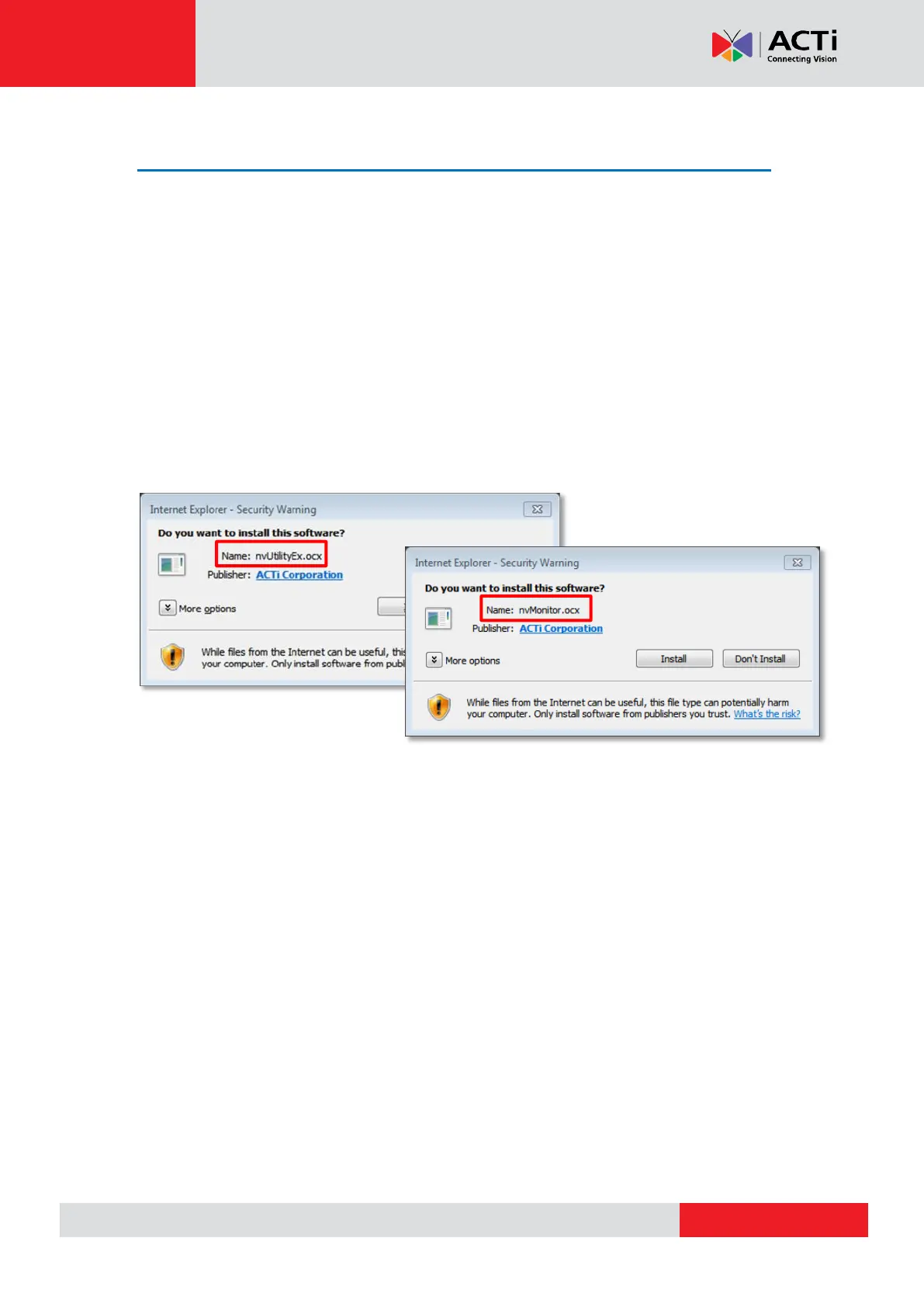
NVR 3.0 system interface requires the add-on ActiveX Control components, please make sure
browser’s security settings allow ActiveX controls to be downloaded and installed. When
your browser asks if you allow ACTi Corporation’s add-on components to run, please allow.
Log in Failure Troubleshooting
Once you confront with problems accessing the NVR server, refer to the possible conditions
below and follow the instruction to solve your issues.
Condition 1: Why can’t I access NVR server via web browser?
After typing in the correct NVR server IP, if you cannot access NVR Login page, you may get
the below browser screens:



 To Next Page