MNR-310 System Administrator’s Manual
69
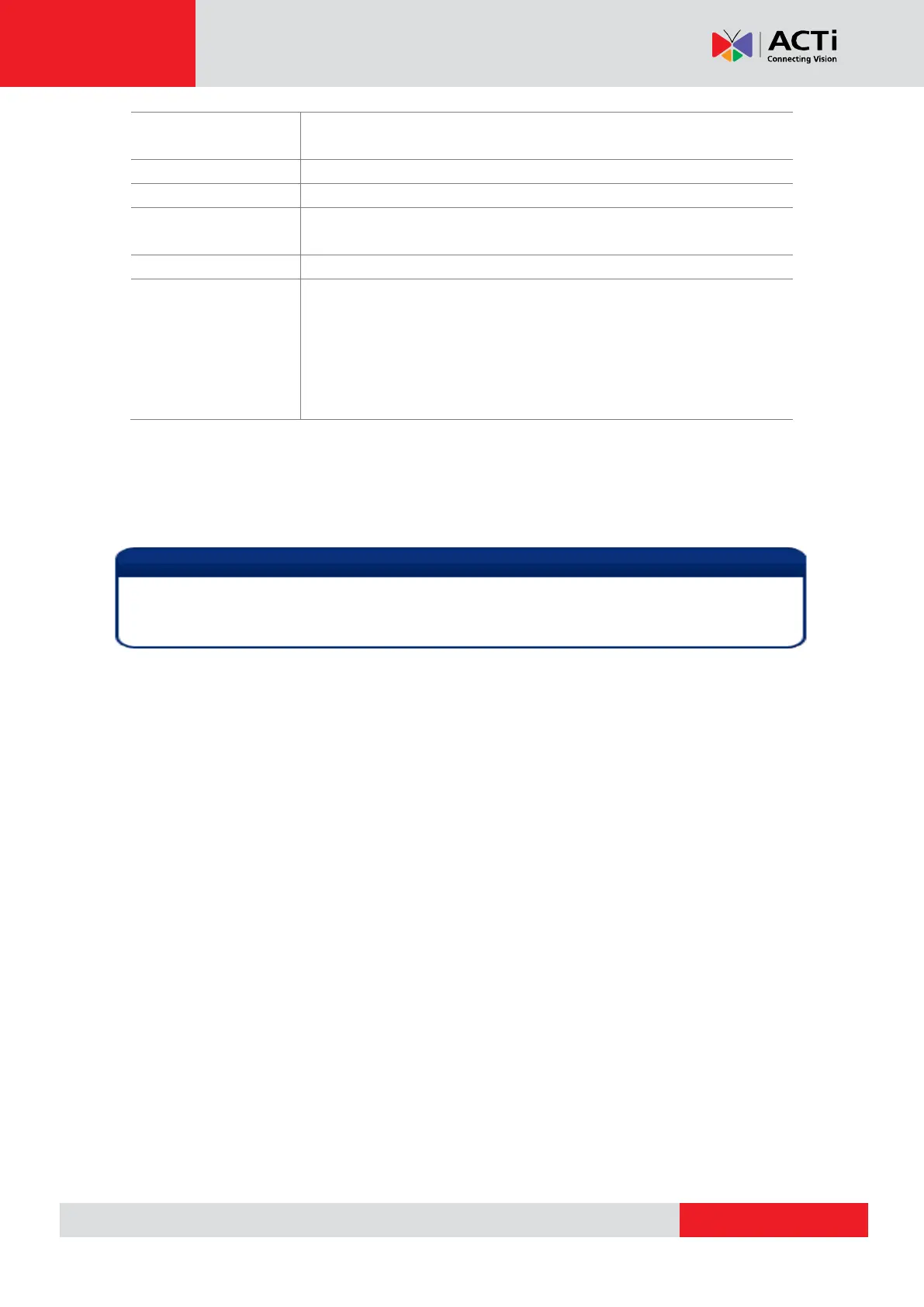
Enter the HTTP port for IP cameras/ video servers. Most cameras
use the default port number - 80.
Enter the user name to access the camera.
Enter the password to access the camera.
Default Live View
Stream*
3
Choose the streaming id for Live View.
Choose the streaming id for Recording.
Connection
Timeout(0~99 secs)
Enter length of time allowed for a device to respond to NVR. If the
response is to late as to exceed this time, NVR will consider this
device “disconnected”. We recommend you to set different values for
different types of connection. The default setting is 5 seconds. For
devices located over the WAN, you may wish to increase this value to
allow for occasional Internet lags.
*
1
Available when NVR is connected to a multi-streaming device.
*
2
Available when NVR is connected to a device that is concurrently in multi-streaming mode (Dual
Stream mode excluded).
*
3
Available when NVR is connected to a multi-streaming device in Dual Stream mode.
Current NVR version does not support ePTZ operation of 6VGA streaming mode. Please
define 6 VGA views through camera web configurator.



 To Next Page