ADT-HC4500 Flame/Plasma Cutting Machine CNC System
- 9 -
Chapter II: Quick Guide
ADT-HC4500 flame/plasma CNC cutting system controls the flame or plasma torch for cutting on the machine
tool. The system displays in progressive windows. In certain interface, you can press [F1] to [F6] to select a
function, and press [
] or [ ] to return to previous menu.
This chapter involves the general operation procedure of using this system, and helps you to learn using this
system quickly. However, you need to read through this manual to understand every skill and detail.
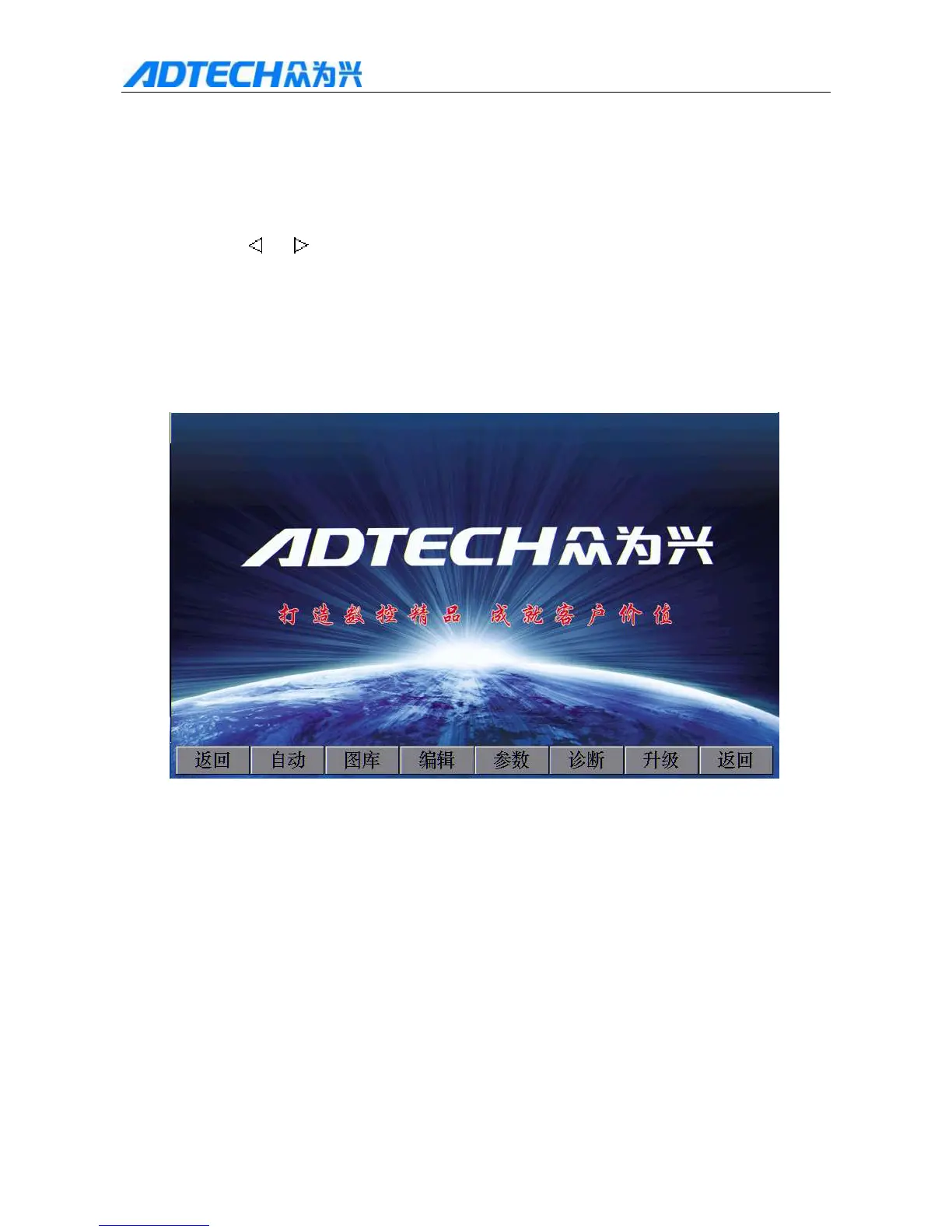
After connecting the power supply, the system enters the main menu, which shows the greetings of the
company as in the figure below:
Create CNC exquisite, accomplish customers’ values
Return / Auto / Library / Edit / Parameter / Diagnosis / Upgrade /
Return
Fig. 2: Main Menu Interface
Press [F1] to [F6] to enter respective interface.
Press [F1] to enter automatic processing, manual, graphics display and processing interface.
Press [F2] to enter graphics library interface.
Press [F3] to enter processing file import, manual edit and copy interface.
Press [F4] to enter system parameter setting and adjustment interface.
Press [F5] to enter system diagnosis, version query and customized output port interface.



 To Next Page