ADT-HC4500 Flame/Plasma Cutting Machine CNC System
- 23 -
Current state: Turning / Program name:
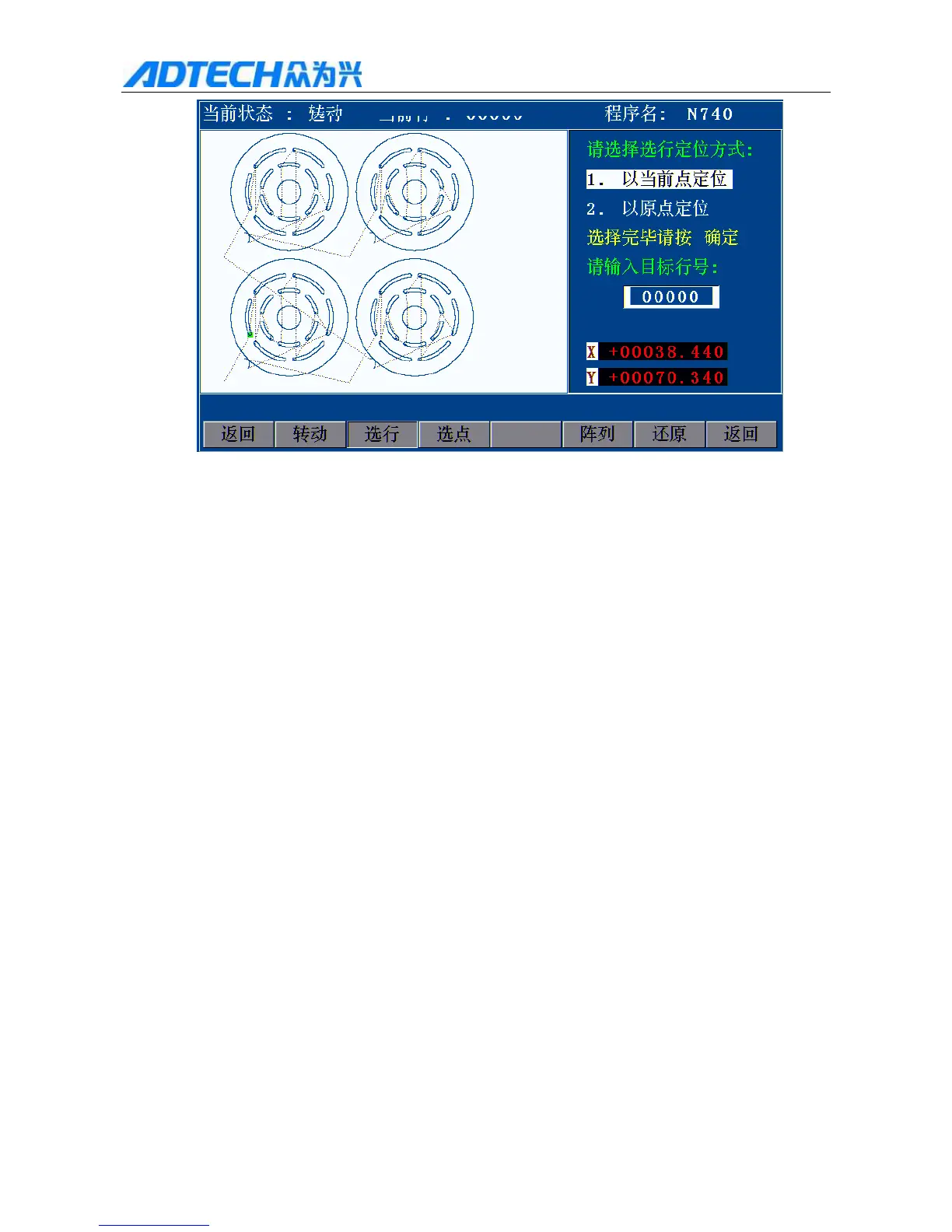
Please select the positioning mode for line selecting:
1. 1Current point
2. 2Origin
Press OK after selecting
Please enter the target line No.:
Return / Turn / Select line / Select point / Array / Restore / Return
Fig. 2.15 Selecting Positioning Mode
Current point: The torch doesn’t move, and the coordinates change to the value of this line directly
Origin: The torch moves from current position to the coordinates of selected line.
Press [Y+], [Y-] to change the positioning mode for line selecting, and press [OK] to select line No. (see Fig.
2.15.2 below).
Press number keys to enter the line No. and then press [OK]. For fine adjustment, press [X+], [X-] to select
next line No.
16. Array
While cutting, it is usually required to repeat cutting single graphics on a large steel plate, and the array function
will make it easier.
In the main menu interface, press [F1] (Auto) [F4] (Graphics) [F4] (Process) [F5] (Array) to enter
array parameter setting interface.



 To Next Page