ADT-HC4500 Flame/Plasma Cutting Machine CNC System
- 22 -
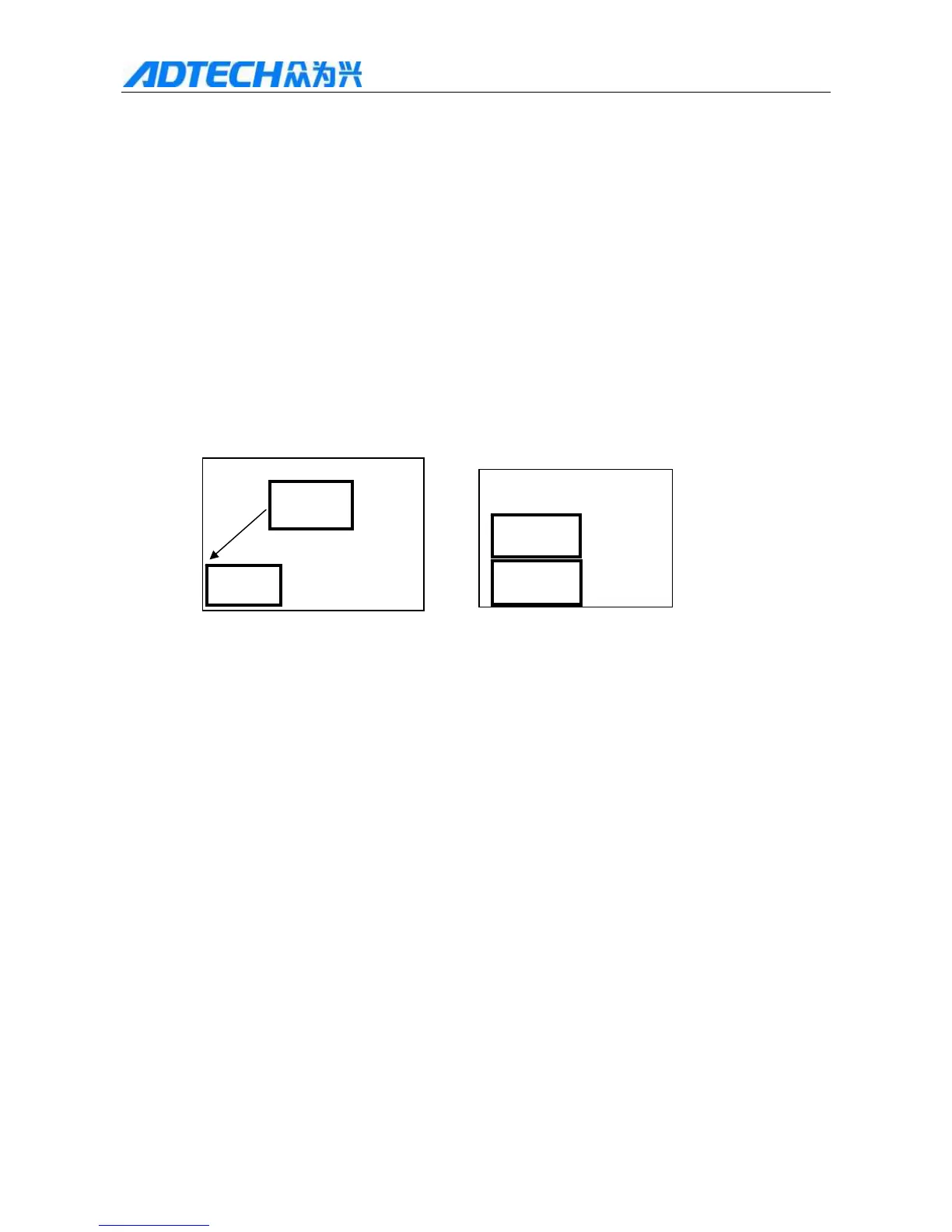
Fig. 1 Fig. 2
As in Fig. 1, the outer rectangle is steel plate and the inner rectangle is the workpiece to be cut. Suppose cutting
from point A, if the steel plate being processed if too thick, it requires rather long time for perforating; however, it
will save the preheating time to cut from point B, i.e. edge of the steel plate. The specific procedure follows:
p during automatic processing q press [Stop] r press X/Y to move torch to the edge of the steel plate
s press [Start] t select corresponding operation item in the popup dialog box u press [OK] and the
coordinates move the program interruption position automatically and continue the processing according to the
selected item.
14. Moving workpiece
Fig. 1 Fig. 2
To save steel during processing, you can shift the track for certain distance in every direction while cutting
graphics and then process, as in the figure above: the outer rectangle indicates the steel plate and the inner
rectangle indicates the graphics to be cut. After cutting “1# workpiece”, it will cause great waste to cut “2#
workpiece” directly because they have certain distance. At this moment, you can move the track to appropriate
position as shown in Fig. 2. The operation follows:
After cutting “1# workpiece”, press [Stop] [X+], [X-], [Y+], [Y-] to move torch to appropriate position.
15. Selecting line/point
This function allows select and process the any line of G code of the graphics being processed.
In the main menu interface, press [F1] (Auto) [F4] (Graphics) [F4] (Process) [F2] (Select line) to
enter the following interface to select the positioning mode:
1# workpiece
2# workpiece
1# workpiece
2# workpiece



 To Next Page