ADT-HC4500 Flame/Plasma Cutting Machine CNC System
- 13 -
Return / Import / Delete / Copy / Copy all / Return
Fig. 2.5 File Importing Interface
In above interface, press [Y+][Y-] to select a processing file and then press [F2] or [OK] to confirm; the system
enters processing code edit interface. Press to return to the main menu from the edit interface. Then, press
[F1] to enter the Auto interface and process with the selected file.
6. Adjusting cutting speed
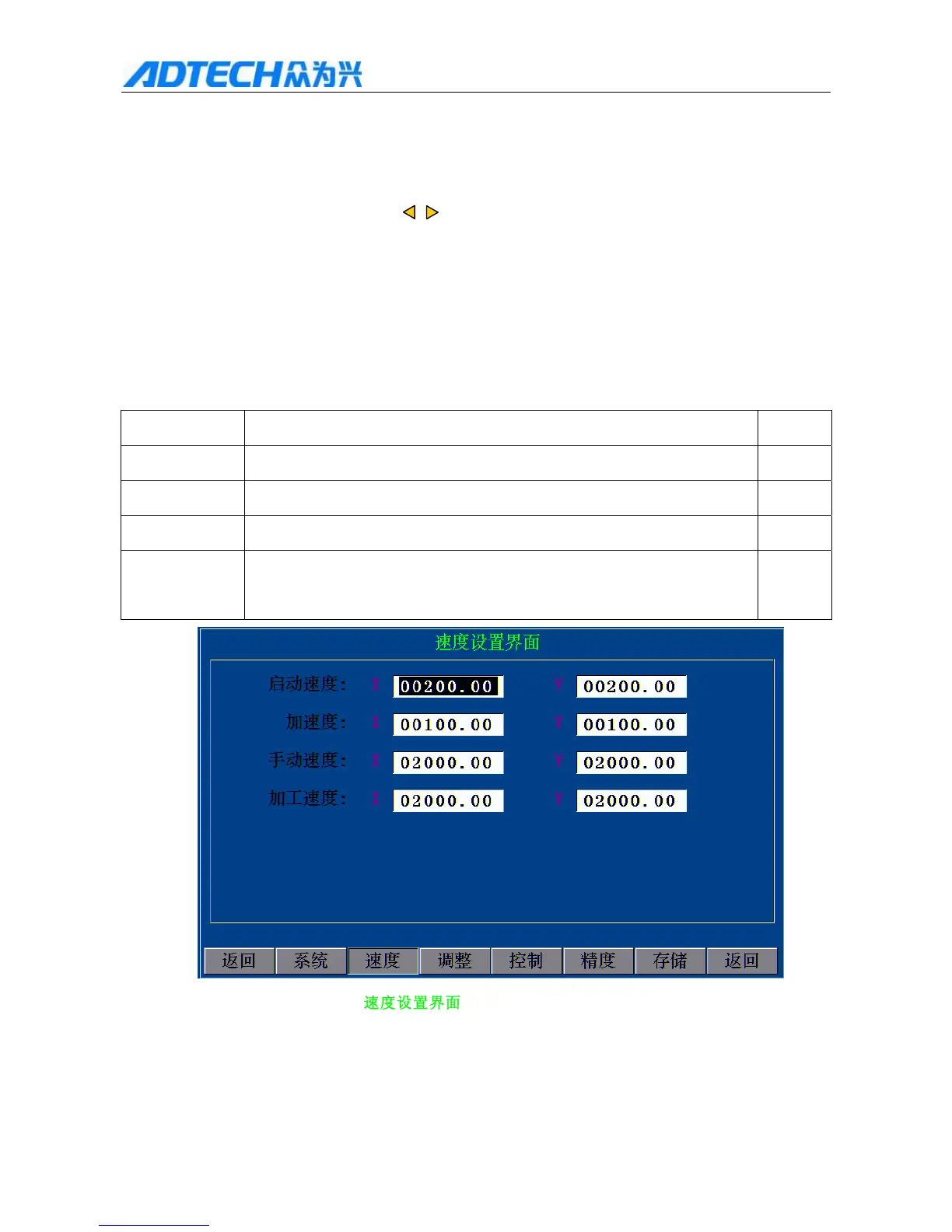
In the main menu, press [F4] (Parameter) [F2] (Speed) to enter speed setting interface, in which you can
set the start speed, acceleration, manual speed and automatic processing speed.
Parameter Description Unit
Start speed Start speed of X/Y axis mm/min
Acceleration The speed added every time from start speed to top speed of X/Y axis mm/min
Manual speed X/Y axis speed, G00 and reference returning speed during manual running mm/min
Processing
speed
G01,G02,G03 speed of X/Y axis when the program is running mm/min
Speed Setting Interface
Start speed
Acceleration



 To Next Page