ADT-HC4500 Flame/Plasma Cutting Machine CNC System
- 75 -
1) Return to the main interface, press [F4] and then [F5] to enter precision setting interface, enter
0.005780 into X, Y axis pulse equivalent coefficient.
Note: Generally, the pulse equivalent of X, Y axis has a little error. Please set respectively.
4.6 Storage
After modifying every submenu in “Parameter”, please press [F6] to save before exiting, or else the modified
values won’t be saved.
5. Diagnosis
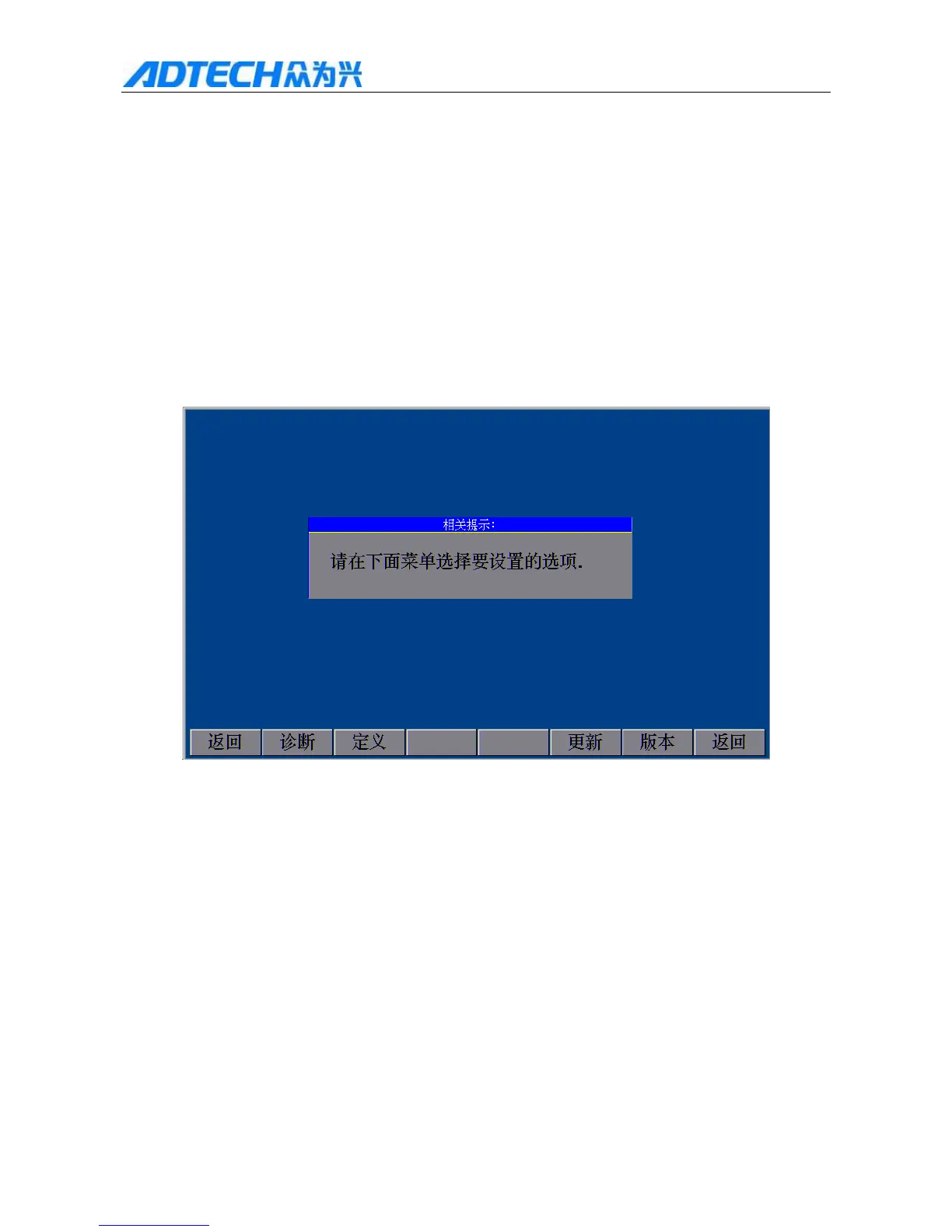
In the main interface, press [F5] to enter the diagnosis interface, as shown in Fig. 2.6:
Prompt
Please select desired option in the menu below.
Return / Diagnosis / Definition / Upgrade / Ve r s i on / Return
Fig. 5 Diagnosis Main Interface
5.1 Submenu description
1) Diagnosis interface
In the Diagnosis interface shown in Fig. 5, press [F1] to enter the Diagnosis interface as shown in Fig.
5.1.1;
Operation instructions:
Press [F1] to test the forward rotation of X axis
Press [F2] to test the reverse rotation of X axis
Press [F3] to test the forward rotation of Y axis



 To Next Page