ADT-HC4500 Flame/Plasma Cutting Machine CNC System
- 29 -
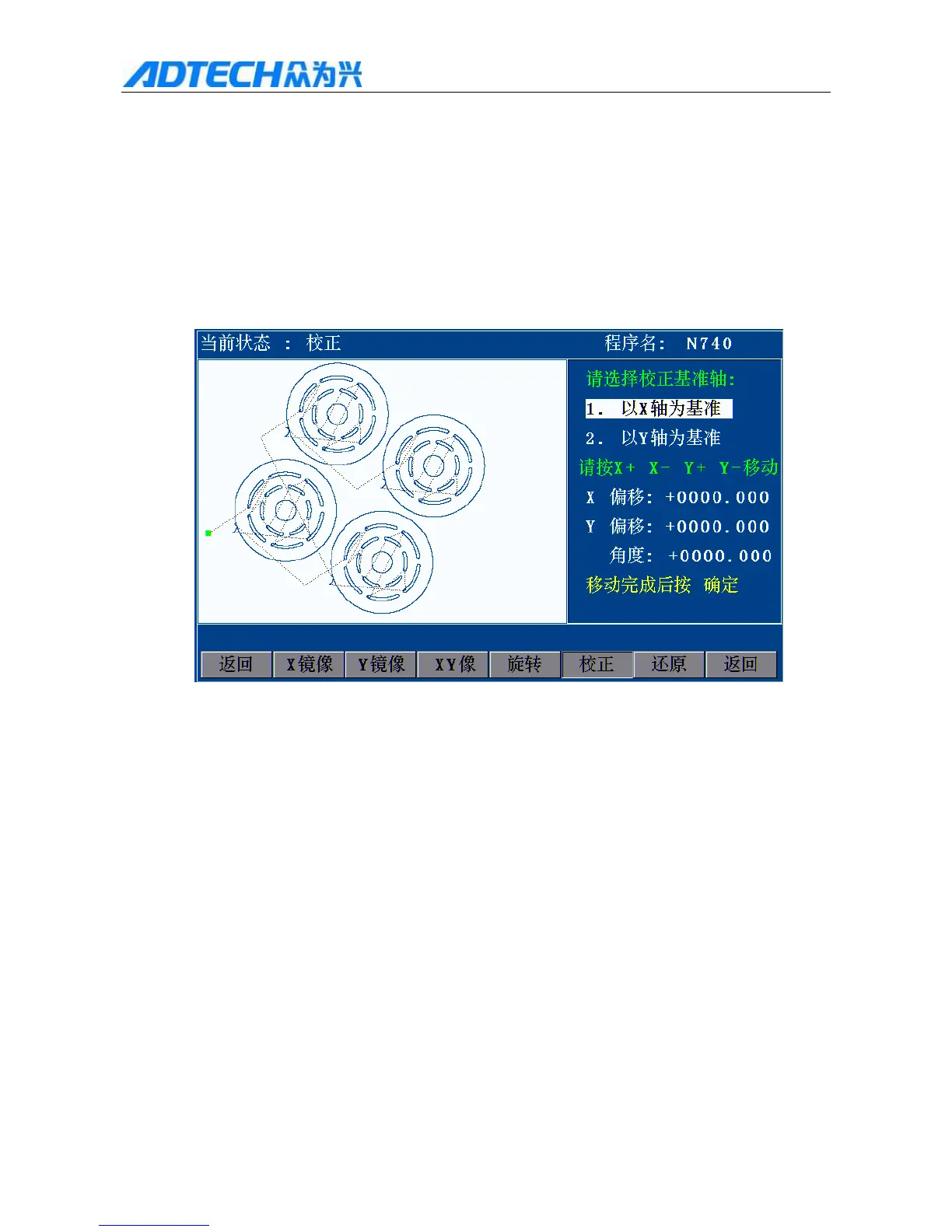
19. Correct
If the rotation angle isn’t determined while correcting, we can get the rotation angle through the correction
function.
First, a reference axis is required for correction, and the graphics rotate for certain angle around this axis.
In the main menu interface, press [F1] (Auto) [F4] (Graphics) [F4] (Process) [F1] (Turn) [F5]
(Correct) to pop up the Correct interface.
Current state: Correct / Program name
Please select the reference axis for correction:
1. X 1Axis X
2. Y 2Axis Y
3. X+, X-, Y+ Please press X+, X-, Y+ or Y- to move
X X offset:
Y Y offset:
Angle:
Press [OK] after moving
Return /X X mirror /Y Y mirror/ XY XY mirror / Rotate / Correct / Restore /
Return
First, press [Y+][Y-] to select the reference axis for correction.
If axis X is the reference axis: the offset angle of the steel plate is the angle between axis X of the steel



 To Next Page