ADT-HC4500 Flame/Plasma Cutting Machine CNC System
- 12 -
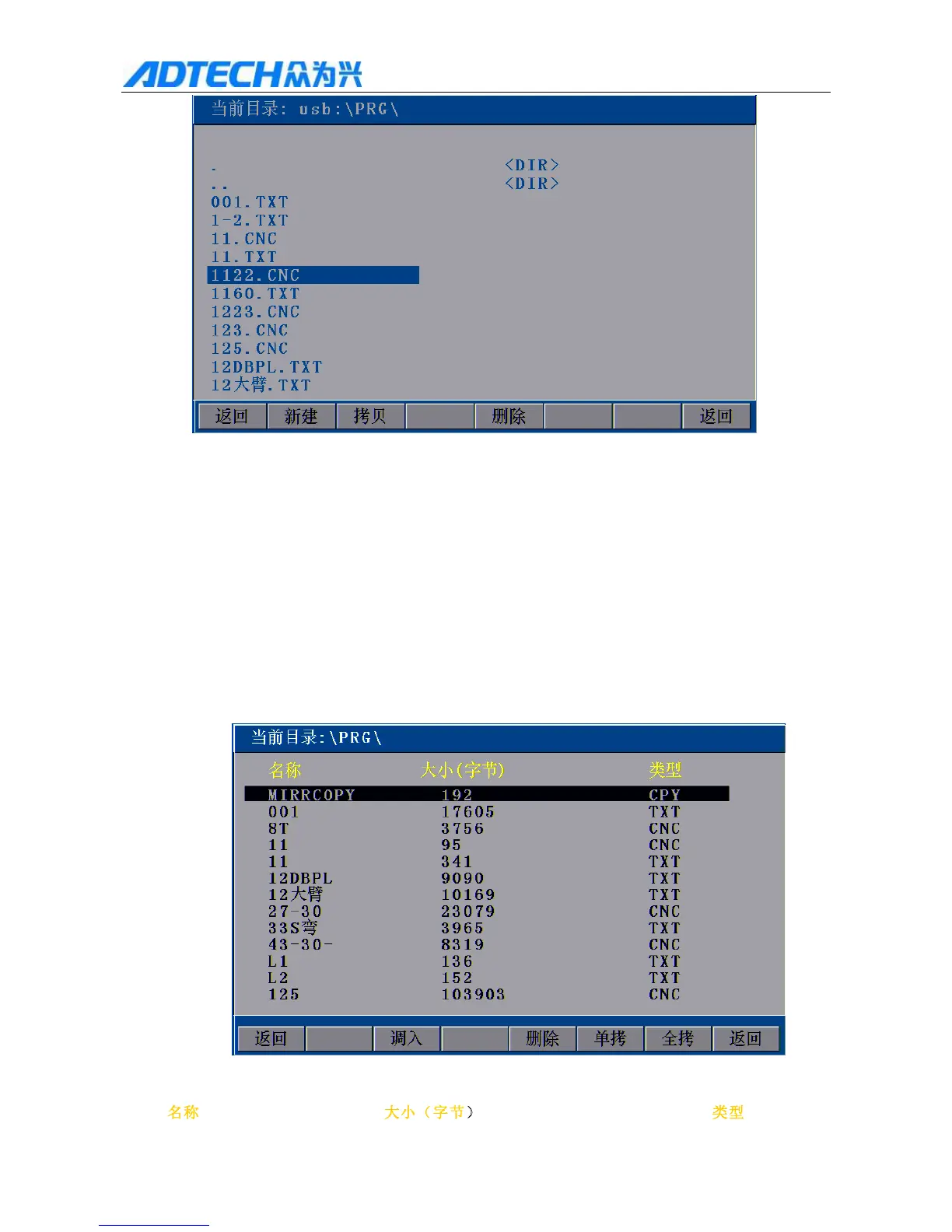
Current directory:
Return / New / Copy / Delete / Return
Fig. 2.4 Copy Processing Files
Then, press [Y+][Y-] to select the processing file to copy, and press [F2] (Copy) or [OK] to copy; after copying,
press any key to return to the main menu when the prompt pops up.
5. Importing processing file
In the main interface, press [F3] [F2] to enter file importing interface, as in the figure below:
Current directory:
Name / Size (byte) / Type



 To Next Page