ADT-HC4500 Flame/Plasma Cutting Machine CNC System
- 79 -
6. Upgrade
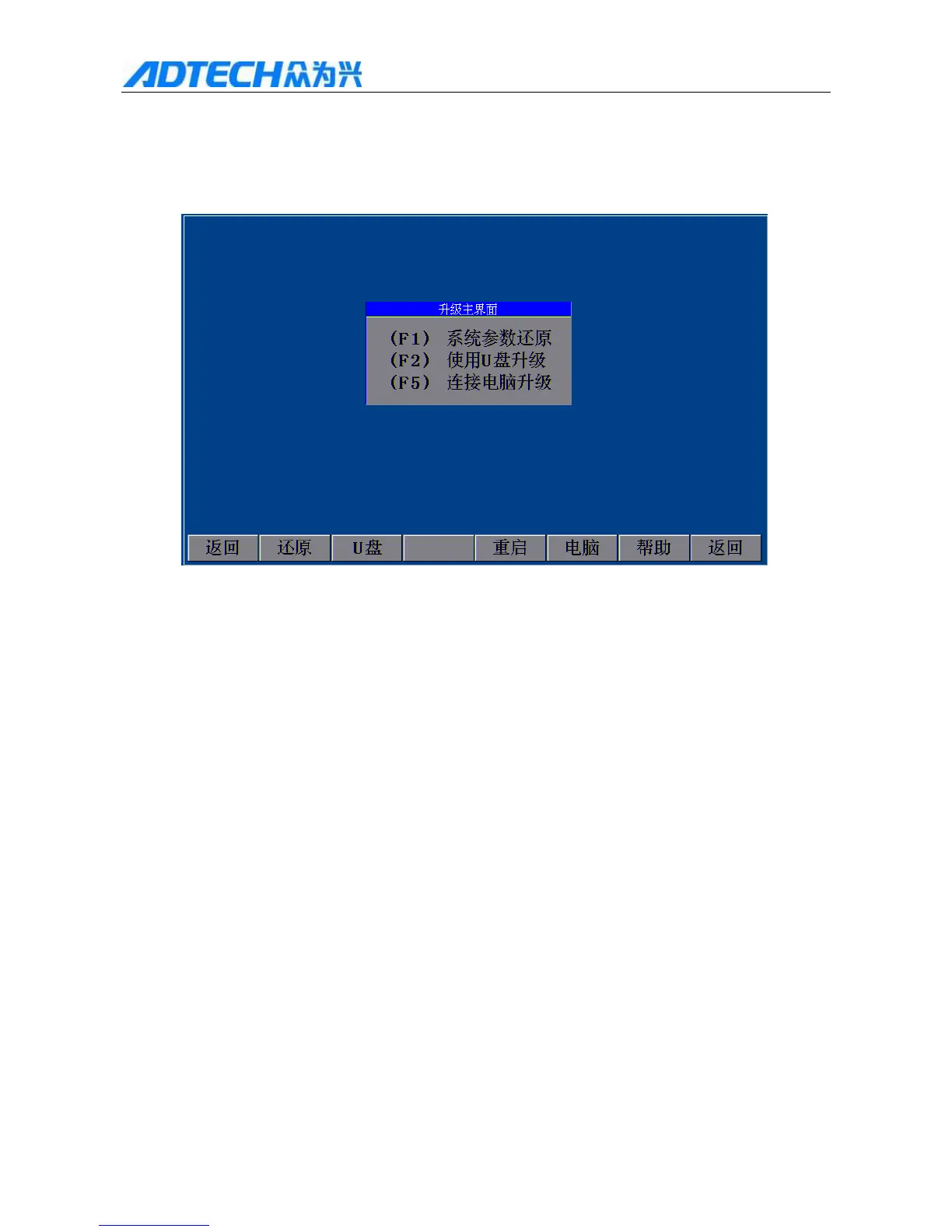
This function is used by the used to upgrade the software. In the main interface, press [F6] to enter the upgrade
option window, as shown in Fig. 6:
Upgrade Interface
(F1)F1 System parameter reset
(F2) U F2 Upgrade via USB disk
(F5) F5Upgrade via PC
Return / Reset / U USB disk / Restart / PC / Help / Return
Fig. 6 .1 System Upgrade Option Window
6.1 Submenu description
Press [F1] to restore the default parameters
Press [F2] to connect to USB disk
[F3] is reserved
Press [F4] to restart the control system
Press [F5] to connect to computer
Press [F6] to enter the help system
Press [INS] to activate the help of current interface.



 To Next Page