ADT-HC4500 Flame/Plasma Cutting Machine CNC System
- 60 -
3.2 Editing processing files
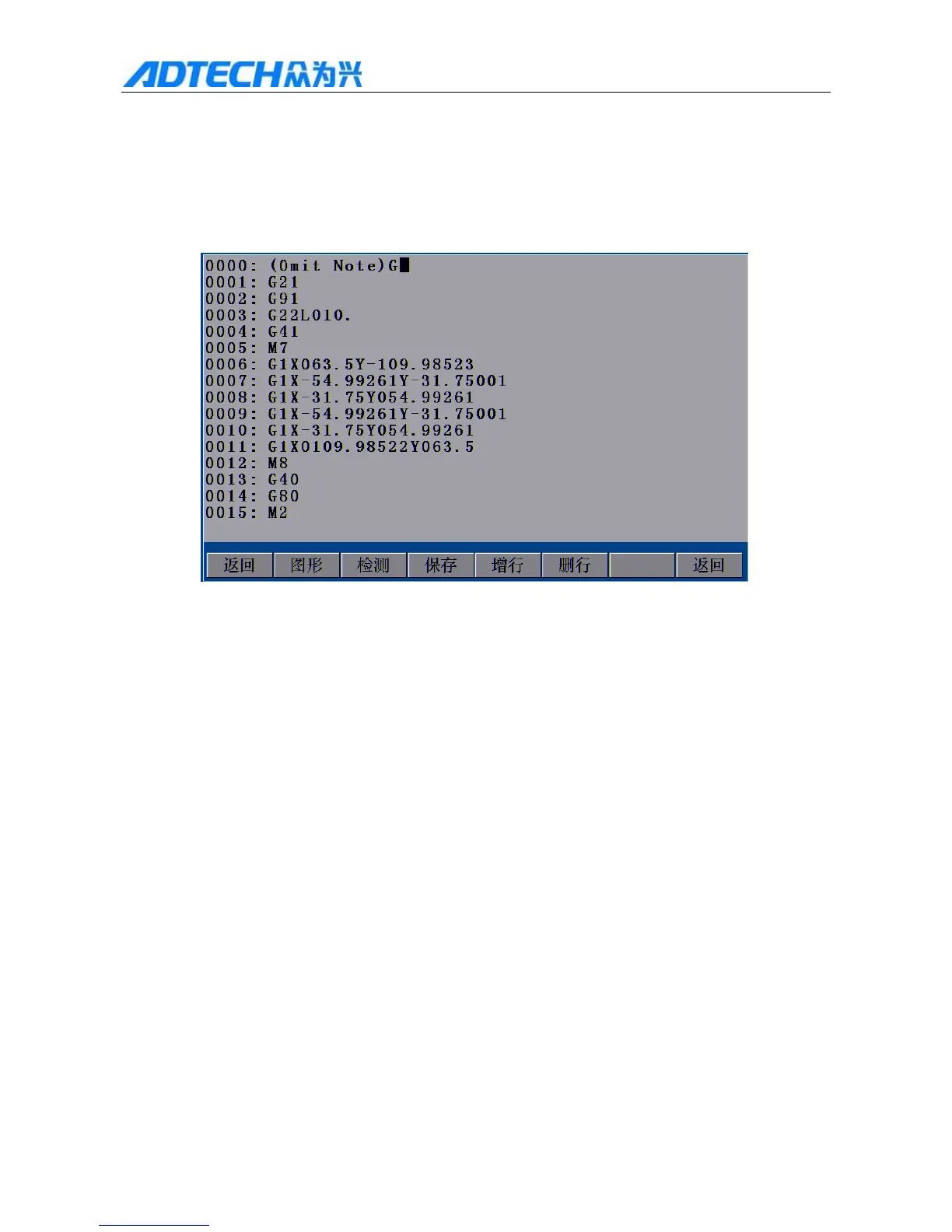
In Fig. 3.1 Edit Menu Option Window, if you create a new file or import a file successfully, the system will enter
the edit interface automatically, and then you can edit the processing file, as shown below:
Return / Graphics / Test / Save / Add line / Delete line / Return
Fig. 3.2 Processing File Edit Interface
3.2.1 Graphics
In above Processing File Edit Interface, press [F1] Graphics, and the interface shows the graphics of current
code for reference.
3.2.2 Checking
In Fig. 3.2 Processing File Edit Interface, press [F2] to check whether the code of processing file has error after
entering the code of processing file or importing the code of nesting software; if yes, the line with error will be
highlighted and the bottom prompts the error type; if not, it shows that the coding is correct, as shown below:



 To Next Page