ADT-HC4500 Flame/Plasma Cutting Machine CNC System
- 52 -
3.1 Submenu description
3.1.1 New
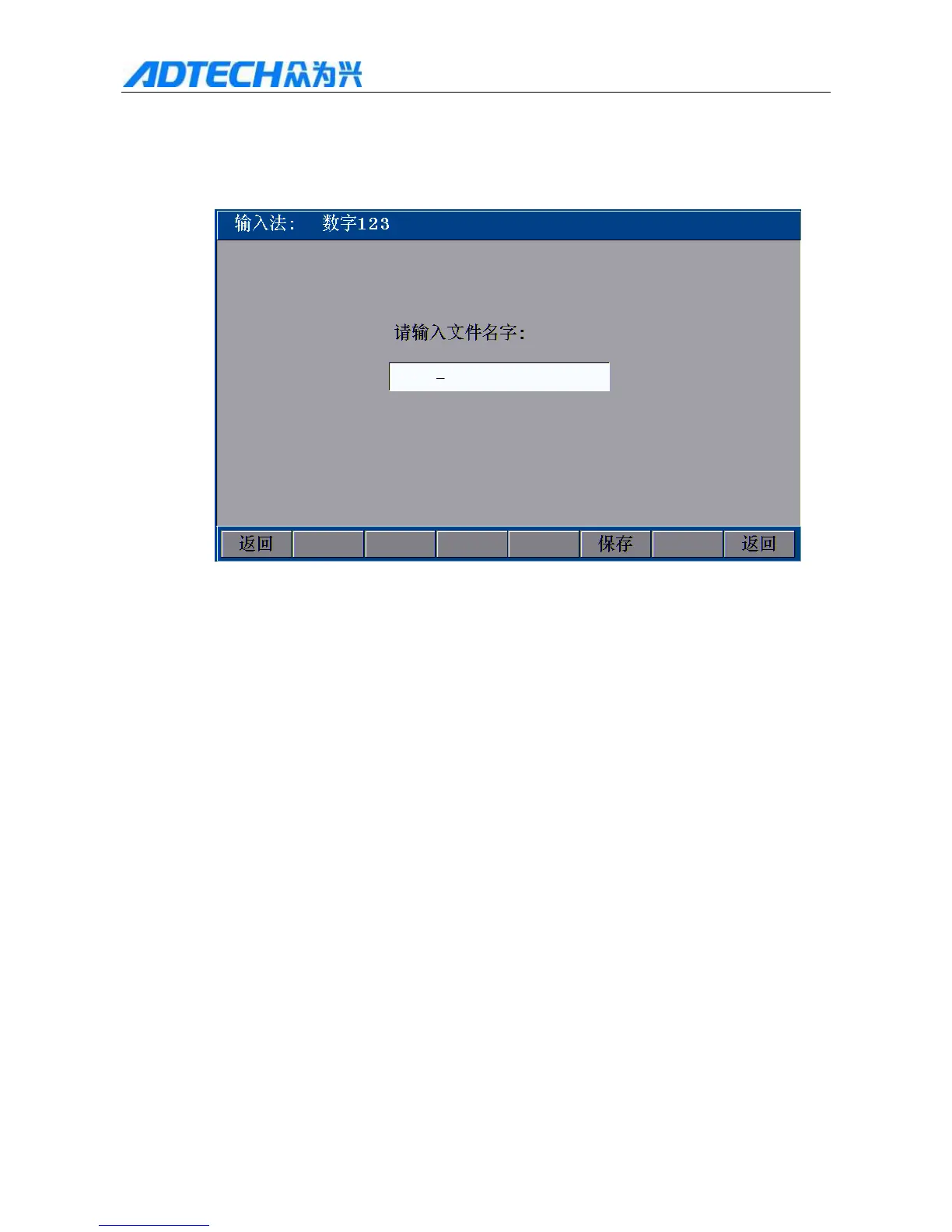
Input method: digital 123
Please type the file name:
Return / Save / Return
Fig. 3.1.1 New File Interface
In Fig. 3.1 edit interface, press [F1] to enter new file interface as shown in Fig. 3.1.1. At this moment, you can
press the number keys directly to edit the file name, and press [F5] to save, or press [shift] to switch the input
method. ABC and pinyin are available.
The operation of pinyin method follows:
1. Press [OK] to select current character
2. Press [Cancel] to delete all current characters
3. Press [shift] to switch the input method
4. Press [DEL] to delete the last character
5. Press [Y+], [Y-] to select characters up/down
6. Press [X+], [X-] to turn pages
7. The letters on the panel are defined as below



 To Next Page