ADT-HC4500 Flame/Plasma Cutting Machine CNC System
- 83 -
Prompt
Set current parameters as default?
OK / Cancel
Return / Reset / Save / Return
Fig. 6.2.5 Default Setting Prompt Interface
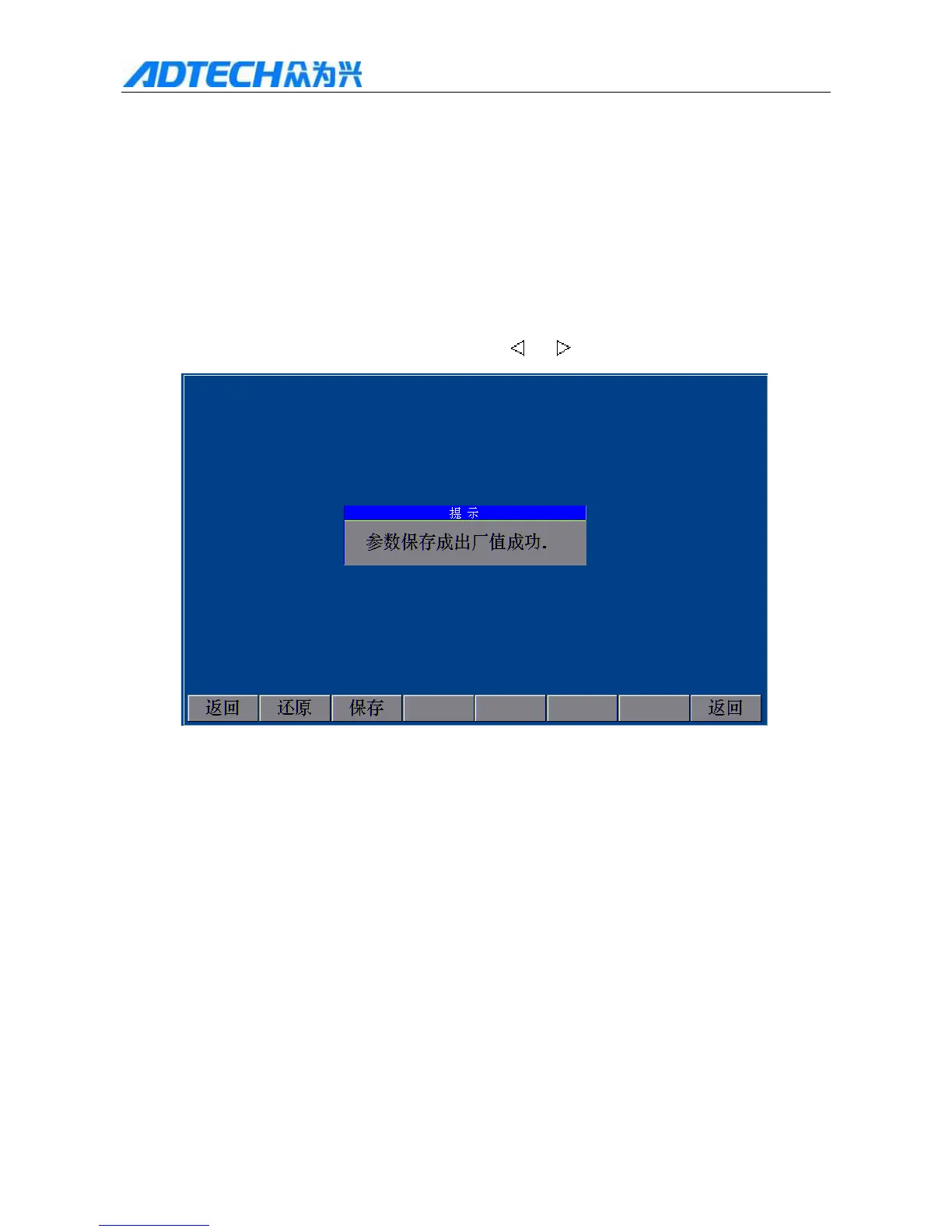
In Default Setting Prompt Interface, press [OK] to set current parameters as default, and the parameters will be
reset to this default value. After saving, the system pops up a prompt interface, as in Fig. 6.2.6. If you don’t want
to set current parameters as default, please press [Cancel] and [
] or [ ] to return.
Prompt
Save parameters as default successfully
Return / Reset / Save / Return
Fig. 6.2.6 Prompt interface after saving parameters as default successfully
6.3 Upgrading through USB disk
1) USB disk isn’t connected successfully



 To Next Page