ADT-HC4500 Flame/Plasma Cutting Machine CNC System
- 87 -
update interface and burn the latest program into BIOS chip.
Return / Restart / OK / Return
Fig. 6.3.5 Upgrade completes
At this moment, press [F3] to restart, press [Cancel] after one second to enter the interface shown in Fig.
6.6.1, or turn off the power supply, press and hold [Cancel] for several seconds, and connect the power
supply to enter the interface shown in Fig. 6.6.1. Then, update the BIOS in the program burning method
described in Chapter 6.6.
6.4 Connecting to PC and upgrading
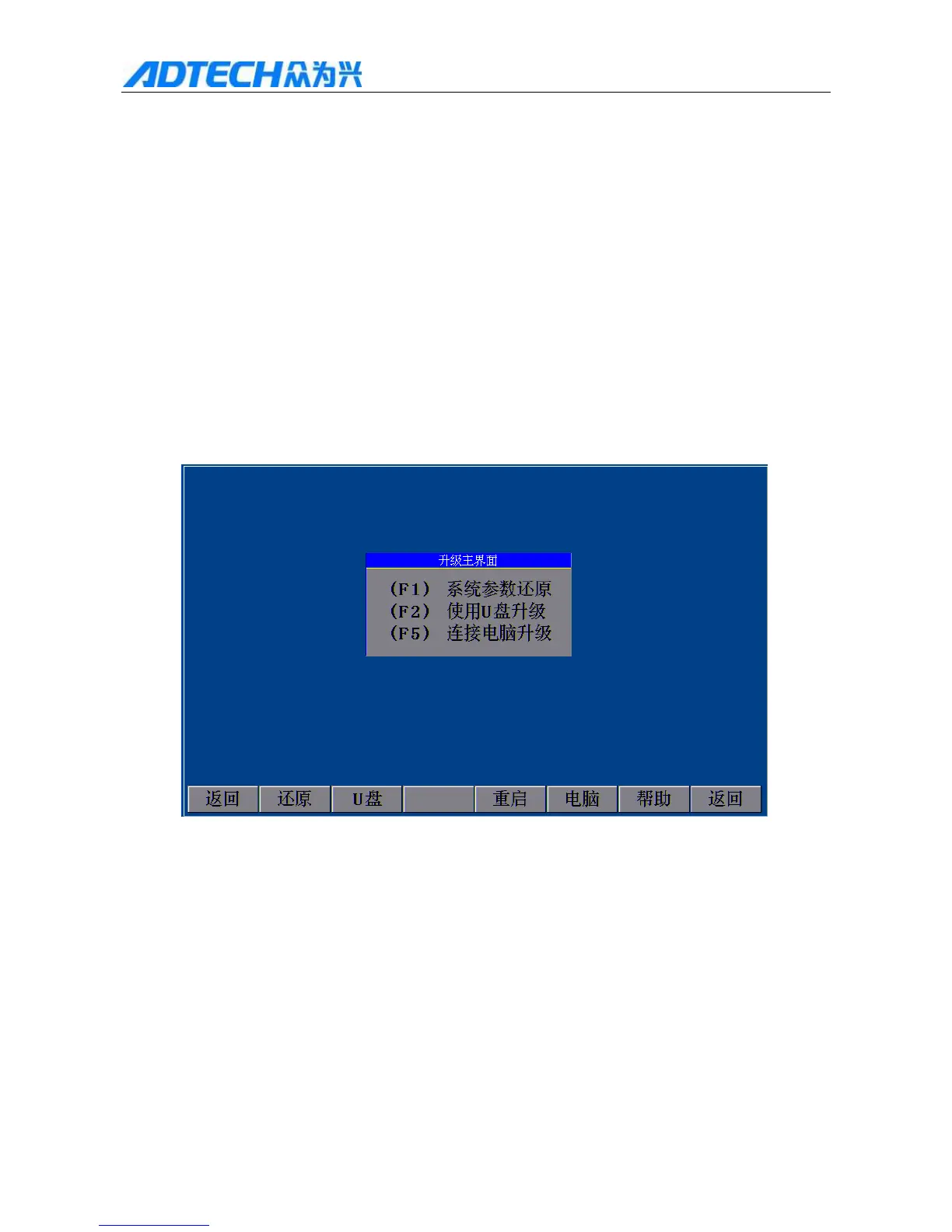
In the main interface, press [F6] and then press [F5] to connect to PC:
Upgrade Interface
(F1)F1 System parameter reset
F2 U (F2) Upgrade via USB disk
F5(F5) Upgrade via PC
Return / Reset / U USB disk / Restart / PC / Help / Return
Fig. 6.5.1 Connecting to PC
Connect PC and the controller with a USB cable (shown below), press [F5] to connect to PC, and click “My
Computer” to show the controller on PC as a 256MB USB disk. Click “Mobile disk” and copy the latest software
to folder “ADT” and overwrite original “2440TEST.BIN”. After that, turn off the power supply, press and hold



 To Next Page