ADT-HC4500 Flame/Plasma Cutting Machine CNC System
- 80 -
6.2 Reset
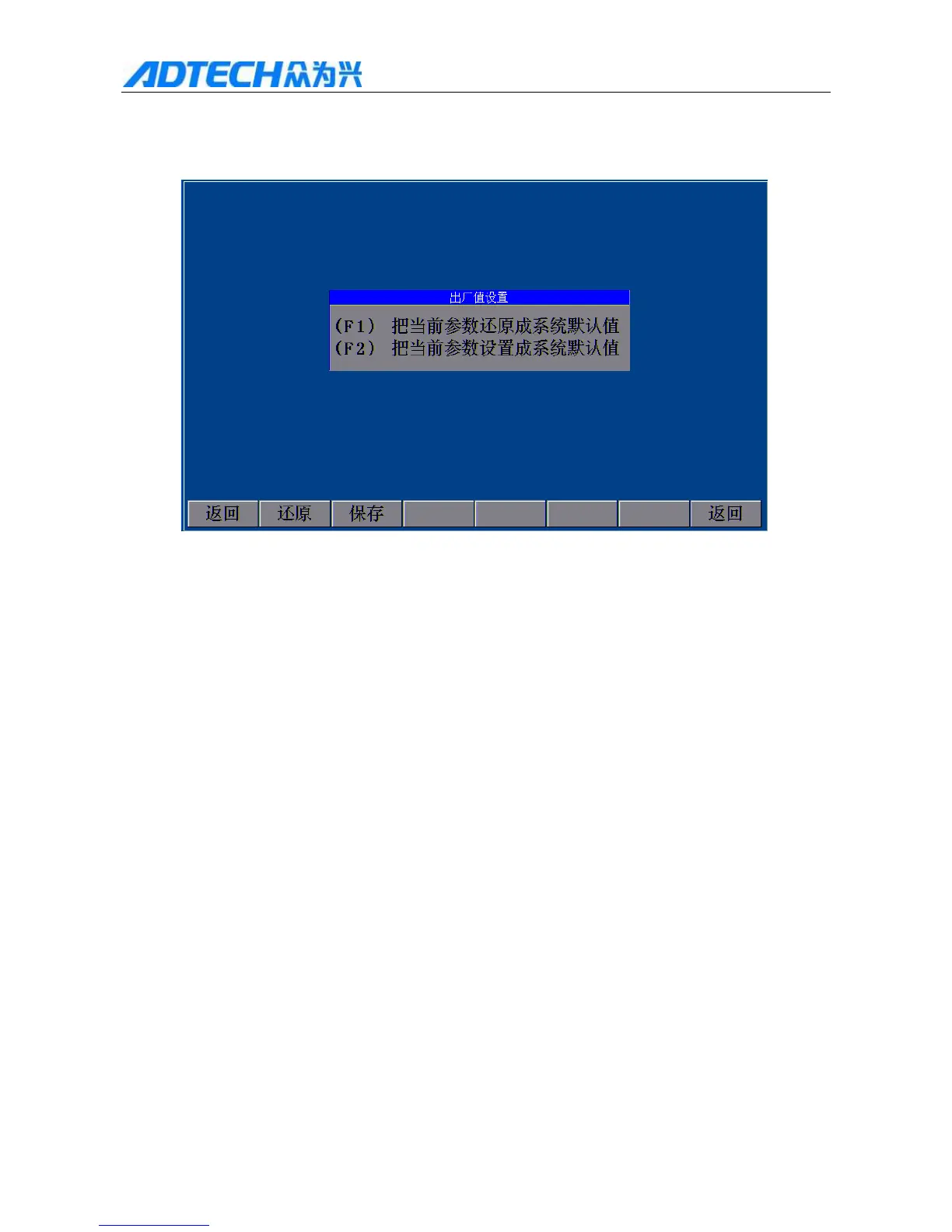
In Fig. 6.1 Upgrade Interface, press [F1] to enter system parameter reset/save interface.
Reset
F1(F1) Reset current parameters to default
F2(F2) Set current parameters to default
Back / Reset / Save / Back
Fig. 6.2.1 Parameter Reset/Save Interface
In this interface, the system will ask the user to reset or set to default. To reset, press [F1], and the system prompts
after resetting, as in Fig. 6.2.3; if you press [F1], the system enters the prompt interface, as in Fig. 6.2.4, or press
[Cancel] to return to previous interface.
Note: If the system parameters haven’t been saved, the system won’t restore the parameters, as shown in
Fig. 6.2.2.



 To Next Page