ADT-HC4500 Flame/Plasma Cutting Machine CNC System
- 10 -
Press [F6] to enter system parameter reset, software update and help interface.
1. Get help info
In most menus, you can press [INS] to get the help information; for example, press [F1] (Auto) in the main
menu to enter the Auto interface, and then press [INS] to get the help info about the Auto interface.
Main menu Press [F6] Upgrade interface Press [F6] (Help) to search for help info.
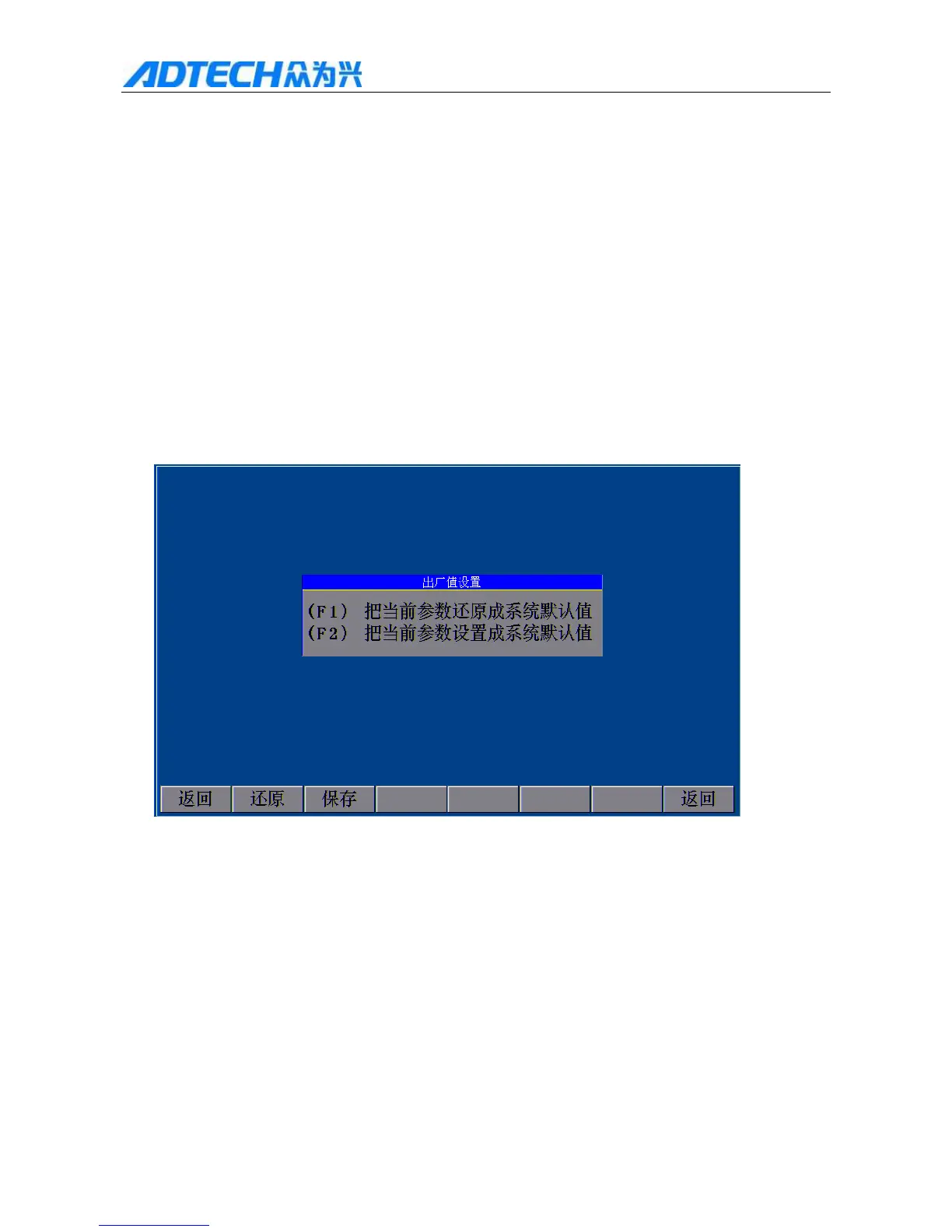
2. Restore default parameters
If the system parameters are adjusted improperly and cause speed and accuracy abnormal, the user can press [F6]
(Upgrade) [F1] (Reset) [F1] (Reset) [OK] to restore the default parameters.
Reset
(F1) (F1) Reset current parameters to default
(F2) (F2) Set current parameters to default
Return / Reset / Save / Return
Fig. 2.2 Reset Parameters
Note: If the parameters weren’t saved when the product was delivered, the system can’t reset and will pop
up the prompt dialog box.
Please refer to Chapter III: Detailed System Operation and Instructions (6.2) Reset.



 To Next Page