ADT-HC4500 Flame/Plasma Cutting Machine CNC System
- 11 -
3. Graphics library
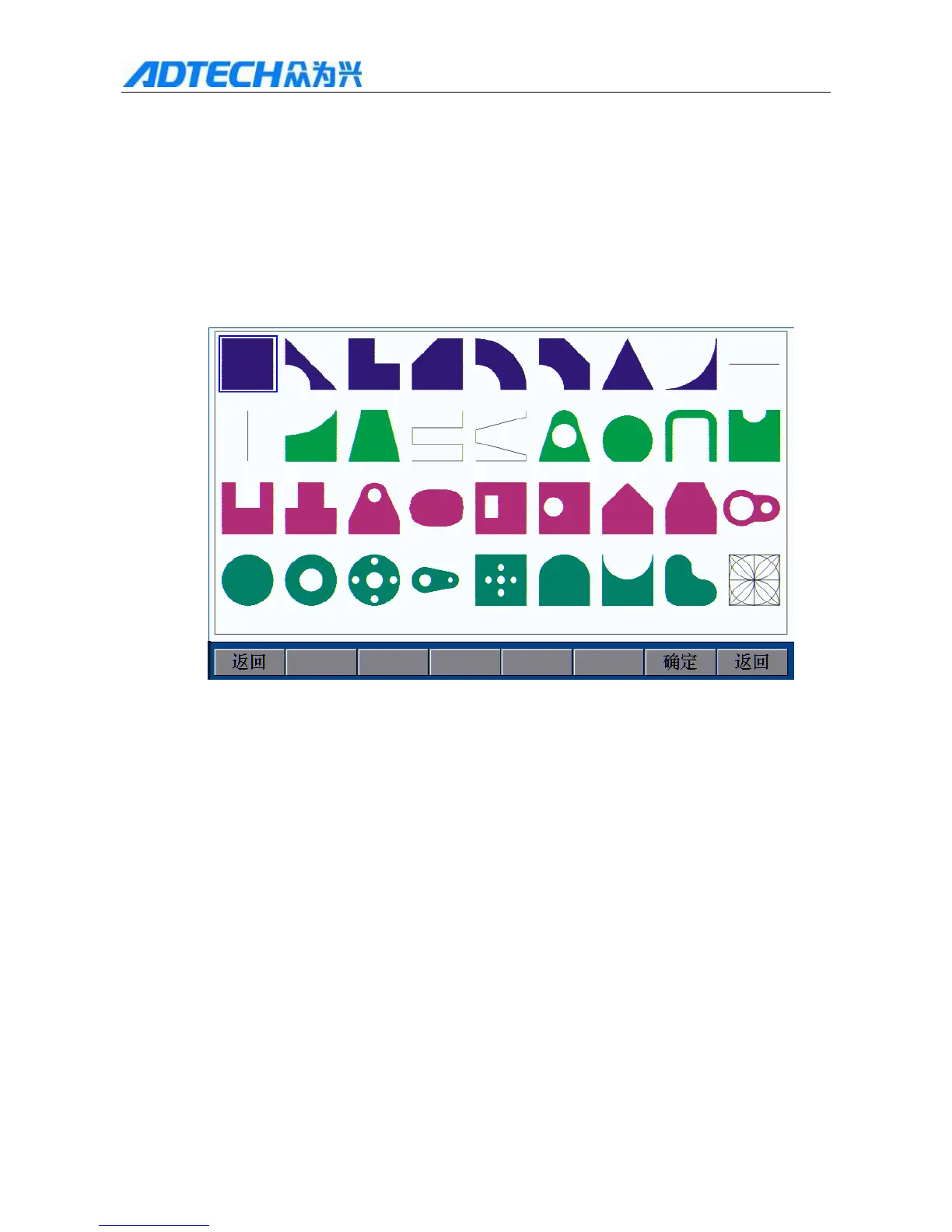
To facilitate the processing, reduce the workload and increase system usability, the system embodies 35 common
processing part graphics and one test graphics. In the main menu interface, press [F2] (Graphics library) to enter
the graphics library interface, and select the corresponding graphics parts in the library to process.
Operation mode: press [X+], [X-], [Y+], [Y-] to move the cursor, press [OK] to enter the graphics, modify the
parameters and then import the graphics to process.
Return OK / Return
Fig. 2.3 Graphics Library Interface
4. Copying processing file
Insert the USB disk copied with processing files to the USB interface in the front panel of the control system; in
the main menu, press [F3] (Edit) [F3] (USB disk); if the USB disk is connected properly, the interface
shows the file names saved in the USB disk, as in the figure below:



 To Next Page