ADT-HC4500 Flame/Plasma Cutting Machine CNC System
- 62 -
In above interface, press [OK] to re-check from the first line, or press [Cancel] to check from the cursor.
3.2.3 Save
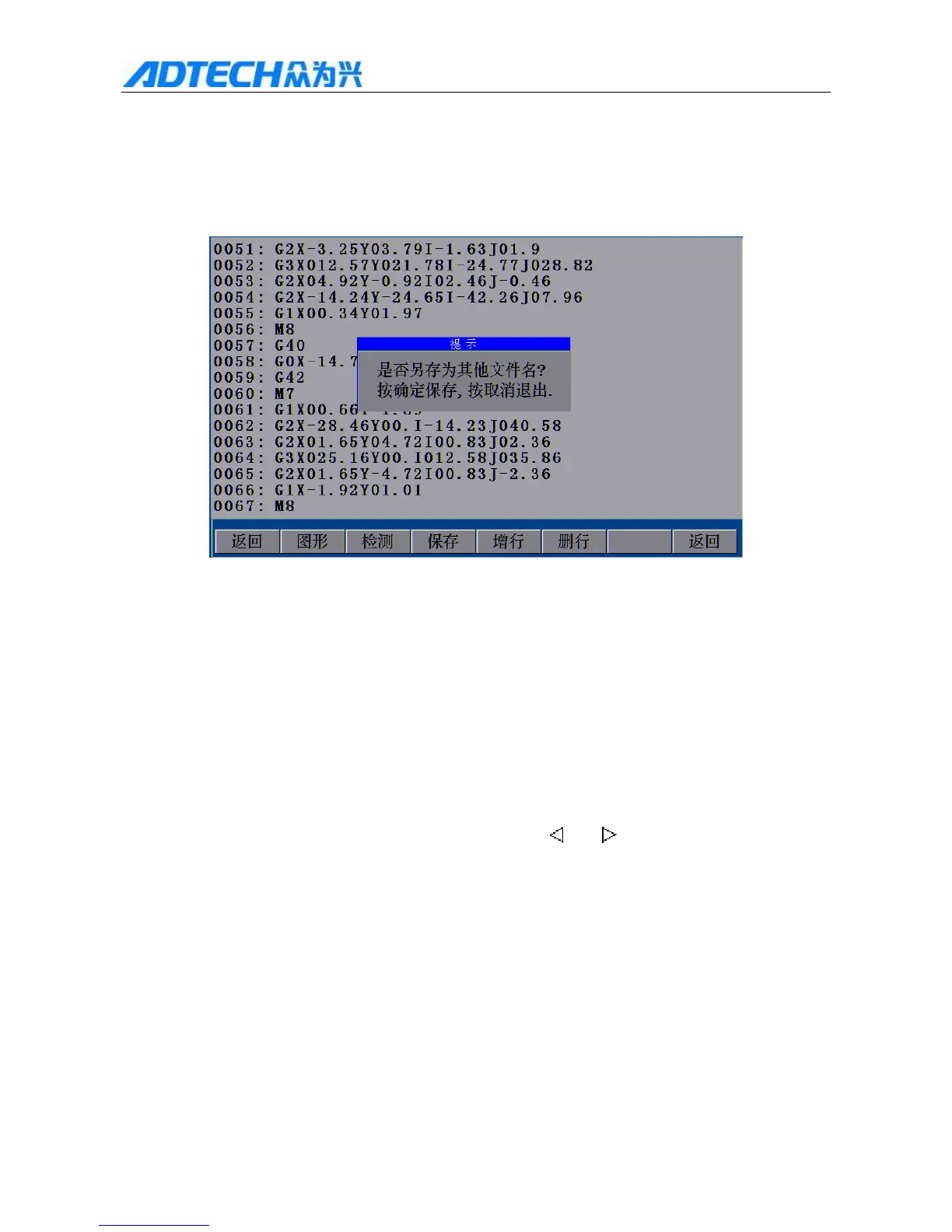
Prompt
Save in another file name?
Press OK to save, or press Cancel to exit
Return / Graphics / Test / Save / Add line / Delete line / Return
3.2.1.3 Saving Files
After entering processing code or checking the code, press [F3] to save before exiting, or the system can’t
memorize current processing file. When you press [F3], the system will ask whether save as another file (as in
Fig. 3.2.1.3); press [Cancel] to overwrite the original file; press [OK] to enter a file name and then press [F5] to
save the file.
If you do not need to save current processing file, you can press [
] or [ ] directly to return to the main
interface.
3.2.4 Add/delete line
Add line: While editing processing file, press [F4] or [OK] to add a line of code below the cursor.
Delete line: While editing processing file, press [F5] to delete the line of code where the cursor locates.
3.3 Basic operation
1) The panel has two types of keys, composite keys and single function keys. For composite keys, you can



 To Next Page