ADT-HC4500 Flame/Plasma Cutting Machine CNC System
- 63 -
press it to execute the lower functions on the keys, or press [Shift] and the composite keys to execute
the upper functions. This function is only available in program edit state.
2) When cursor moves up/down, you can locate the cursor at the line end of the program automatically,
and press to move the cursor for one line every time.
3) Page up/down: Press [Pagup / S] or [Pagdn / S] to turn the page up or down.
4) The line number in the processing program is generated automatically.
5) Press [DEL] on the panel to delete a character where the cursor locates.
6) Press [INS] on the panel to insert a space in the line.
4. Parameters
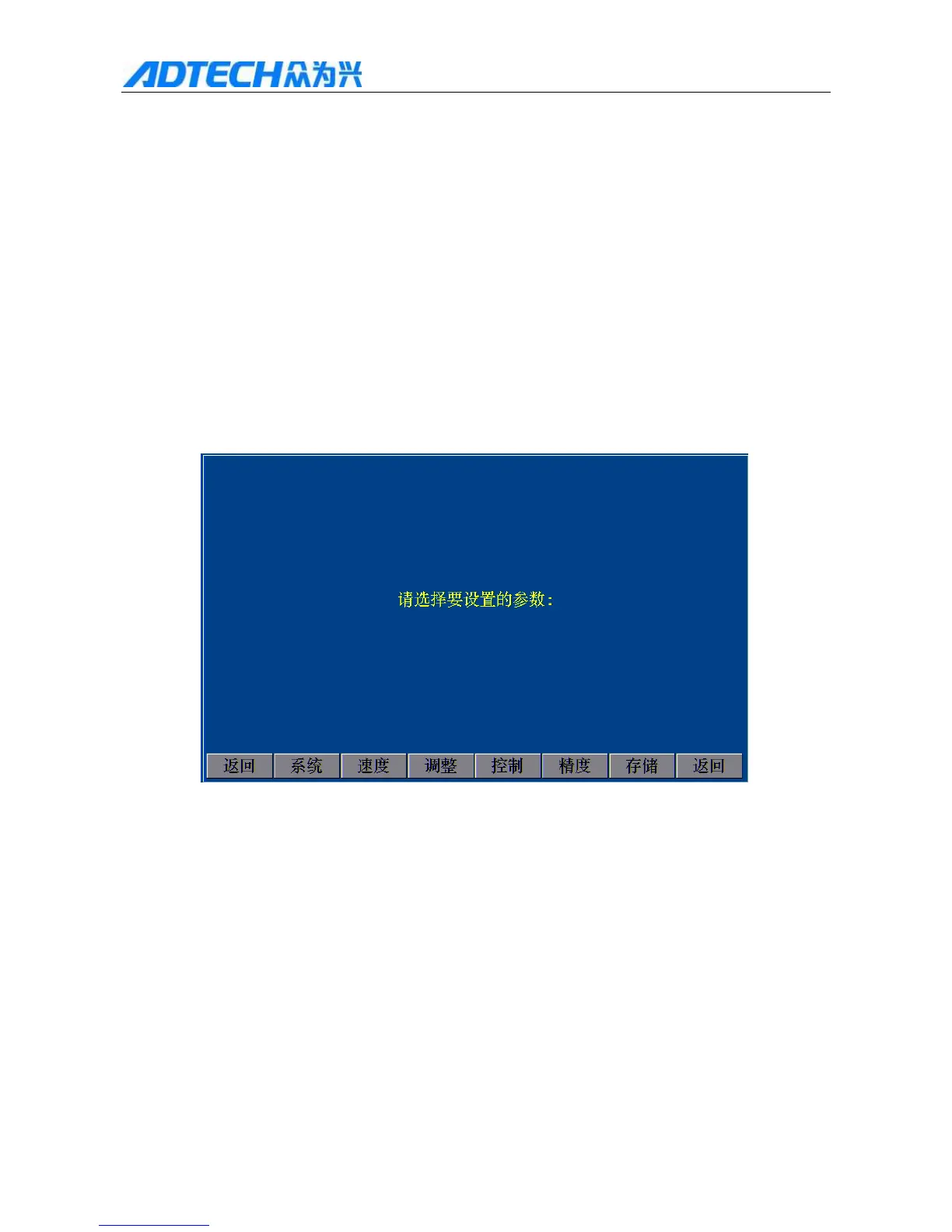
In the main interface, press [F4] to enter parameter settings, as shown below:
Please select the parameter to set:
Return / System / Speed / Adjust / Control / Precision / Save /
Return
Fig. 4 System Parameters Setting Interface
4.1 System configuration
In above system parameter setting interface, press [F1] to enter the setting interface:



 To Next Page