ADT-HC4500 Flame/Plasma Cutting Machine CNC System
- 74 -
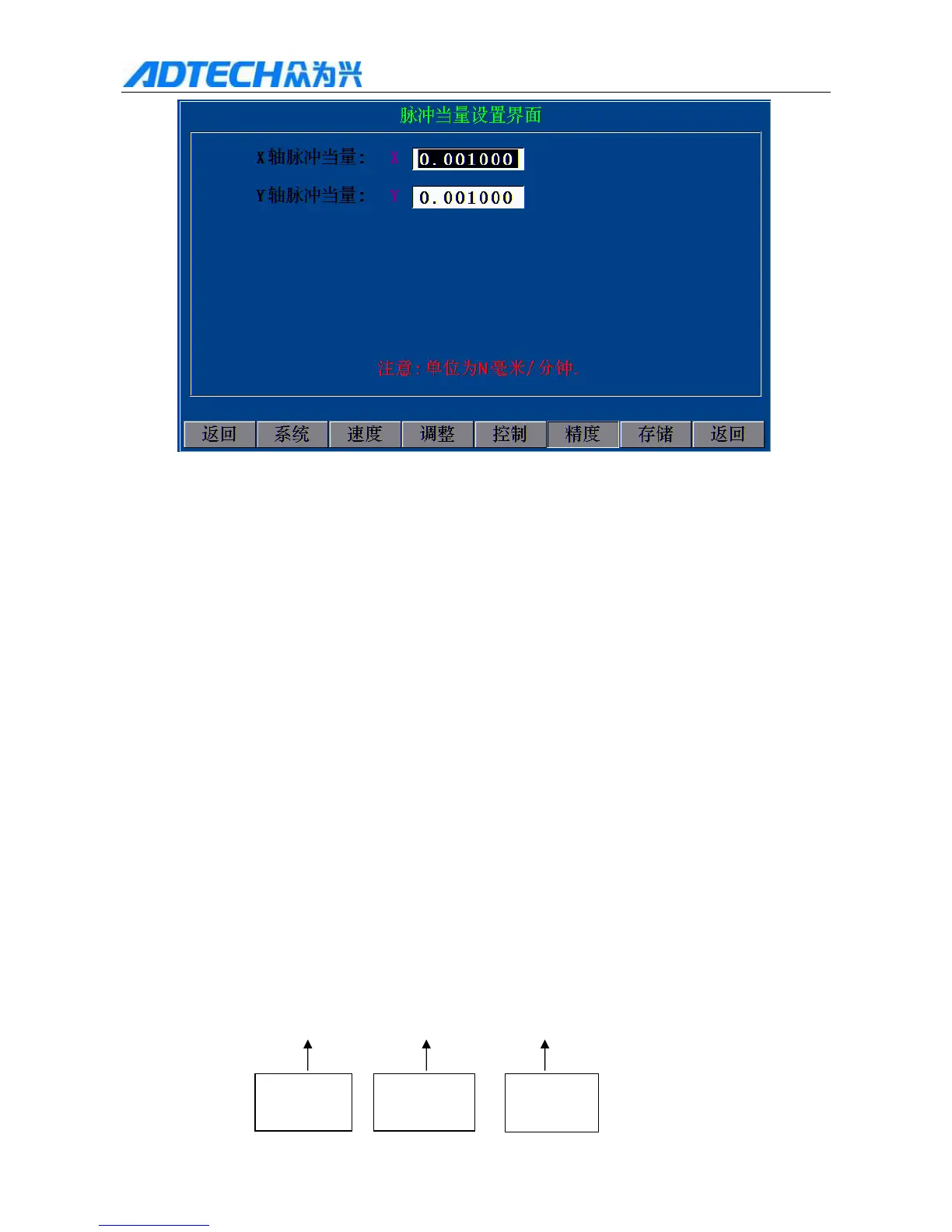
Pulse Equivalent Setting Interface
X X axis pulse equivalent
Y Y axis pulse equivalent
N / Note: The unit is N·mm/min.
Return / System / Speed / Adjust / Control / Precision / Store /
Return
Fig. 4.5 Precision Parameter Interface
4.5.1 Pulse equivalent settings
1) In the main interface, press [F4] and then press [F5] to enter precision setting interface, and set the
X, Y pulse equivalent to 0.010000 (at this moment, the control system sends a pulse, and the
motor moves 0.01MM); after setting, press [F6] to save and exit the main interface.
2) Press [F1] and then press [F2] to enter the manual interface, and then press [F1] to have “Jog
increment: L=+00000.000”,
Enter desired jogging length, and suppose that the jogging unit is 1000MM
3) Press [X+], [X-] or [Y+], [Y-] to start jogging; suppose that the actual moving distance is 578MM,
Calculation formula: (578 × 0.01) ÷ 1000 = 5.78 ÷ 1000 = 0.005780
Actual jogging
data
Actual moving
distance
Pulse equivalent
of current system



 To Next Page