ADT-HC4500 Flame/Plasma Cutting Machine CNC System
- 14 -
Manual speed
Processing speed
Return / System / Speed / Adjust / Control / Precision / Store /
Return
2.6.1 Speed Setting Interface
Press [X+], [X-], [Y+], [Y-] to move the cursor to select, and press the number keys in the left to enter the
value.
After setting the speed, press [F6] (Store) to save the modified parameters.
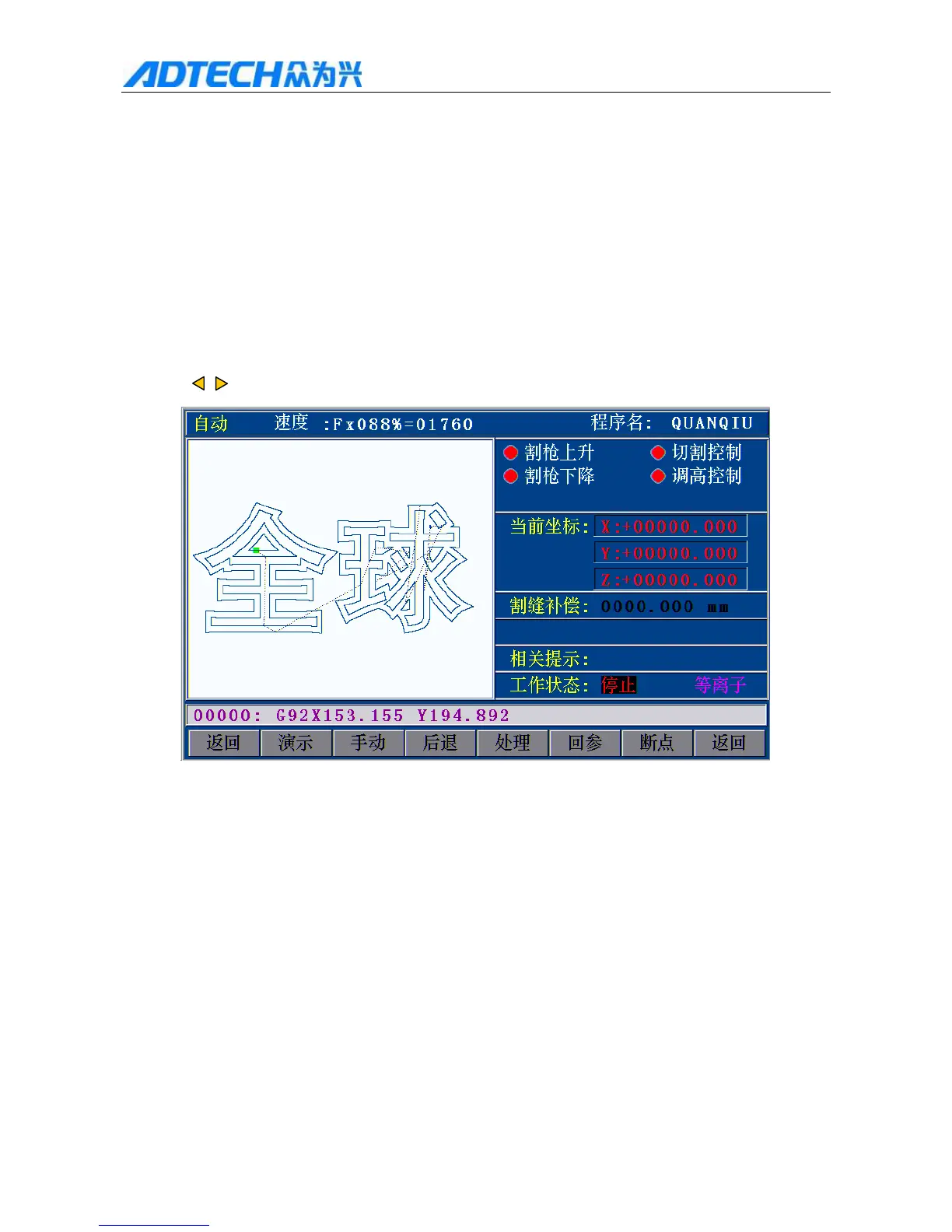
Press to return to the main menu, and then press [F1] to enter the automatic processing interface:
Auto / Speed: / Program name:
GLOBAL
Torch up / Cutting Control
Torch down / Height control
Current coordinates
Slot compensation
Prompt:
Working state: Stopped / Plasma
Return / Demonstrate / Manual / Back / Process / Return reference / Break
point / Return
2.6.2 Automatic Processing Interface



 To Next Page