ADT-HC4500 Flame/Plasma Cutting Machine CNC System
- 33 -
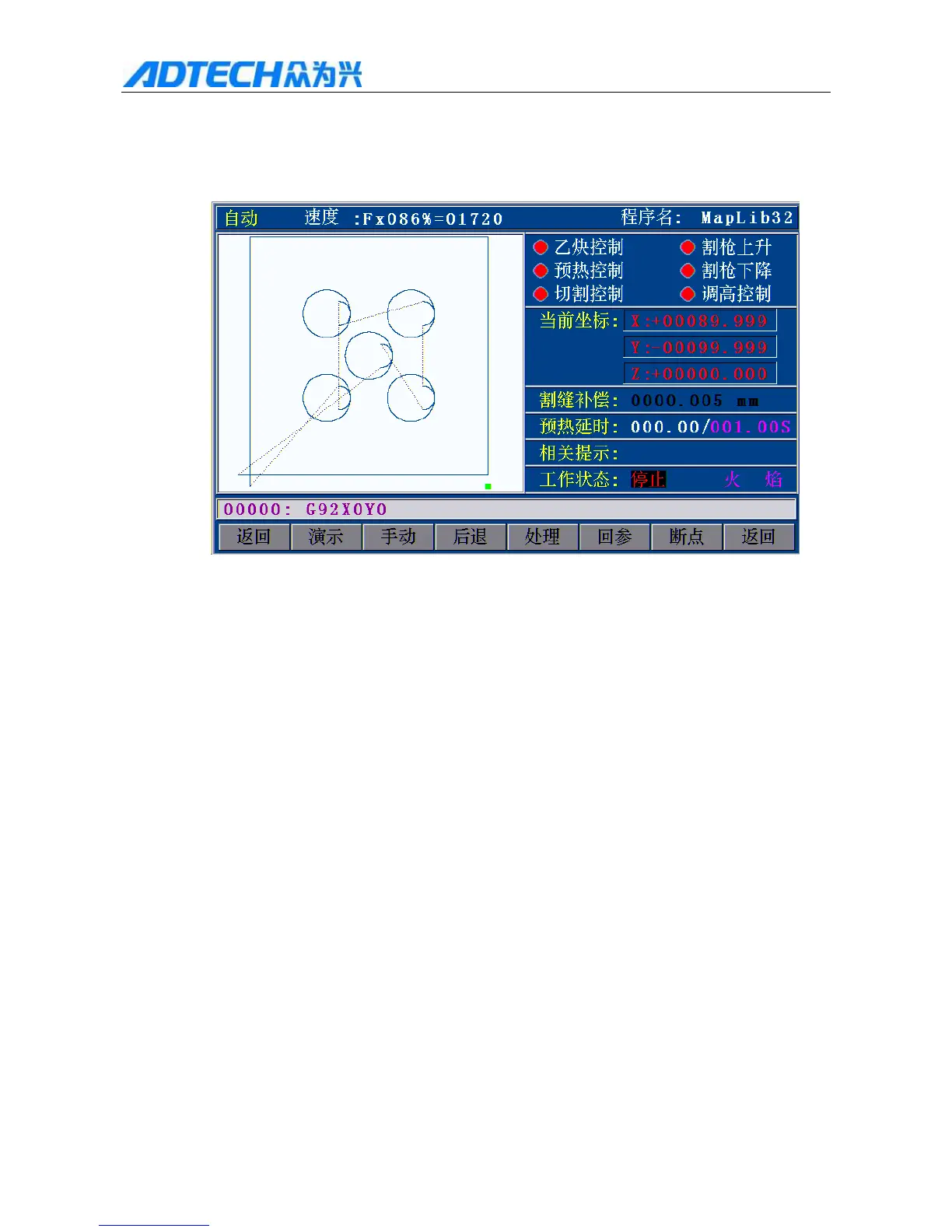
In pause state, press [G], and the start point moves to the lower left of the graphics automatically; press [G]
again, and the start point moves to the lower right. Press it repeatedly, and the start point appears in the
four corners of the graphics in sequence. You can select appropriate corner as the start point.
Auto / Speed: / Program name
Ethyne control / Torch up
Preheating control / Torch down
Cutting Control / Height control
Current coordinates
Slot compensation
Preheating delay
Prompt:
Working state: Stopped / Flame
Return / Demonstrate / Manual / Back / Process / Return reference / Break
point / Return
Fig. 2.20 Locate the Start Point to the Lower Right of the Graphics
With this function, the program will reset automatically.
After selecting the alignment point, press Start to move the torch from alignment point to the original start
of the program, and then start processing.



 To Next Page