14
Chapter 1 Getting Started
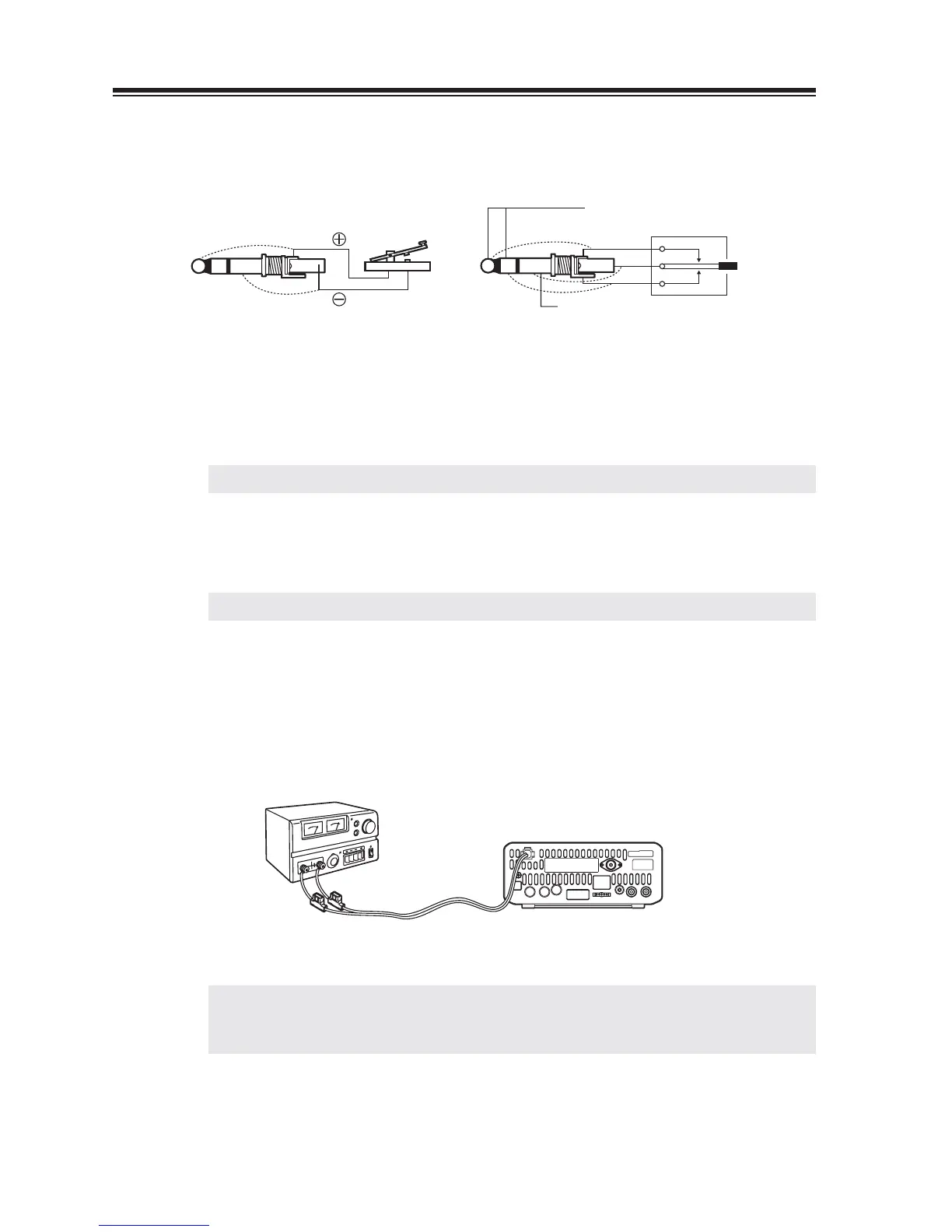
2. Connecting a telegraph key
Connect a 3.5 mm diameter stereo plug to the KEY jack on the rear panel. If using an
electronic-keyer, pay attention to the polarity of the plug.
GND(-)
5V(+)
Contact current: 1 to 2 mA
( )
( )
(dash)
(com)
(dot)
When connecting a straight key When connecting a paddle
3. Connecting an external speaker (if not using the internal speaker)
Connect a 3.5 mm diameter mono plug to the SPEAKER jack on the front panel. Use a 3
W or higher external speaker with 8 ohm impedance.
NOTE: When an external speaker is used, no sound is heard from the internal speaker.
4. Connecting headphones
Connect a 3.5 mm diameter mono or stereo plug to the PHONES jack on the front panel.
NOTE: When headphones are used, no sound is heard from the speaker.
5. Connecting a regulated DC power supply
The Transceiver requires a 12-13.8VDC negative grounded power source. Use a regulated
power supply capable of providing continuous current of 30A or more. Power supplies
that do not meet those specifi cations may cause malfunction and/or damage to the radio
and will void the warranty. Alinco offers excellent communication-grade power supplies
as optional accessories. Please contact your local authorized Alinco dealer.
Red to positive
Black to negative
*
IMPORTANT: Before connecting, be sure to turn off the transceiver and DC power supply.
* When a transceiver is powered from an external DC power source, make
sure that this power supply has approval to the level of IEC/EN 60950-1.



 To Next Page