Ringtones
- 98 -
Previously downloaded ringtones
Use this procedure to play or select downloaded ringtones, or to delete* them.
& *Note, although you can delete previously downloaded ringtones, there
should be no need to. We recommend that you leave downloaded
ringtones stored in case you wish to re-select them later.
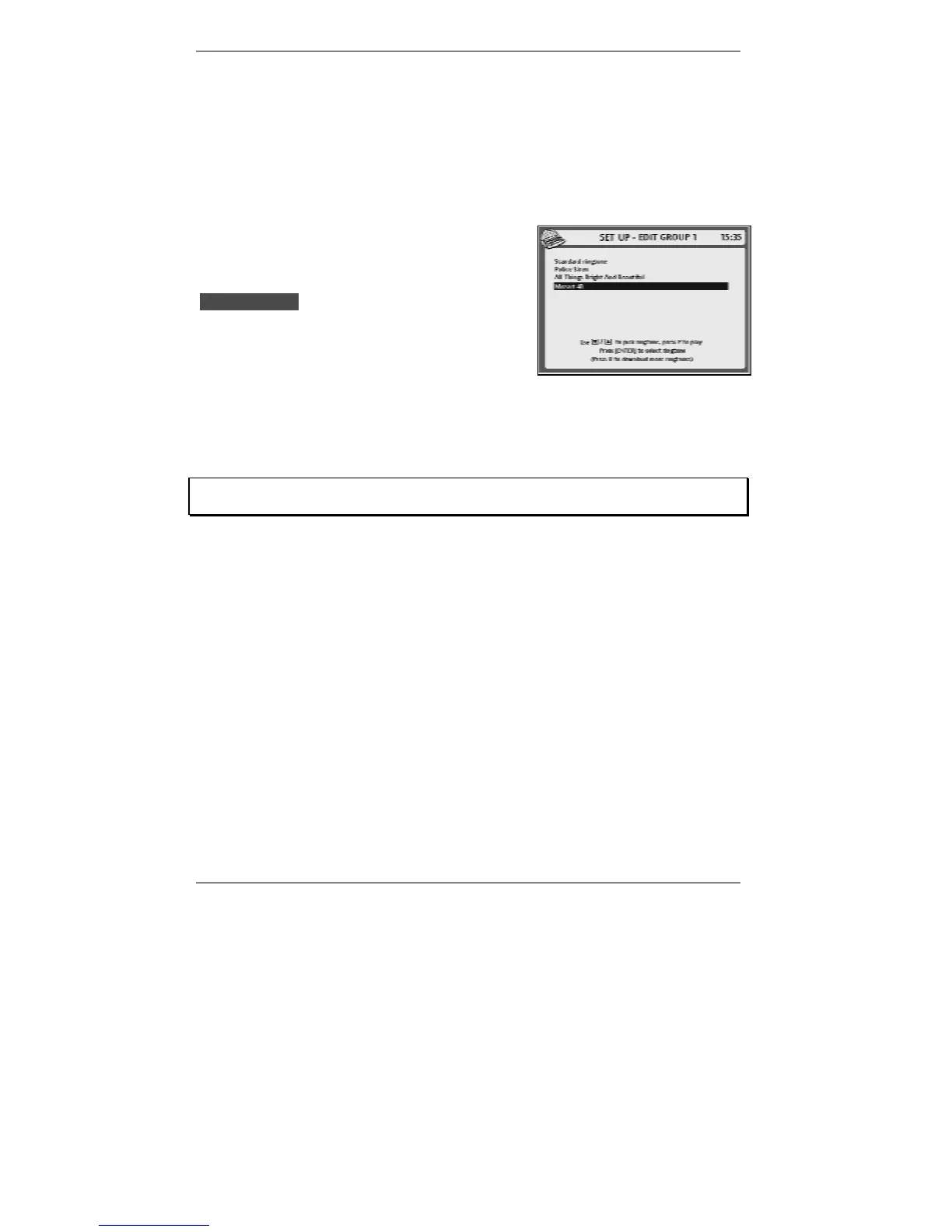
1. Press SETUP, 2, 5, 1 so that the following
display appears (for example):
(Note that the currently selected ringtone is
lhighlightedl.)
2. Use U D to highlight the required ringtone,
then choose one of the following options:
♦ to play the ringtone, press P.
♦ to select the ringtone for use, press ENTER.
♦ to delete* the ringtone, press !DEL (then press Y to confirm deletion).
Be careful – once a ringtone is deleted, the only way it can be restored is by
downloading it again.
3. Press STOP repeatedly to return to standby display.
& Note, you cannot delete the standard ringtone (the e-m@iler will beep).



 To Next Page