VoiceMail answering machine
- 107 -
Playing back messages
➣
FAST TRACK: Press PLAY twice. (Press STOP to close.)
& You can adjust the playback volume using
and on the e-m@iler,
or SYMBOL and
U D on the keyboard.
If there are any new messages to playback, the
green voice light will come on and the display will
show the number of messages, for example:
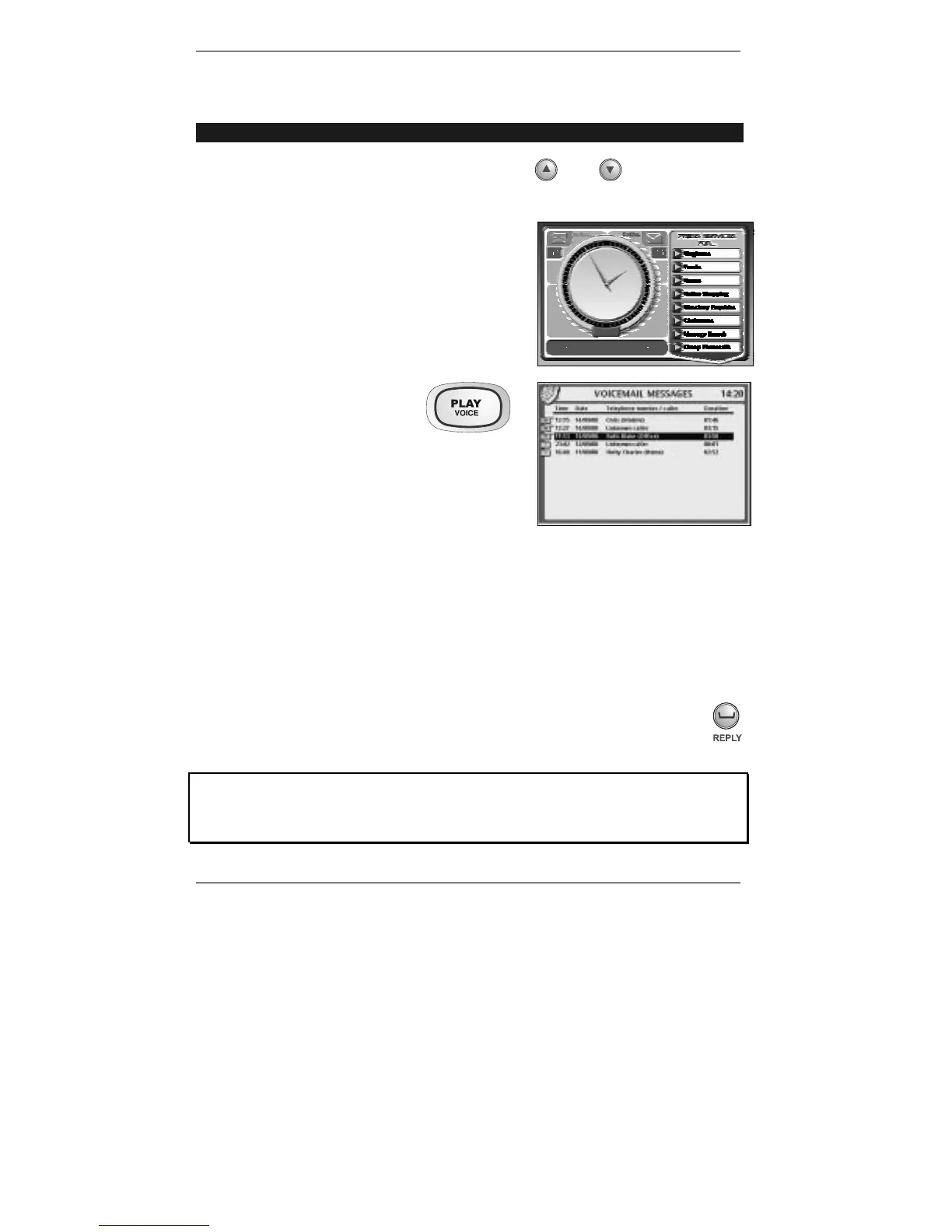
1. Press PLAY (on the
e-m@iler) to receive the
following display (right):
2. Press PLAY again. All new messages will be
played back (in the order they were received).
♦ For private listening, pick up handset.
Note that messages are designated old messages after they've been played once,
even partially.
(To play old messages, use
U D to select the message before pressing PLAY.)
♦ During playback, you can pause by pressing PLAY once (note that P will be
displayed after a second or two). Press PLAY again to restart playback.
♦ To stop playback, press STOP (wait a second or two).
♦ (Caller Display subscribers only) – If the caller's name or number is
displayed on the list of messages, you can return the call – use U D to
select, then press REPLY to dial it.
Once you have listened to messages, delete them as soon as possible (see next
page). Do not keep lots of old messages stored as they severely restrict the
amount of memory available for new Voicemail and email messages and new
Address Book entries.



 To Next Page