Advanced settings
- 147 -
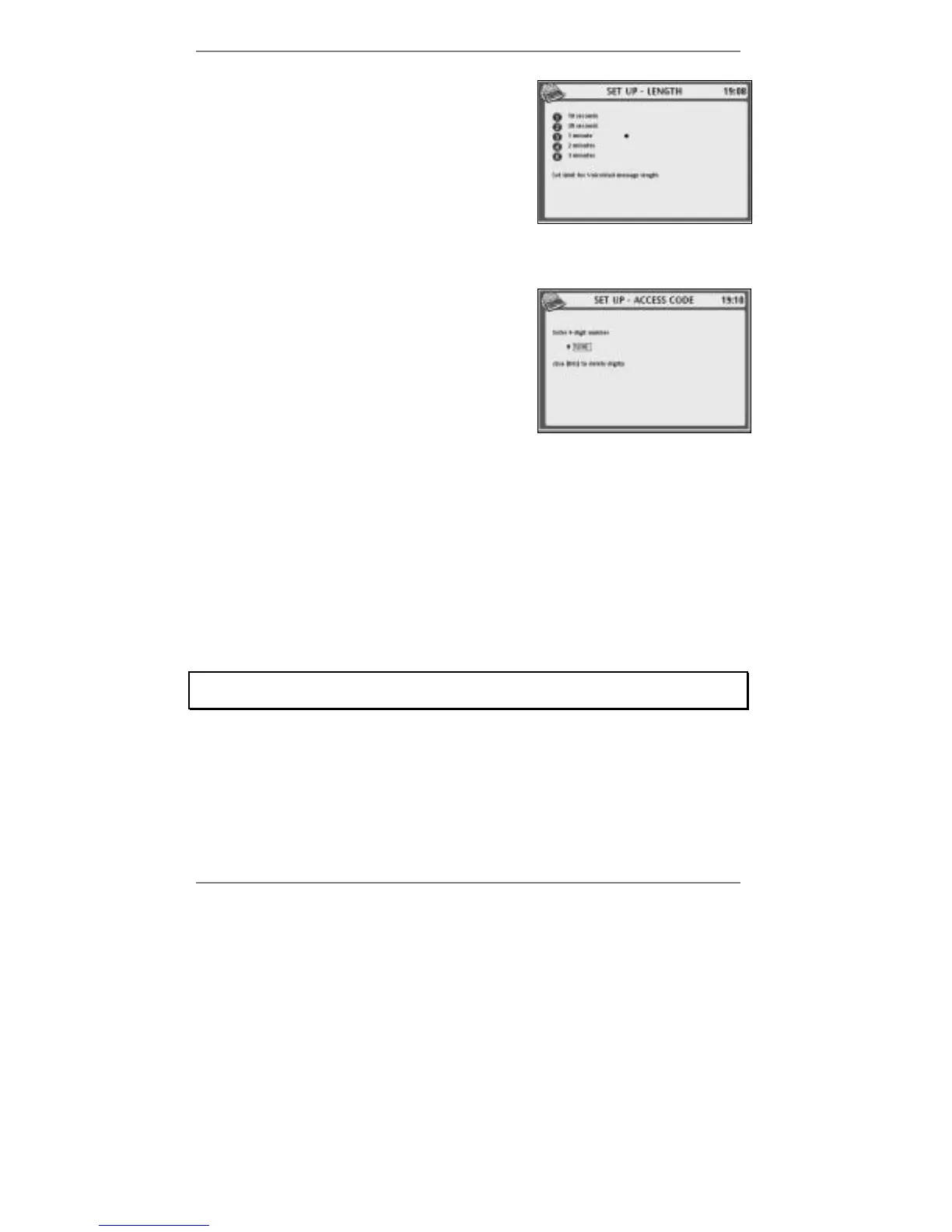
9. Press 4 so that top line reads SET UP -
LENGTH:
10. Decide the maximum length per message you
require, then press 1 – 5 accordingly.
11. Press STORE once.
12. If you wish to change (or check) the remote access code, continue to step 13. If
not, go straight to step 15.
13. Press 5 so that top line reads SET UP
-
ACCESS CODE:
♦ You can now check the remote access code
(in the box).
♦ If you wish to change the code, first press
!DEL to delete the existing numbers, then
type in the new code.
& The code must be 4-digits long, otherwise the e-m@iler will beep.
14. Double-check the code then press STORE.
15. Press STORE, then press STOP repeatedly to return to standby display.
& If you wish, you can note down your remote access code on the cut-out slip
on page 163 of this book.
Ringtone settings
The following section applies only if you subscribe to Caller Display. If you don't
subscribe, skip to the section 'Changing ringtone pitch and speed' on page 152.
Ring groups
Ringtones can be used to let you know who's calling or who the call’s for. To do this,
you decide on a ring group number for each member of your household and then
each ring group is allocated a different ringtone. Once you've defined the ring groups,
you can allot them to Address Book entries so that incoming calls automatically
determine the correct ringtone to be played.



 To Next Page