Installation
- 9 -
Care and maintenance
The e-m@iler may be cleaned by wiping it over with a clean, barely damp cloth. Do not
use sprays or abrasive cleaners as these can damage the cabinet and components.
Take special care not to mark or scratch the screen display. If ever you need to clean
the camera lens, do it very gently using a cotton-bud damped with lens cleaner.
IMPORTANT – The e-m@iler must remain powered day and
night so that it's ready to make a video payment call
(information on page 37) or to receive any new email or
software update (information on page 27).
Note if you disconnect the power for a prolonged period,
your email account will be suspended. You can re-adopt the
account within 90 days by carrying out the procedure on
page 132. After 90 days, however, the account will be
deleted and its username released for re-use in new
registrations. Any email sent to a deleted account will be
returned to the sender as undeliverable.
Switching on
Plug the mains adaptor into the mains supply and switch on at the wall. The red and
green lights above the
e-m@iler screen will flash while the e-m@iler carries out its
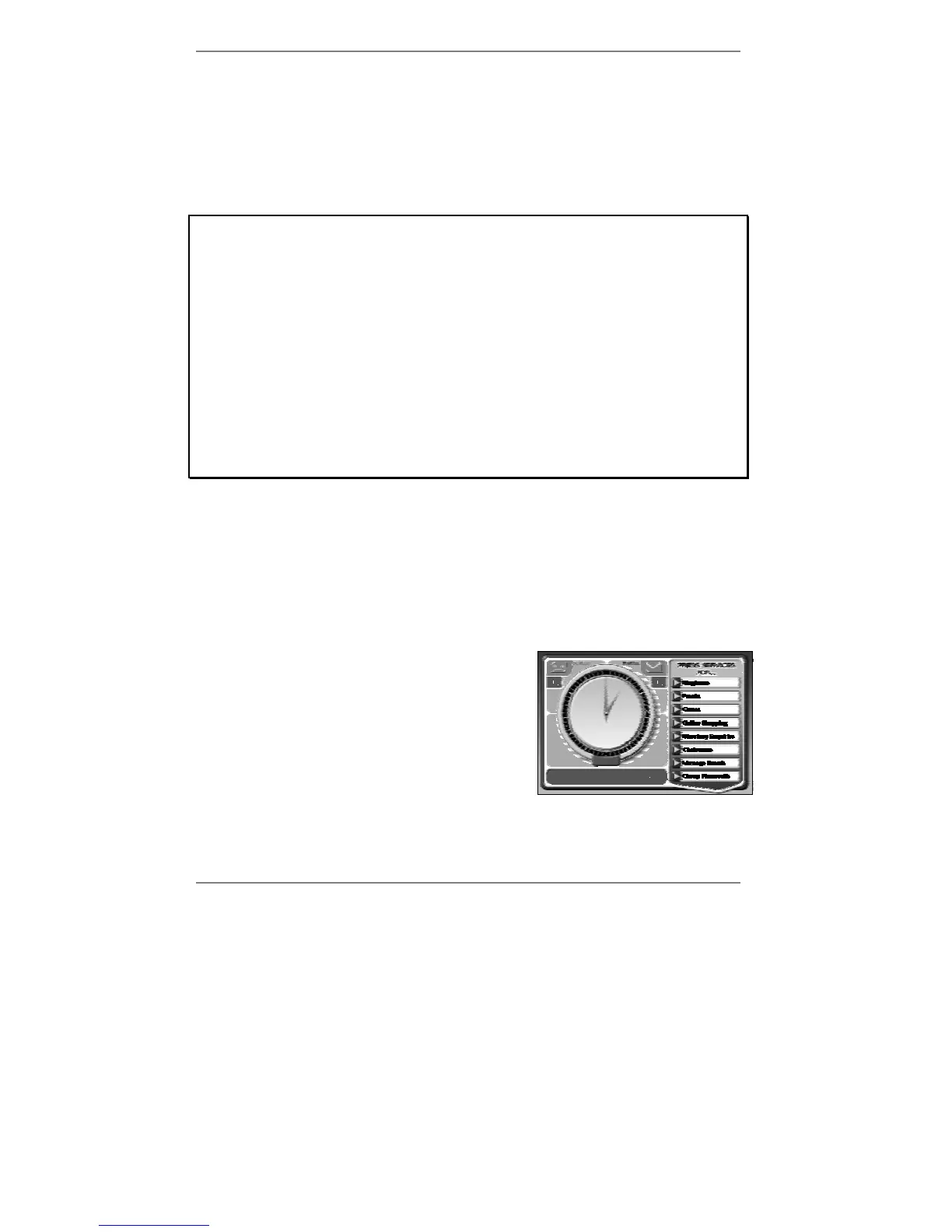
internal start-up procedure. This takes approximately one minute, after which the
following display will appear (see example below).
Note that this display (containing the clock) is called
the standby display.
When you first switch on, you'll see the message
'Press the [EMAIL] button to get
connected' at the bottom of the standby display –
don't press the EMAIL button just yet!
& If you don't see the above display, make sure that the handset is in position.
(See also 'Demo mode' on next page.)



 To Next Page