Advanced settings
- 124 -
Set up procedures
If you get stuck!
Note – in all of the following procedures, you can press STOP to escape
from the current display and go back to the previous display. (On some
displays you may need to press STOP a number of times to go all the way
back to the standby display.)
& Note that most displays will time-out automatically and return to the standby
display after 5 minutes' inactivity.
♦ To escape from online procedures, press "SHIFT and STOP together.
Display settings
➣
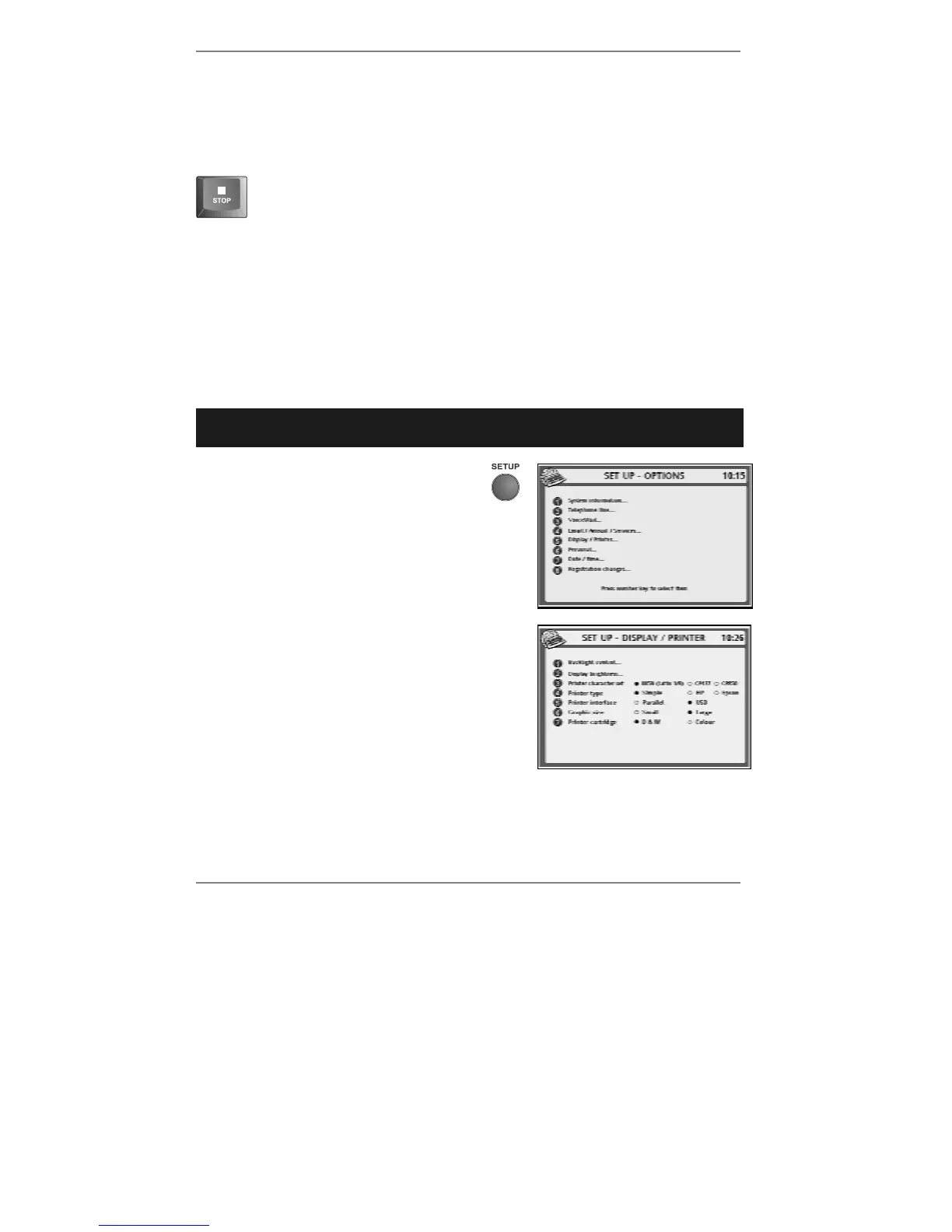
FAST TRACK: Press SETUP, 5, select/adjust required option(s), press
STORE.
1. Press SETUP so that display top line
reads SET UP - OPTIONS (see
right):
2. Press 5 so that display top line reads SET UP
- DISPLAY / PRINTER (see right):
3. If you wish to change the way the display is
backlit, continue to step 4. If not, go straight to
step 7.
& Note, the currently selected options are shown ●. (Un-selected options are
shown #.)
4. Press 1 so that top line reads SET UP – BACKLIGHT.



 To Next Page