Advanced settings
- 125 -
5. Select from the displayed options as follows:
♦ press 1 to have the display backlit continuously
♦ press 2 to have the display backlit during use, then time-out 5 minutes after use
♦ press 3 to have the display backlit continuously during the day (7am – 10pm) and
time-out 5 minutes after use during the night
NOTE – If option 2 or 3 is selected and an advert is received, the
backlight will be on continuously until the advert expires or is
deleted.
& If the current time has not been set, the display will be backlit continuously
even if option 2 or 3 is selected.
6. Press STORE when you've made your selection.
7. If you wish to change the brightness of the display, continue to step 8. If not, go
straight to step 11.
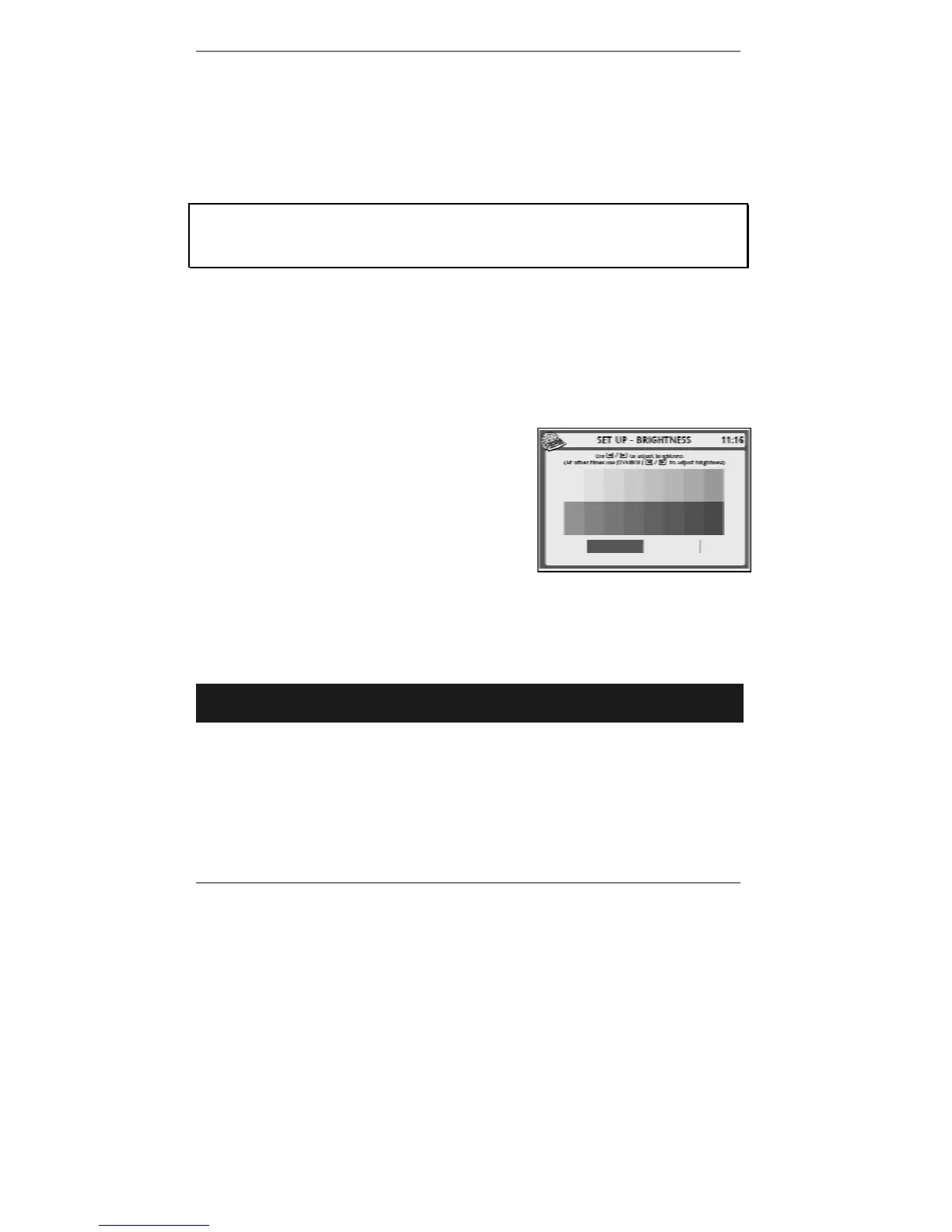
8. Press 2 so that top line reads SET UP -
BRIGHTNESS:
9. Use keys L R to adjust brightness.
10. Press STORE when you've made your
selection.
11. Press STOP repeatedly to return to standby display.
Date and time settings
➣
FAST TRACK: Press SETUP, 7, select/adjust required option(s), press
STORE.
♦ Note during normal use
, date and time are set automatically (including GMT /
BST changes).
1. Press SETUP, 7 so that display top line reads SET UP - DATE / TIME.
2. If you wish to change the displayed time format (between 12-hour and 24-hour
clock), continue to step 3. If not, go straight to step 4.



 To Next Page