Advanced settings
- 126 -
3. Check the option you require is selected: 12 hour or 24 hour. To change it
press 1.
& The selected option is shown ●. (The un-selected option is shown #.)
4. If you wish to change the current date and time, continue to step 5. If not, go
straight to step 7.
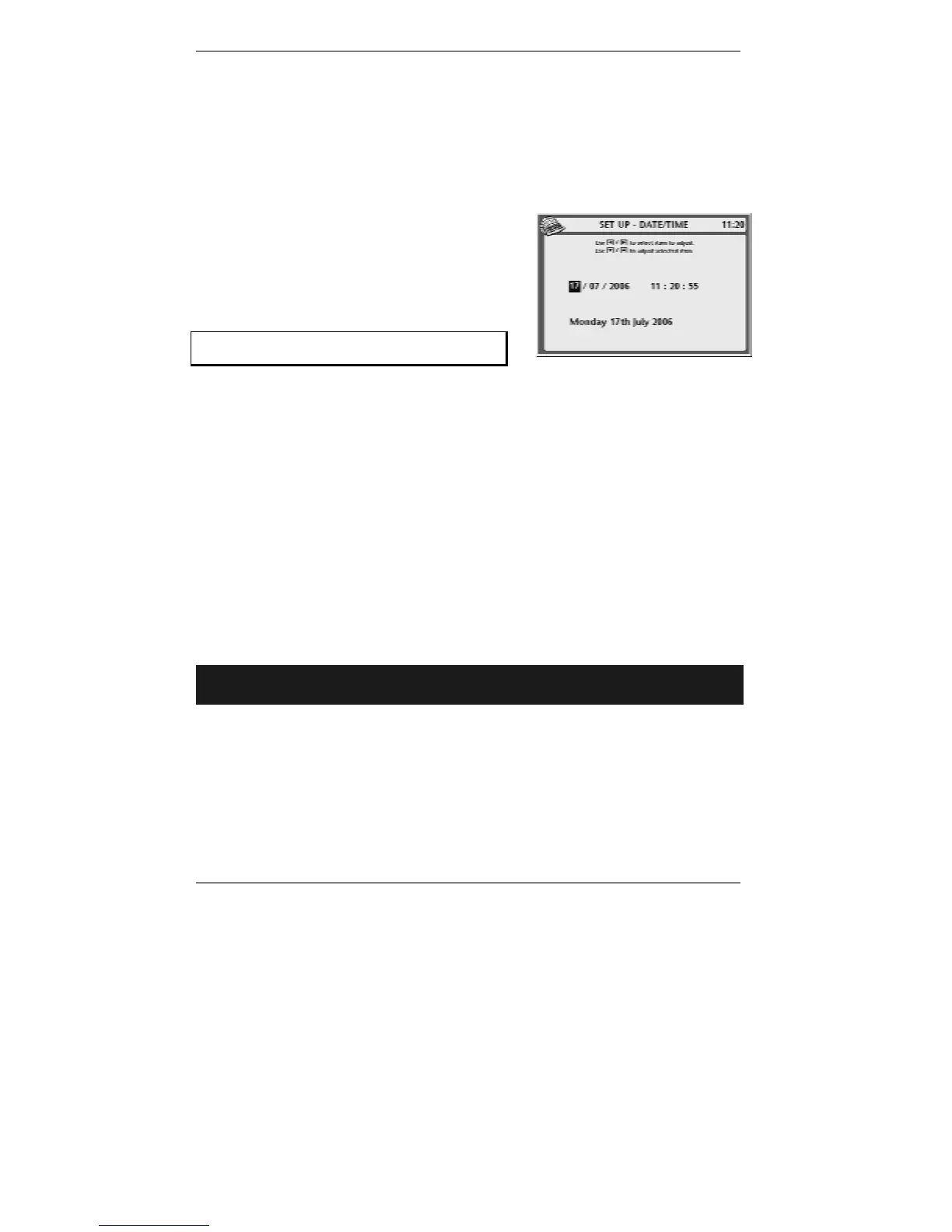
5. Press 2 so that top line reads SET UP -
DATE/TIME:
6. Use keys
L R to select the item to adjust
(day, month, year, hour, minute, second),
then use U D to adjust it.
Always set the hours according to the
24-hour clock.
7. Press STORE to store your setting.
8. If you wish to change the time zone, continue to step 9. If not, go straight to
step 12.
9. Press 7, 3 so that display top line reads SET UP - TIME ZONE.
10. Use keys
U D to select the time zone of your choice.
11. Press STORE to store your setting.
12. Press STOP to return to standby display.
Telephone service settings
➣
FAST TRACK: Press SETUP, 2, select/adjust required option(s), press
STORE.
In order to access various telephone service facilities, you may need to change certain
settings. These are determined by your installation (home or office) and your telephone
service provider (BT, NTL, etc). The following settings are available:
♦ To reduce call charges, the cost saver facility allows you to change to an
alternative service provider’s tariff. Usually, to make calls on alternative tariffs you
have to dial a prefix (for example 132) before the full telephone number. The
e-m@iler's cost saver facility allows you to set up this prefix and have it applied
automatically to the appropriate calls.



 To Next Page