Telephone
- 35 -
Call log
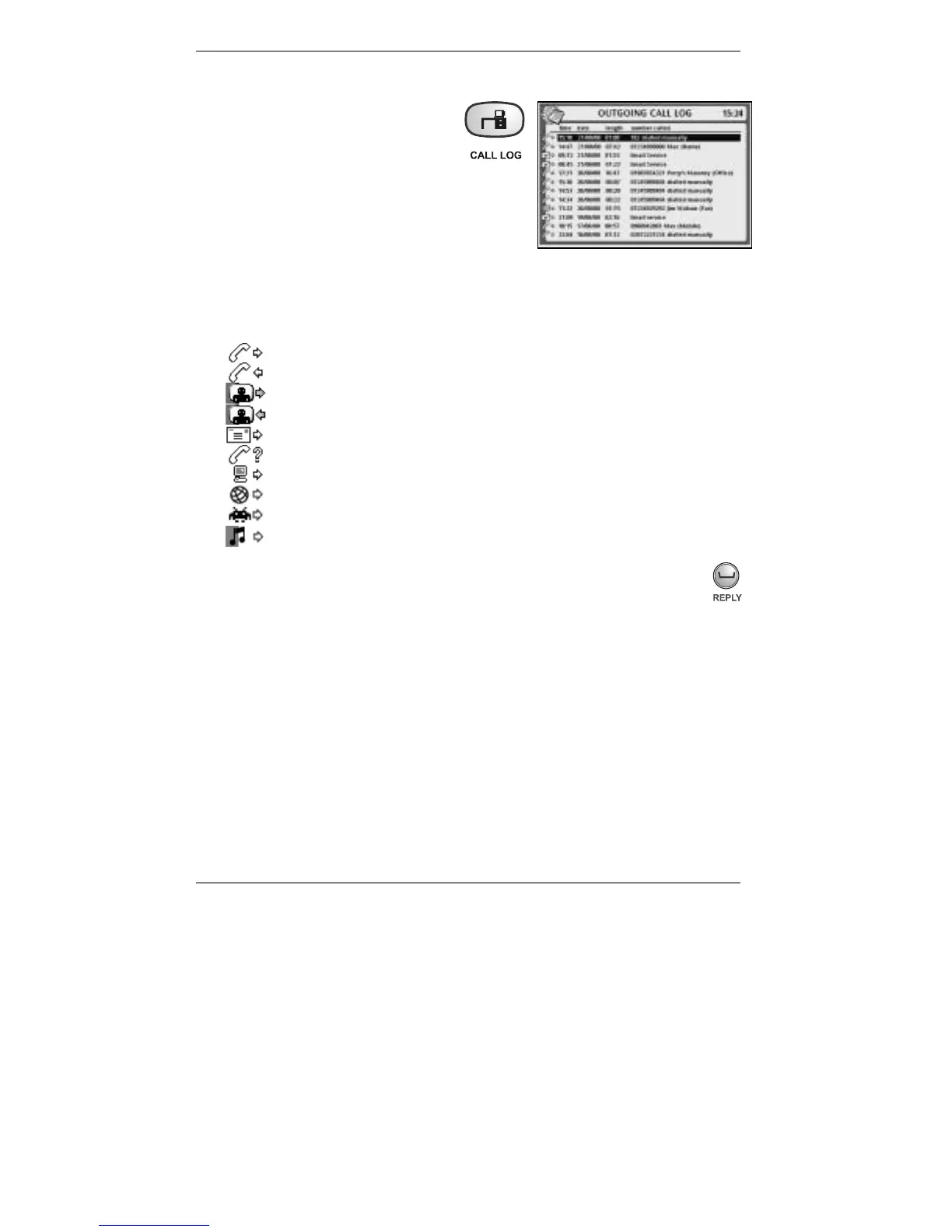
To display details of the last 12 calls
(outgoing and incoming), hold down
the CALL LOG button (for approx
5 seconds) until the display shows
(right):
Note the outgoing call log is displayed
first. To change to incoming call log
(and back again) press CALL LOG.
& If you subscribe to Caller Display and the callers’ numbers are in the Address
Book memory, the incoming call log will display both number and name.
♦ Note the icons displayed in the left-hand column denote the following:
Outgoing voice call
Incoming voice call
Outgoing videophone call (video initiated by you)
Incoming videophone call (video initiated by you)
Email / SMS / MMS / fax call
Unanswered call / call on extension / unknown call type
Free advert call / registration call / software update call / video payment call
Amsurf internet call
Games download call
Ringtone download call
♦ To dial from the call log, use
U D to select the number, then press
REPLY to dial it (or press ENTER) and pick up the handset.
♦ To clear a call log, hold down DELETE on the e-m@iler for 5 seconds.
(Alternatively press "SHIFT and !DEL on the keyboard.)
♦ You can print the call log if desired. (Information on page 66.)
♦ To paste* from the incoming or outgoing call log, highlight the required number
and then, using the keyboard, press STORE together with HOME (or OFFICE
or MOBILE). This opens a new Address Book entry with the selected number
pre-inserted. Type in the entry name and press STORE. (Storing information is on
page 43.)
*Paste facility for incoming telephone numbers available only if you subscribe to Caller
Display and the caller's number is displayed.
When you've finished using the call log, press STOP to return to the standby display.



 To Next Page