Programming the Address Book
- 43 -
If the phone rings…
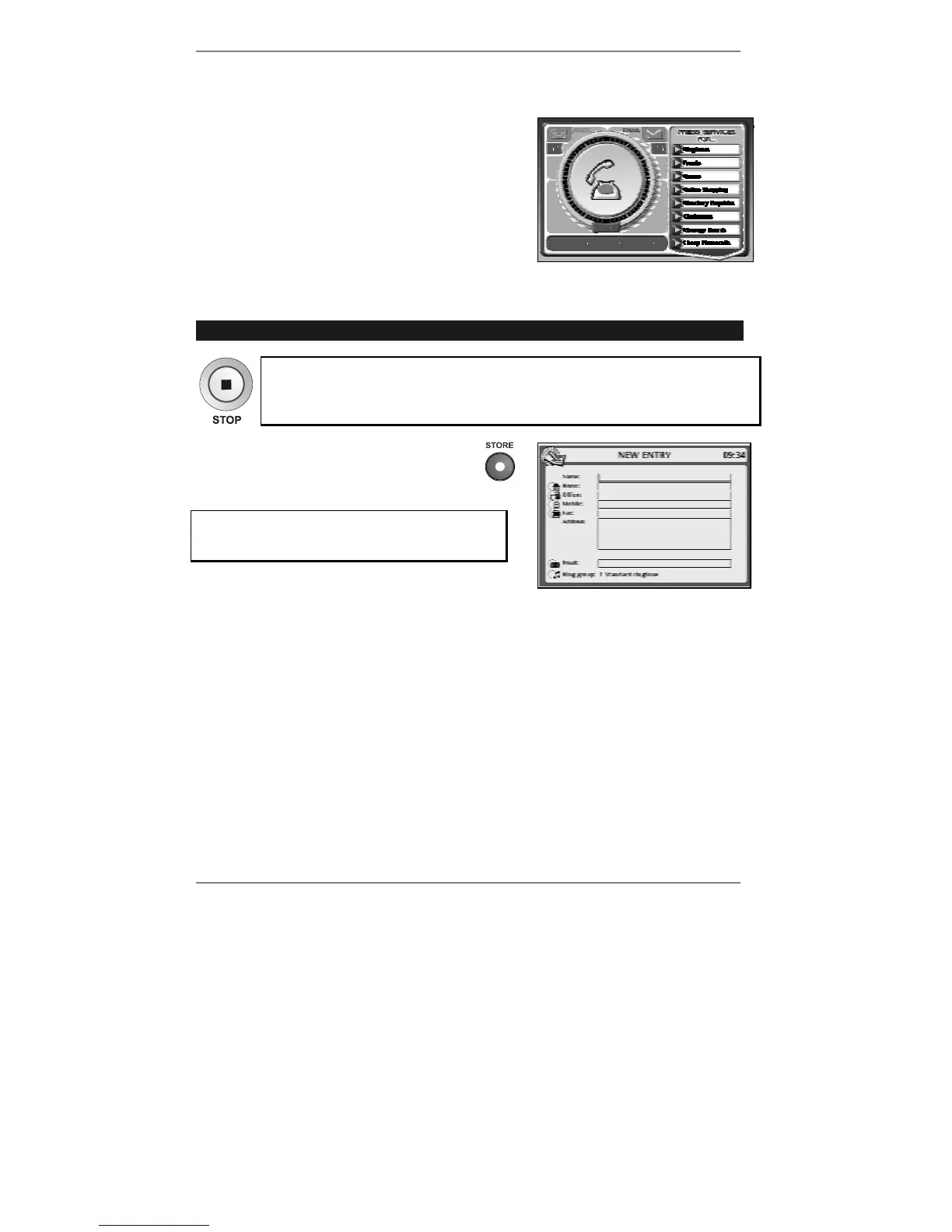
If the phone rings while you're programming the
Address Book (or carrying out some other
operation), the screen you're working on will be
replaced by the following (for example):
Note when you finish the phone call, the previous
screen will be restored.
Storing a new entry
➣
FAST TRACK: Press STORE, type in details, press STORE again.
To abort storing or editing, press STOP on the e-m@iler (or "SHIFT and
STOP on the keyboard).
1. Press STORE at top left of
keyboard. The following display will
appear (right):
If the
e-m@iler beeps and this display doesn't
appear, see 'Address Book errors' on page
45.
Inside the Name: box you will see
|. This is called the cursor and it shows you the
position of any text you type in.
To move the cursor up and down the display, use keys
U D. To move the cursor left
and right (within text), use keys
L R.
2. Type in the name.
& For typing tips, see page 45.
3. Move the cursor into the box you wish to type: Home:, Office:, Mobile:, Fax:,
Address: or Email:.
4. Using the keyboard, type in the number or address (don't use the number buttons
on the phone).



 To Next Page