VoiceMail answering machine
- 108 -
♦ Note the icons displayed to the left of the messages denote:
Voicemail in – new message
Voicemail in – old message
Voice memo – new message
Voice memo – old message
♦ To paste* from the list of VoiceMail messages, highlight the required number and
then, using the keyboard, press STORE together with HOME (or OFFICE or
MOBILE) to open a new Address Book entry with the selected number pre-
inserted. Finally, type in the entry name and press STORE. (Storing information is
on page 43.)
*Paste facility available only if you subscribe to Caller Display and the caller's number
is displayed.
3. When you have finished listening to messages, press STOP so that the e-m@iler
returns to the standby display.
Memory Low warning
If MEMORY LOW – Delete old messages / email appears at the bottom of
the display, note that VoiceMail will not work until you've freed memory space by
deleting VoiceMail, email or fax messages.
Deleting messages
➣
FAST TRACK: Press PLAY, press U D to select message, press DELETE
to delete. (Press STOP to finish.)
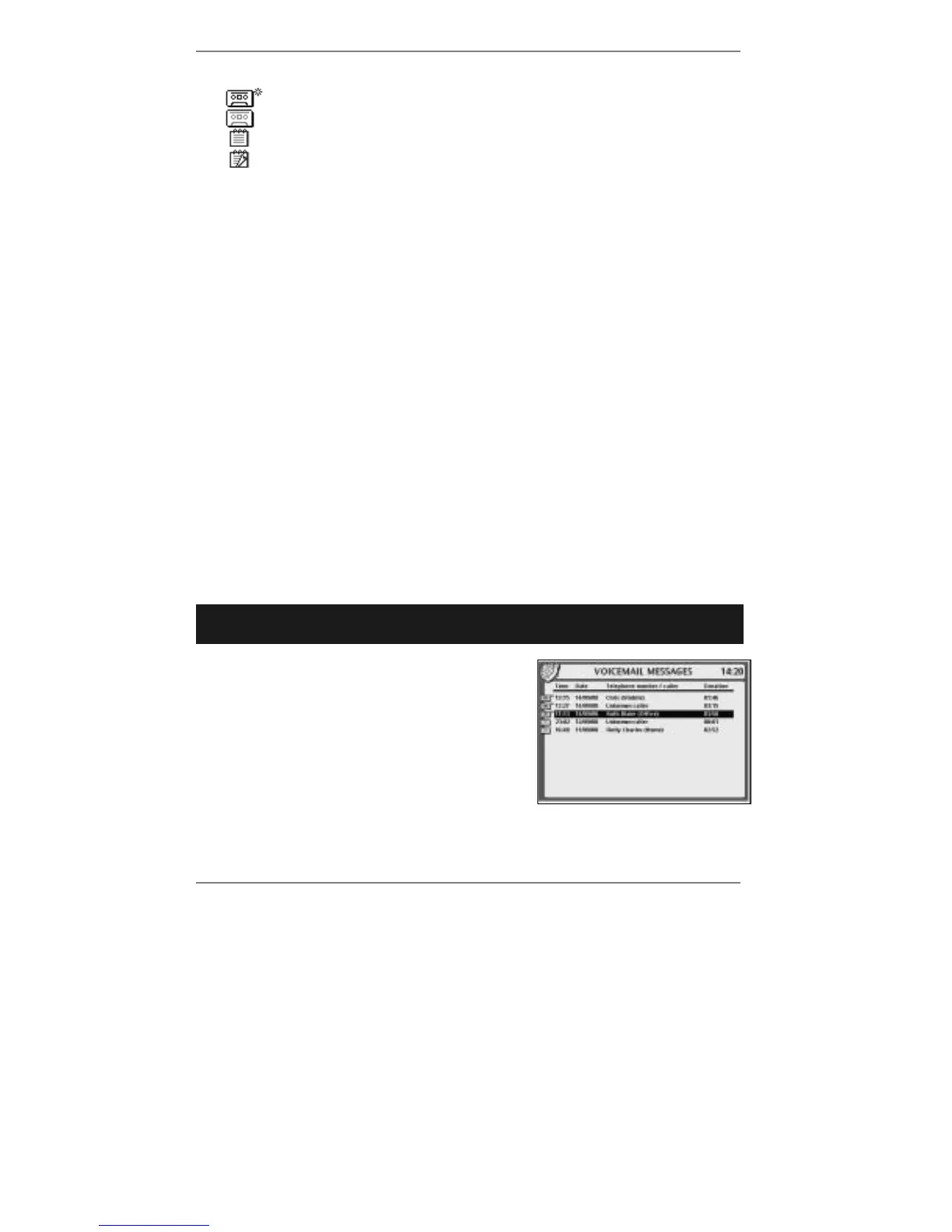
1. Press PLAY and the following display will
appear (for example):
2. Use U D to select the message to delete, then
press DELETE on the
e-m@iler (or "SHIFT
and !DEL on the keyboard). The message
will disappear from the displayed list.
To delete any other message(s), repeat step 2.



 To Next Page