Making a call from the Address Book
- 51 -
D
Making a call from
the Address Book
Before you can use the Address Book for making calls, you must have
previously programmed its memory. (Information on page 42.)
How to make a call
➣
FAST TRACK: Type in name, press HOME or OFFICE or MOBILE.
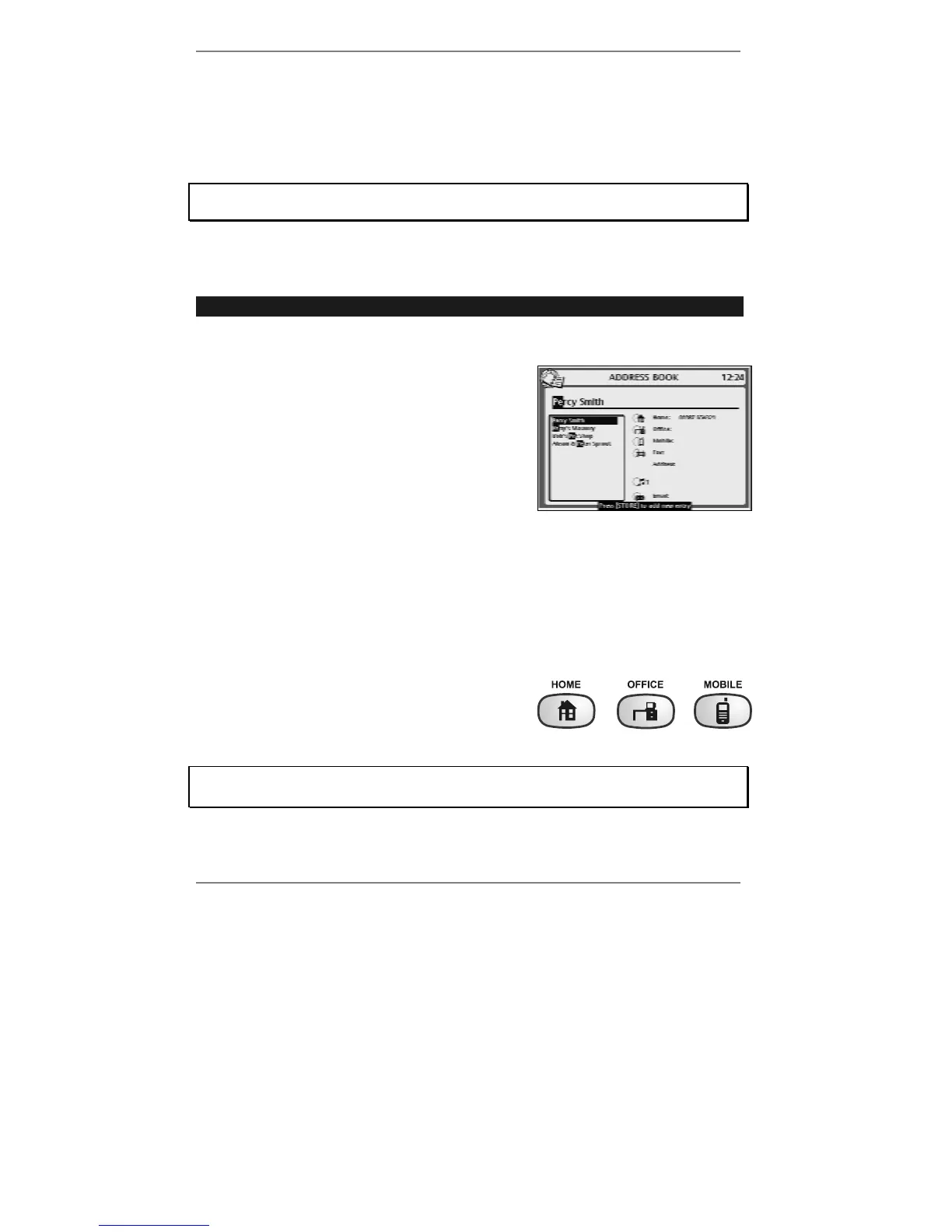
1. Start typing in the name you wish to call, for example: Pe…
As you type each letter, a list of possible 'matches'
to the entered name will be displayed, for example
(right):
Continue to type until the name you require is
displayed on the top line (use U D if necessary).
& It doesn't matter whether you type the name in small or capital letters.
& Note that the display lists first-name matches before second, third, fourth-
name matches etc.
To check through the whole address book (before typing in any letters or
numbers), press
ADDRESS BOOK on the keyboard, then use U D.
2. When the required name is displayed on the
top line, press HOME or OFFICE or
MOBILE to dial.
If you hear a beep when you press HOME, OFFICE or MOBILE, this means that
no number has been stored for that entry.



 To Next Page