Programming the Address Book
- 50 -
Printing Address Book entries
If you've connected a printer to the e-m@iler (information on page 119), you can print
out Address Book entries as follows:
1. Display the Address Book entry you wish to print.
2. Press "SHIFT and PRINT on the keyboard (further information on page 66).
Whenever an Address Book entry is displayed, you can print out the entire Address
Book by holding down "SHIFT and PRINT for approx 5 seconds until PRINTING
appears at top of display.
Caller Display on local calls
If you currently subscribe to Caller Display, note that the name of the caller will not be
displayed unless the incoming call exactly matches the phone number stored in the
Address Book – including the dialling code. This means that if you receive a call from
a local number that you stored without the dialling code, only the caller's number will be
displayed; not the name. If you wish to have local callers' names displayed (even if their
numbers were stored without the dialling code), carry out the following procedure:
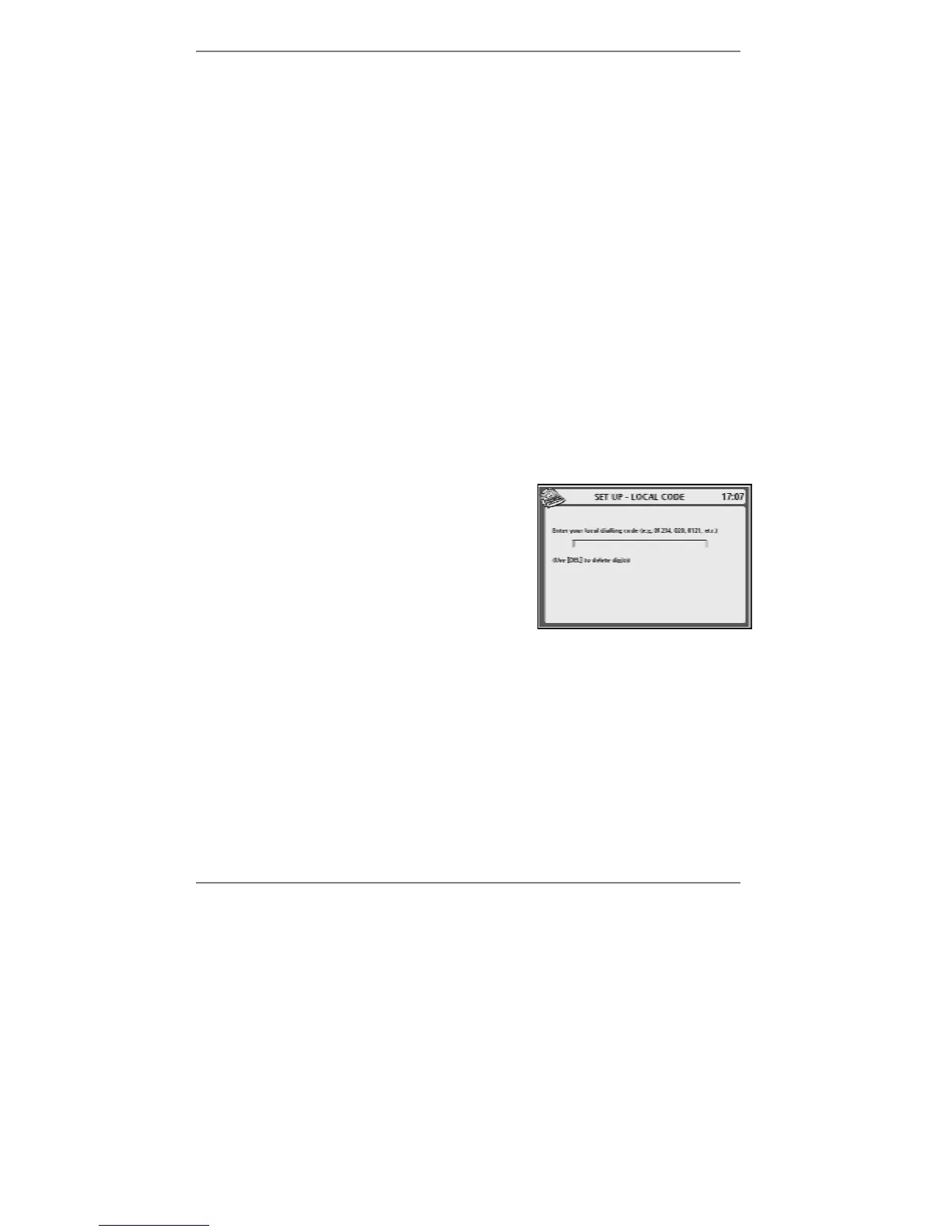
1. Press SETUP, 2, 1, 4 so that the top line of
the display reads SET UP - LOCAL CODE:
(If necessary, press !DEL to delete the
existing dialling code.)
2. Type in your local dialling code (for example 01234 or 020 or 0121), then
press STORE.
3. Press STOP repeatedly to return to the standby display.



 To Next Page