Telephone
- 30 -
D
Telephone
♦ For Videophone operation, see next chapter.
Making a normal phone call
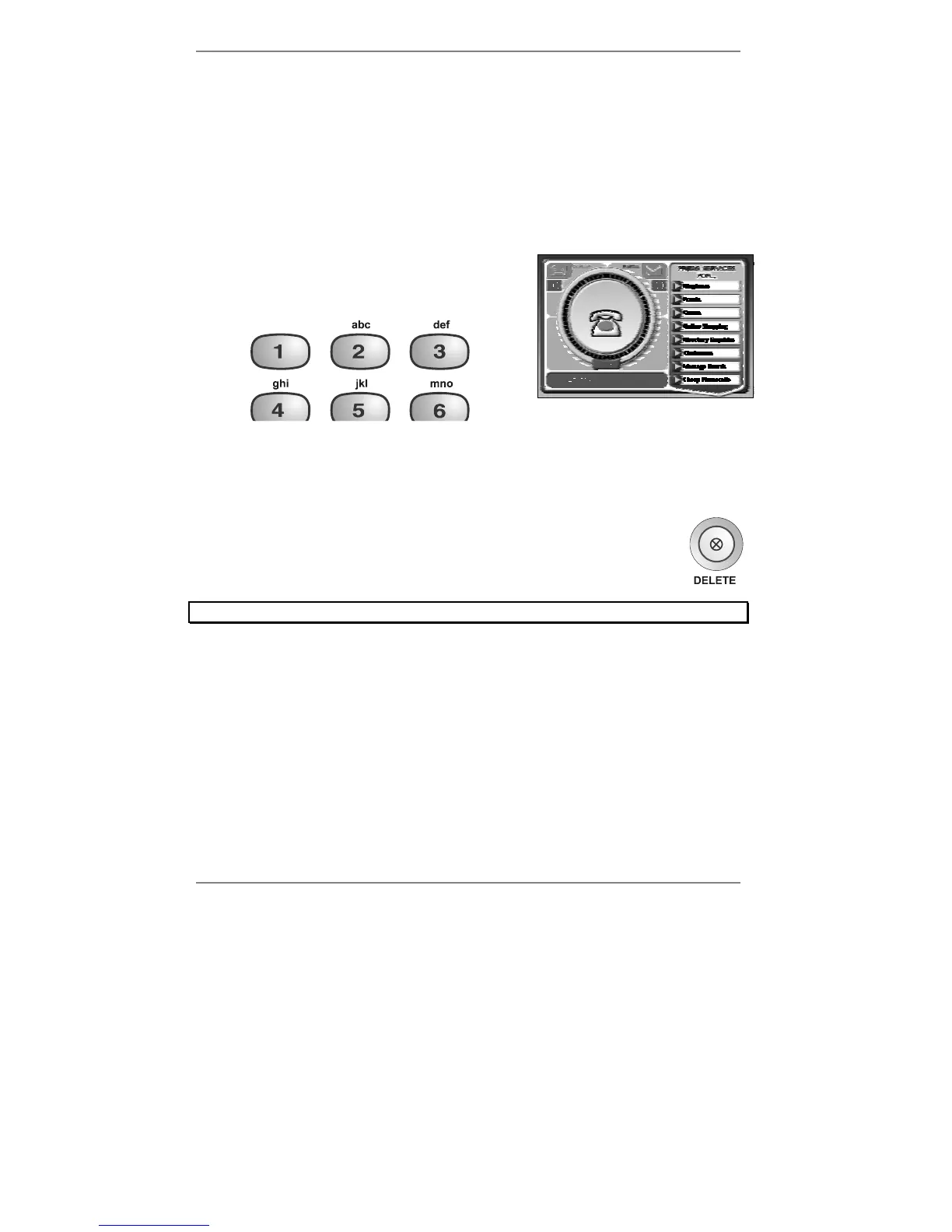
1. Using the buttons on top of the e-m@iler, dial
the number – note that it's displayed on the
bottom line as you key it in (see right):
2. Lift the handset and the number will be dialled.
3. At the end of the call, replace the handset.
If you wish, you can make calls in the conventional manner by lifting the
handset and then dialling the number. Note however that dialling the
number first enables you to correct it (using the DELETE button on the
e-m@iler) before the call is made.
Note, you cannot use the number keys on the pull-out keyboard to dial.
& During the call you can change to handsfree operation by pressing
HANDSFREE and replacing the handset. (Press HANDSFREE again to
end the call.)
& Note that during calls, a conversation timer will appear at the bottom right
corner of the display.



 To Next Page