Advanced settings
- 135 -
Changing your password
➣
FAST TRACK: Press SETUP, 6, 6, follow on-screen instructions.
Use this procedure if you wish to change your password for web email access (on
www.amserve.com).
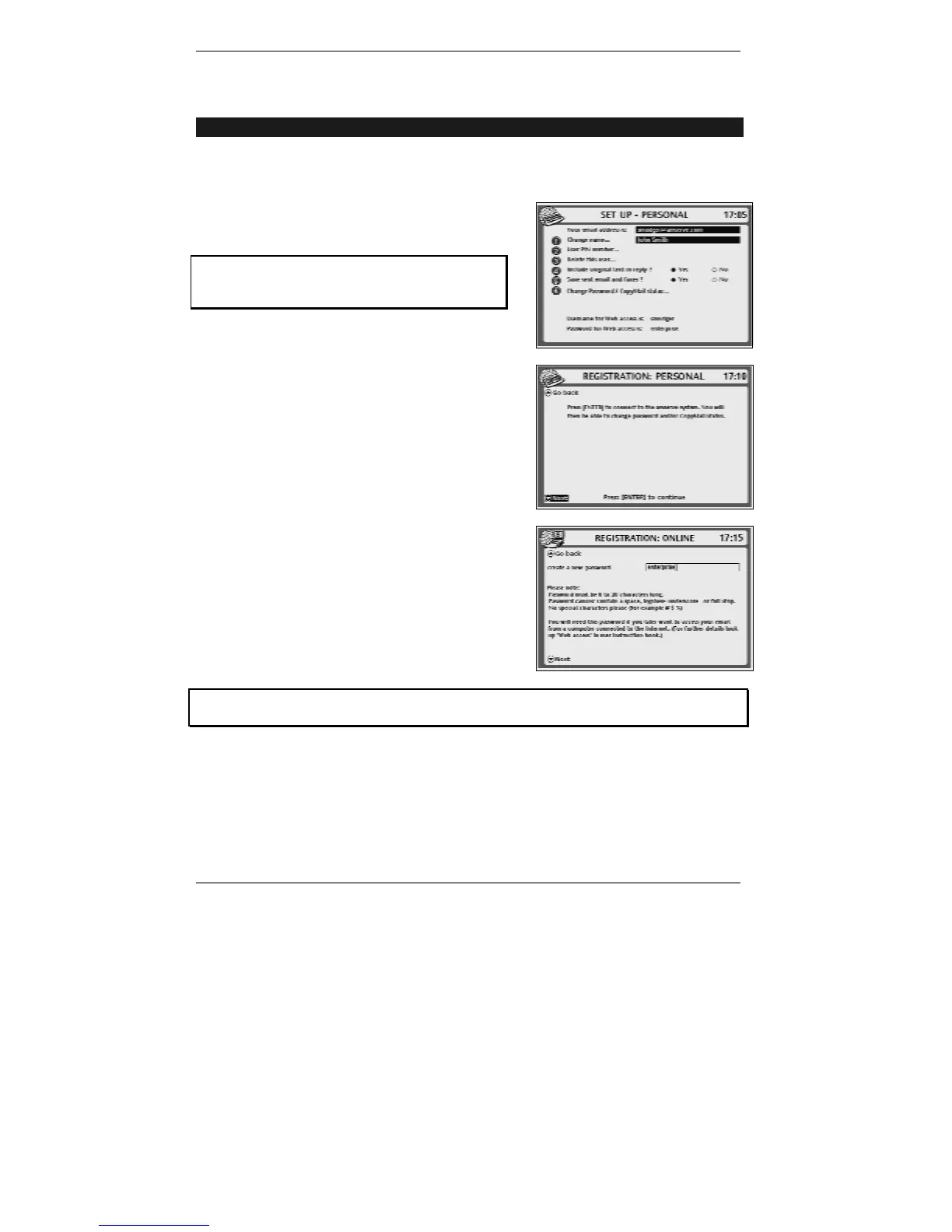
1. Press SETUP, 6 so that display top line reads
SET UP - PERSONAL:
If you've set up two or more email users,
then before you receive this display you'll be
asked to select a user.
2. Press 6 so that top line reads
REGISTRATION: PERSONAL:
3. Press ENTER to continue (the
e-mailer will
connect to Amserve).
4. After a while, the CopyMail display will
appear – press Y or N (depending on whether
you want CopyMail or not) and proceed to the
password display (see right):
5. Follow the on-screen instructions.
If you get stuck at any point, go back to pages 17 - 24 and look up the screen in
question to find out what action is required by you.
6. Press STOP repeatedly to return to the standby display.



 To Next Page